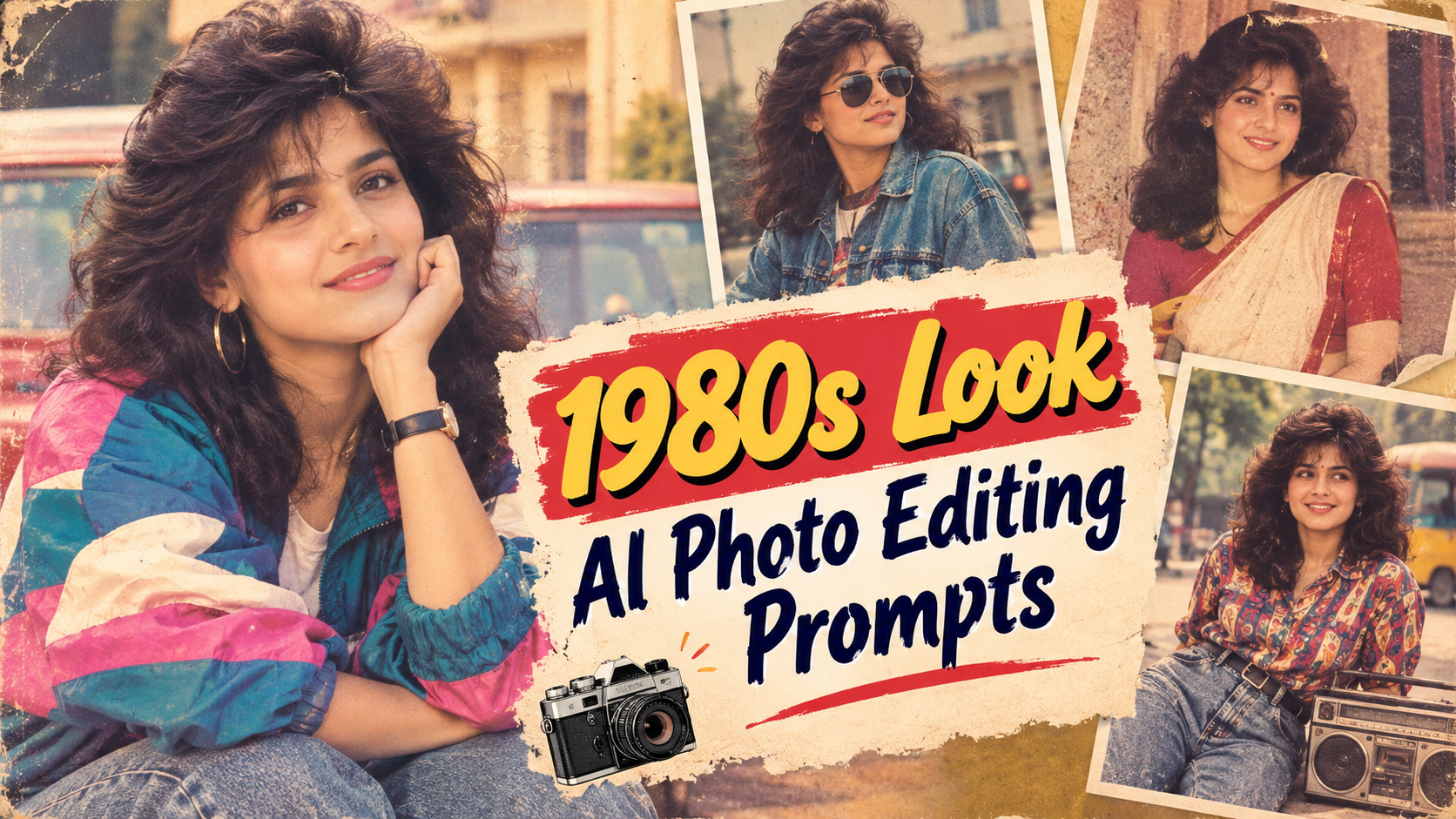
The bold and colorful style of the 1980s is returning to social media in 2026. Neon lights, VHS effects, vintage fashion, direct-flash photography, and cinematic night scenes are appearing across Instagram, TikTok, and YouTube. With the right 1980s Look AI Photo Editing Prompts, you can transform a modern portrait into a convincing retro photograph within minutes.
Stay connected and get the latest updates.
The best 1980s Look AI Photo Editing Prompts do more than add a vintage filter. They recreate the clothing, hairstyles, lighting, locations, colors, props, and camera imperfections associated with the decade. This helps an AI-generated image feel like an authentic photograph rather than a modern picture covered with a basic effect.
Below are 10 retro AI photo prompts you can use to create nostalgic portraits, VHS memories, neon arcade scenes, cinematic posters, and other viral-ready edits for 2026.
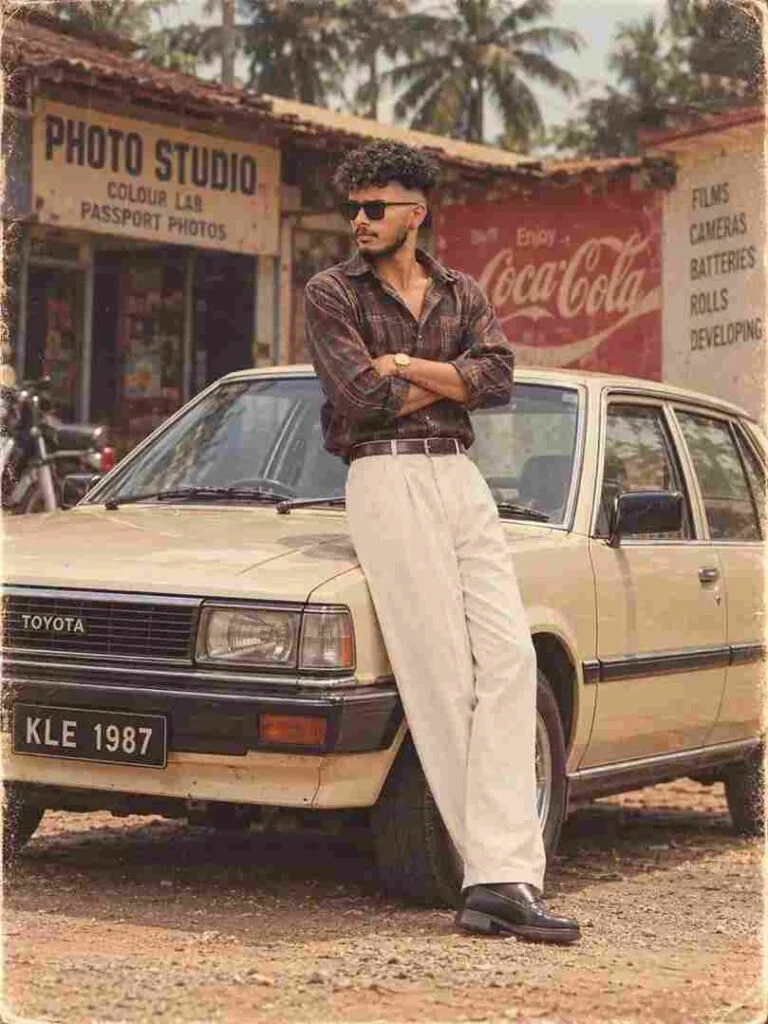
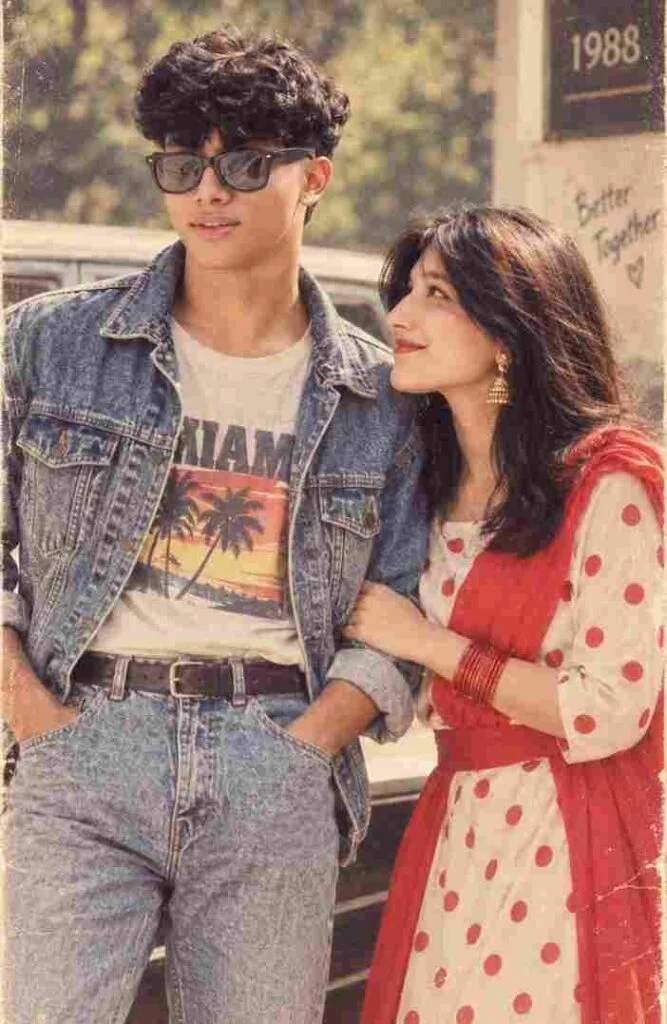
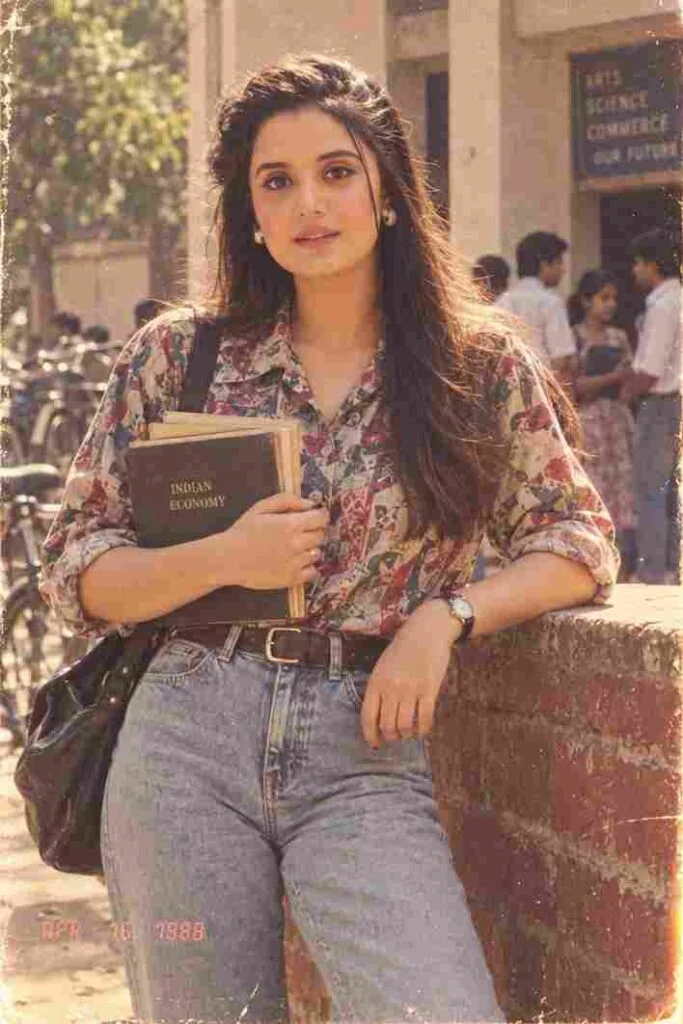
After pasting the prompt, upload one clear, well-lit photo of yourself and hit generate.
Instagram User Block AI Photo Prompt: Create Emotional Old-Memory Edits
1980s Look AI Photo Editing Prompts are detailed text instructions that tell an AI image generator how to give a modern photo an authentic 1980s appearance. These instructions can control the subject’s outfit, hairstyle, pose, lighting, background, colors, camera angle, and image texture.
A successful 1980s AI edit may include:
When writing 1980s Look AI Photo Editing Prompts, it is important to ask the tool to preserve the person’s identity. You should also exclude modern objects such as smartphones, wireless earbuds, flat-screen televisions, and current fashion.
Retro content attracts attention because it feels familiar, emotional, and visually different from ordinary social media posts. The 1980s aesthetic is especially popular because it can be colorful, dramatic, romantic, playful, or nostalgic.
Creators are using 1980s Look AI Photo Editing Prompts for:
No prompt can guarantee that a photo will go viral. However, a recognizable concept, realistic face, clear composition, and engaging caption can increase its social media appeal.
Movie-poster designs complete this list of 1980s Look AI Photo Editing Prompts by offering a bold option for thumbnails, announcements, posters, and cinematic content.
Using 1980s Look AI Photo Editing Prompts is simple, but the quality of the result depends on the reference photo and the details included in the instructions.
Select a sharp, well-lit image in which the subject’s face is clearly visible. A front-facing or slightly angled portrait usually produces better identity preservation.
Avoid photos with:
Choose an AI image generator or photo editor that supports reference images. Upload only photos you own or have permission to edit.
Paste one of the prompts into the tool. Change the clothing, setting, colors, expression, or aspect ratio to suit your content.
Create several versions instead of accepting the first result. Compare the face, hands, background objects, lighting, and overall realism before selecting the best image.
AI tools often produce misspelled or unreadable text. Generate the image without lettering, then add the title, date, or caption with a separate design application.
Well-written 1980s Look AI Photo Editing Prompts should combine period details with realistic photography instructions. Use the following tips to improve your results.
Add this instruction to your prompt:
Preserve the person’s exact identity, facial structure, eye shape, skin tone, hairstyle details, and natural expression.
Mention objects such as cassette tapes, wired headphones, CRT televisions, analog dashboards, arcade cabinets, vintage cameras, and portable stereos.
Use phrases such as:
A retro image becomes more convincing when it contains small imperfections. Ask for subtle film grain, direct-flash lighting, faded colors, light leaks, VHS noise, soft focus, or printed-paper texture.
Clearly exclude smartphones, wireless earbuds, LED televisions, recent vehicles, modern advertisements, and contemporary fashion. Even one modern object can weaken the retro illusion.
Not every photograph from the decade used neon lighting. Warm home interiors, ordinary mall portraits, yearbook photographs, and direct-flash snapshots can look more historically believable.
Add the following negative prompt when using any of the 1980s Look AI Photo Editing Prompts:
Altered identity, blurry face, plastic skin, uneven eyes, deformed hands, extra fingers, missing fingers, duplicate person, unrealistic body proportions, modern smartphone, wireless earbuds, flat-screen television, contemporary clothing, modern car, futuristic objects, unreadable text, random letters, watermark, brand logo, extreme saturation, excessive neon, cartoon style, low resolution, overexposed face.
Even detailed 1980s Look AI Photo Editing Prompts can produce weak results when the instructions are unclear. Avoid these common mistakes:
A simple scene with accurate fashion, realistic lighting, and subtle film texture often looks better than an image filled with every possible retro effect.
Choose an aspect ratio based on where you plan to publish the image:
Pair your finished image with a short retro caption:
The best 1980s Look AI Photo Editing Prompts include a clear setting, period-appropriate clothing, retro objects, realistic lighting, camera effects, identity-preservation instructions, and a suitable aspect ratio. Studio portraits, arcades, shopping malls, diners, VHS memories, and movie posters are popular choices.
Use vintage fashion, direct-flash lighting, faded film colors, VHS noise, soft focus, and analog objects. You should also remove smartphones, wireless devices, modern vehicles, and current brand logos.
AI tools may focus more on the requested style than the reference identity. Use a high-quality photo and instruct the tool to preserve the facial structure, skin tone, eye shape, hairstyle, and natural expression.
Yes. Select a 9:16 aspect ratio for Instagram Reels, Stories, TikTok videos, and YouTube Shorts. Keep the face near the center so platform icons do not cover important details.
Some AI tools offer free generations or limited credits, while others require a subscription. Check the platform’s pricing, image ownership rules, and commercial-use terms before publishing your edit.
1980s Look AI Photo Editing Prompts make it easy to turn an ordinary portrait into a nostalgic studio photo, VHS memory, neon arcade scene, late-night diner image, or dramatic movie poster. The most realistic results come from combining accurate period details with natural skin texture, believable lighting, and subtle analog imperfections.
Start with a clear reference photograph and choose a concept that fits your personality or content style. Customize the clothing, background, lighting, and aspect ratio before generating several variations. With carefully written 1980s Look AI Photo Editing Prompts, you can create memorable retro content that feels fresh, cinematic, and ready for social media in 2026.
Stay connected and get the latest updates.

Leave a Comment