Complete Guide to Festival AI Photo Editing in 2026
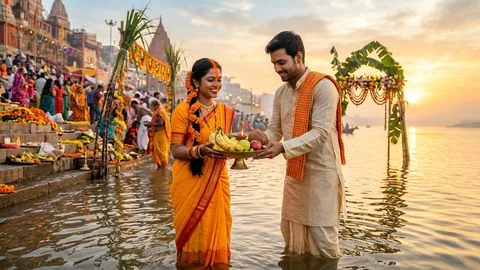
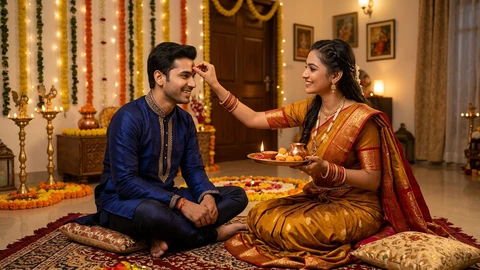
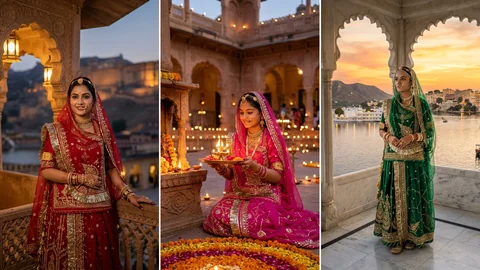
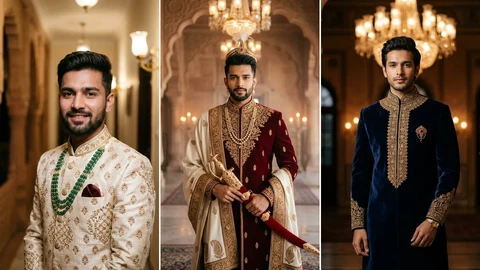
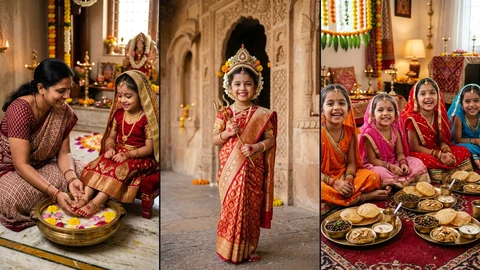
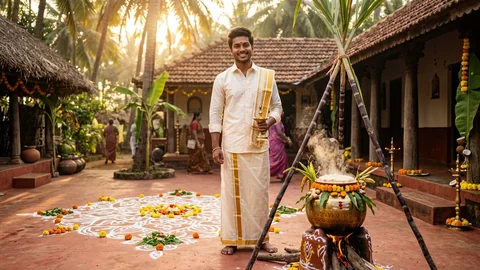
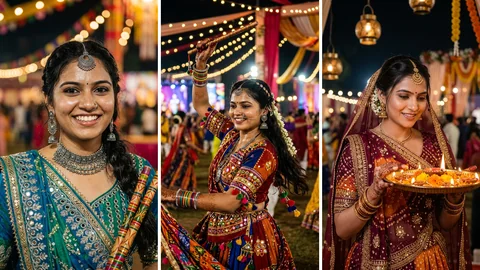
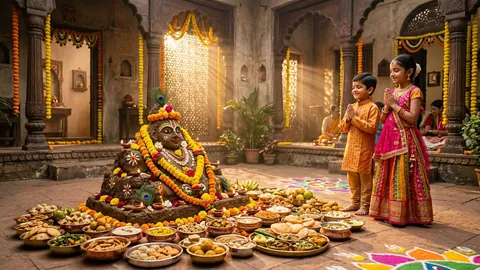
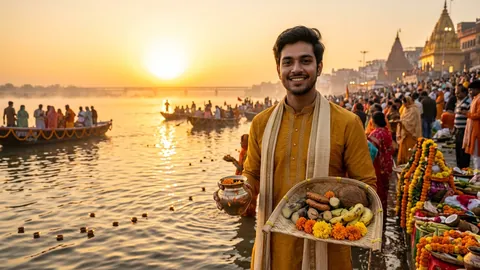
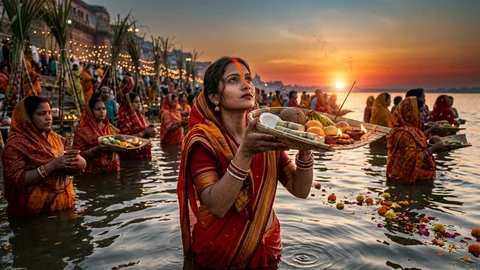
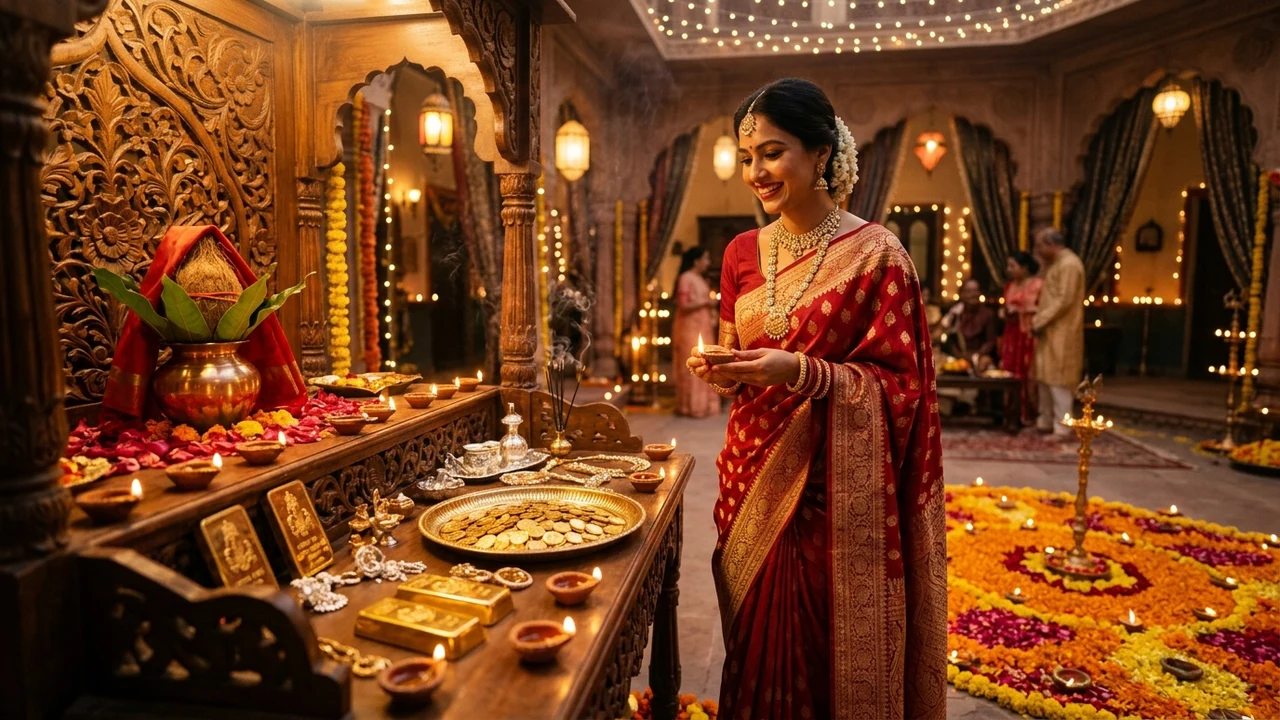
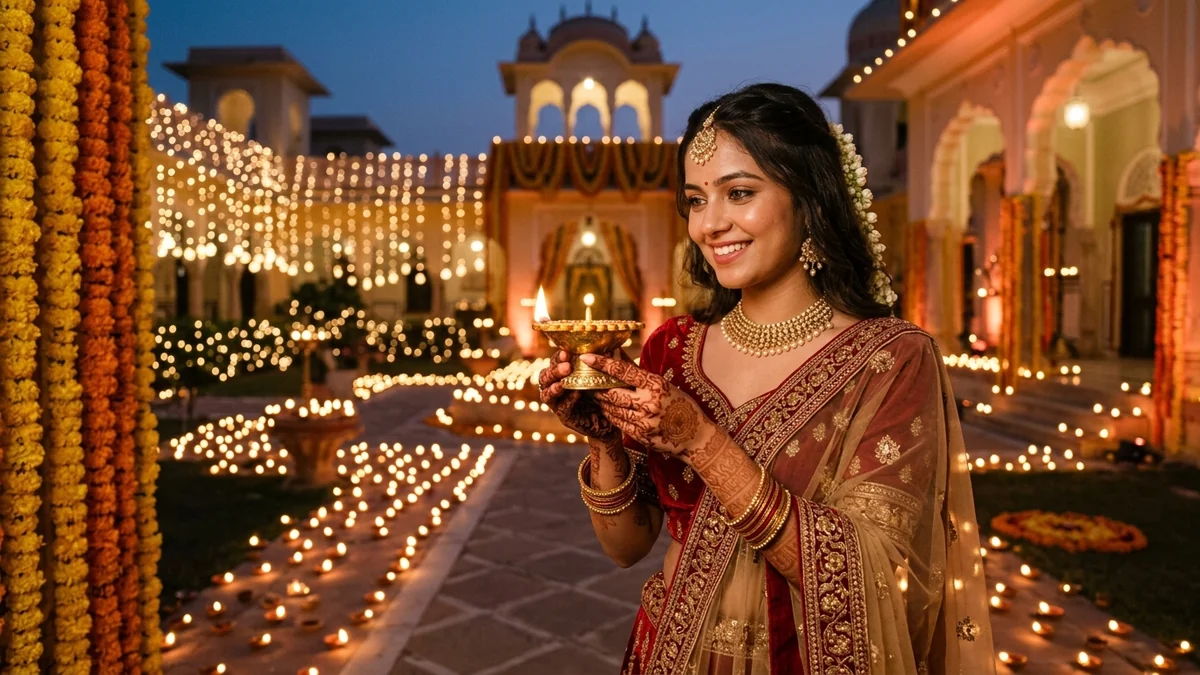
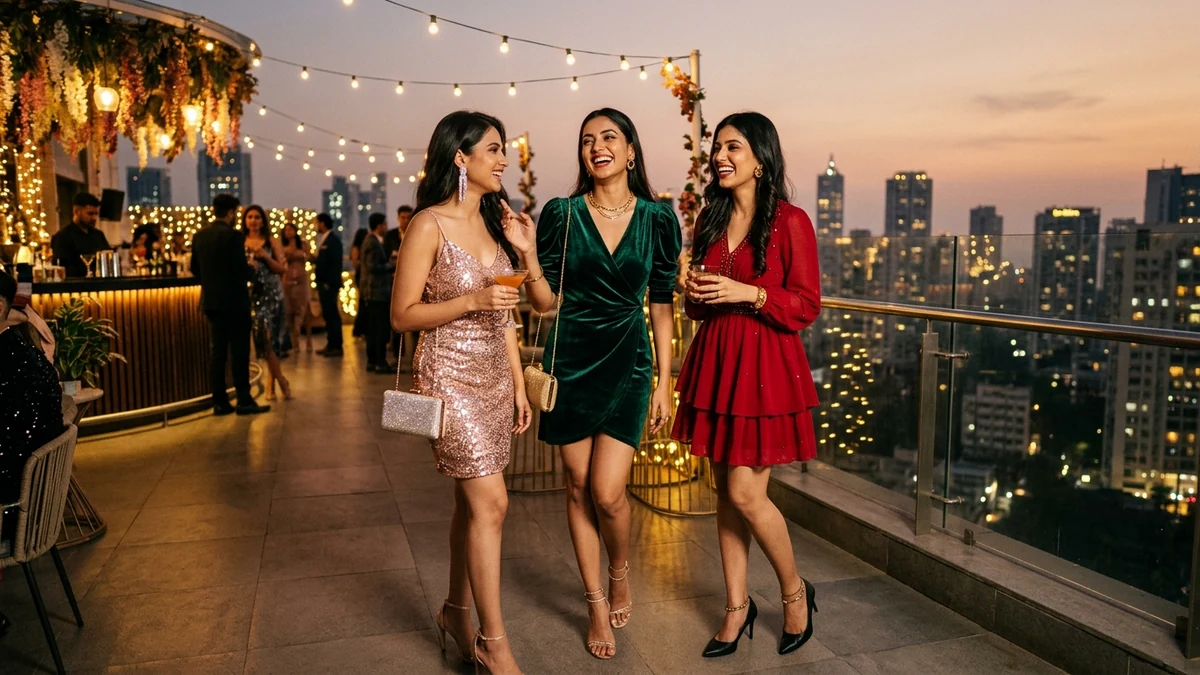
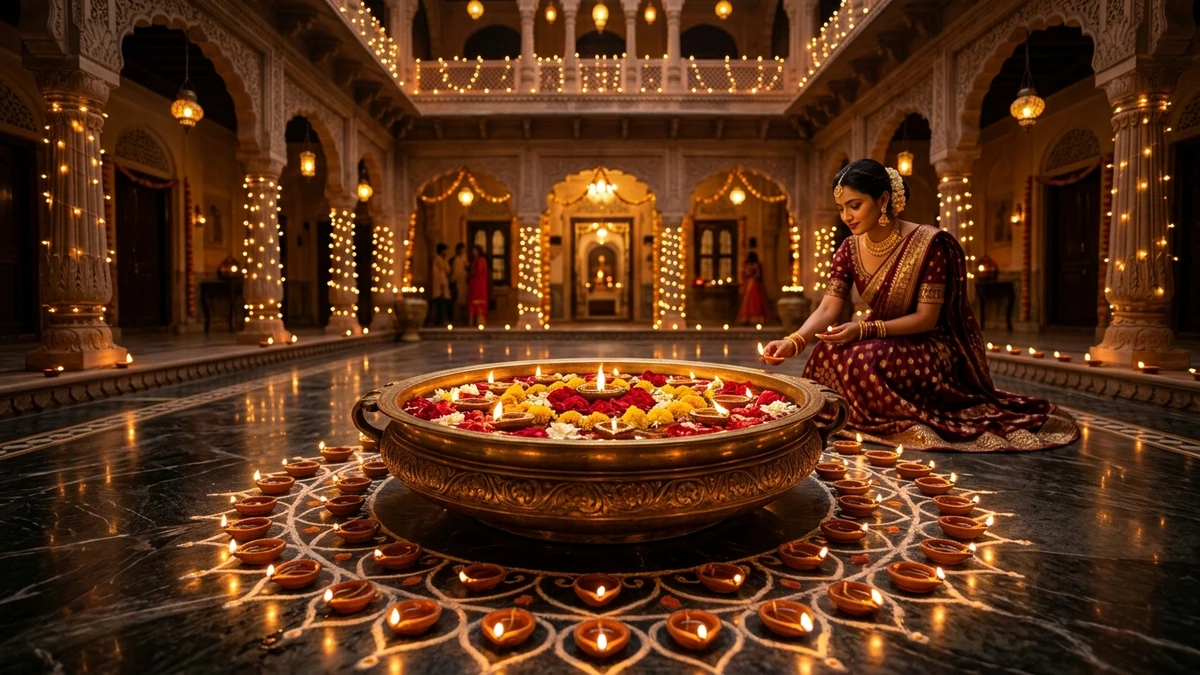
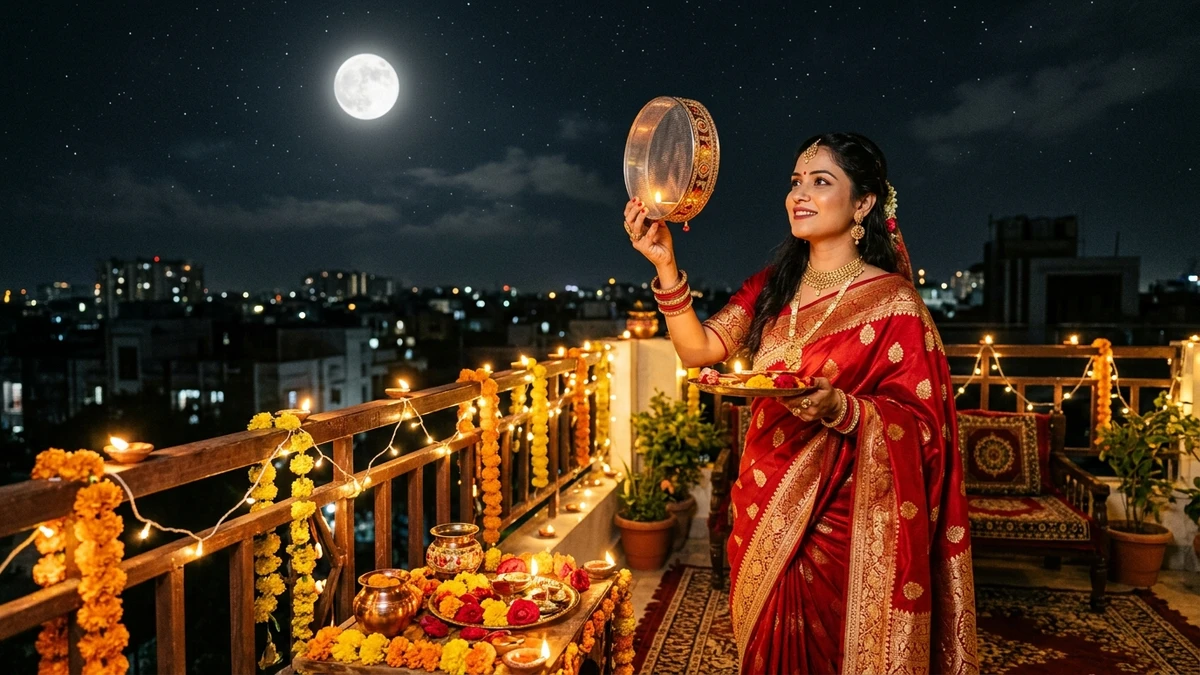
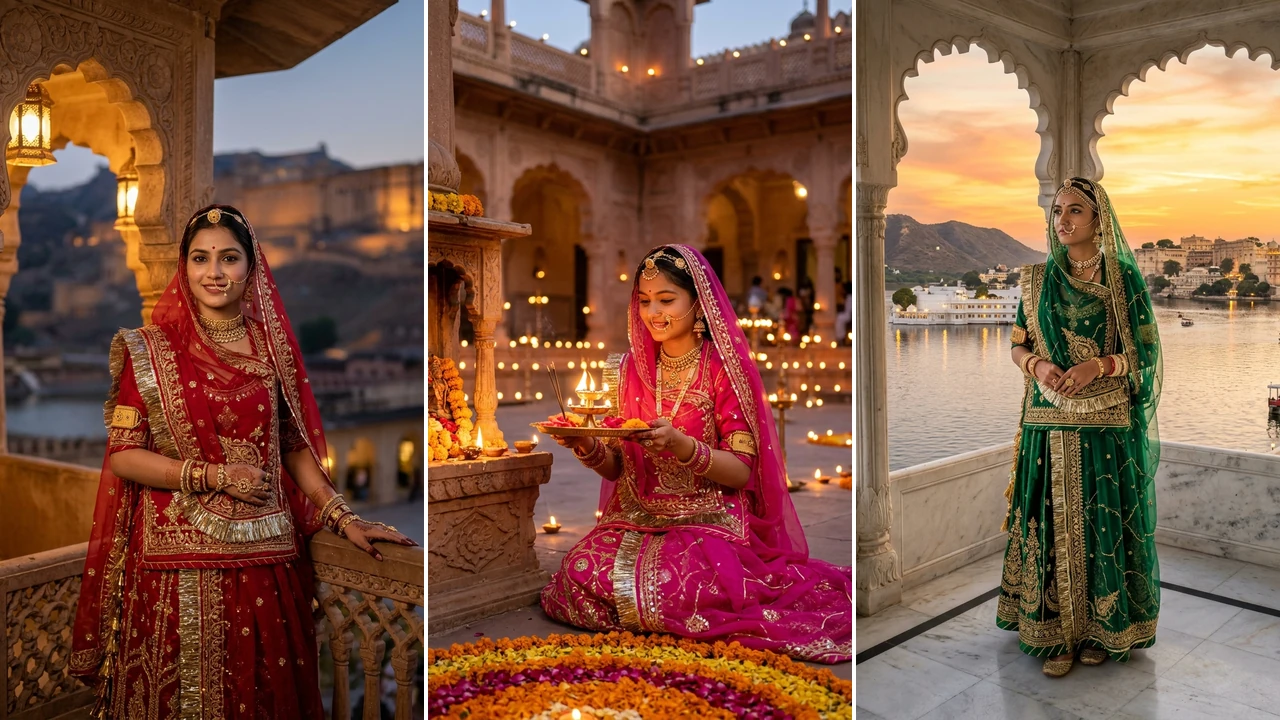
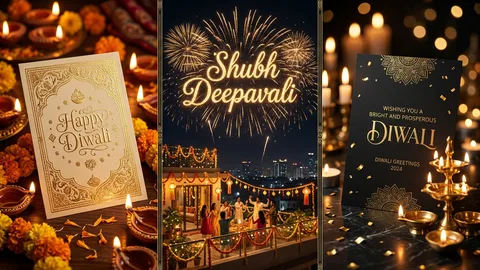
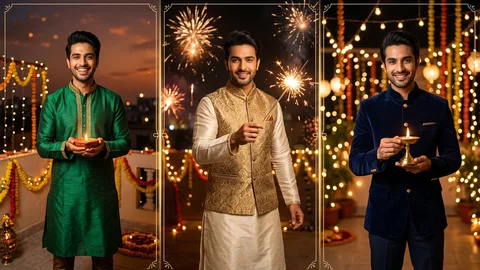
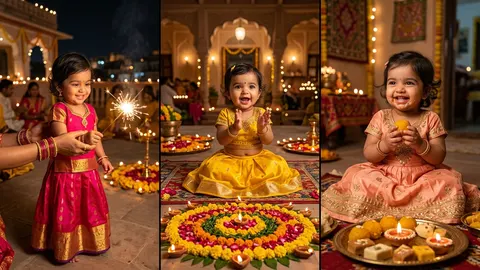
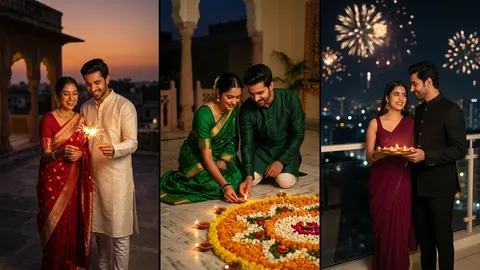
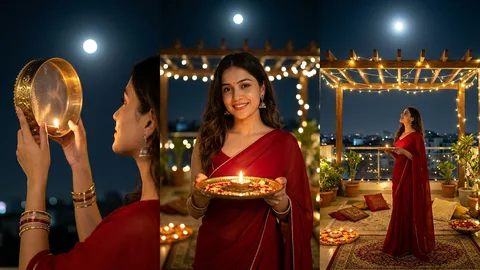
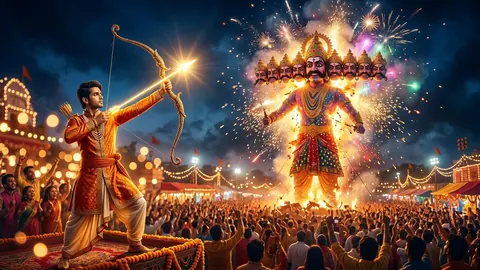
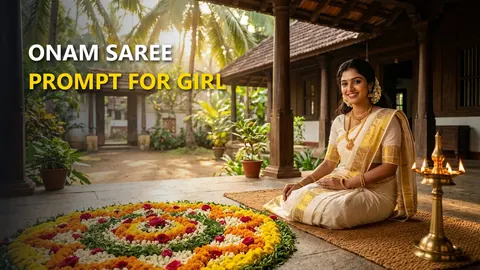
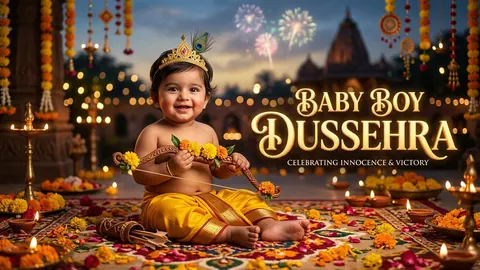
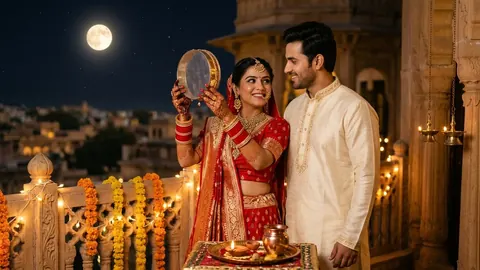
Indian festivals like Durga Puja, Navratri, Dussehra, Diwali, and Karwa Chauth are celebrated with rich cultural colors, intricate traditional garments, illuminated pandals, and sacred rituals. Generating lifelike, photorealistic festival portraits with AI requires precise prompt engineering. Our tested prompts for Google Gemini (Imagen 3) and ChatGPT (DALL-E 3) capture authentic cultural nuance while maintaining natural human proportions and expressions.
Key Elements for Authentic Festival Prompts
When crafting festival AI prompts, always specify four core dimensions to avoid generic or westernized results:
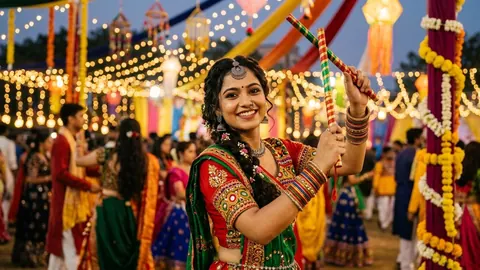
- Traditional Attire Details: Mention exact fabrics and patterns, such as a traditional red-bordered white Garad silk saree, handloom kurta with intricate Chikankari embroidery, or mirror-work Ghagra Choli with oxidised silver jewellery.
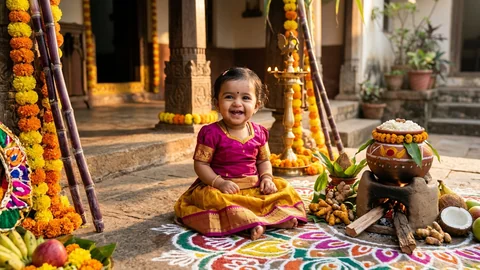
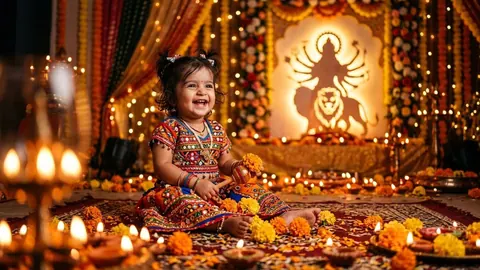
- Atmospheric Ambience: Describe authentic Indian festive elements, including warm glowing brass diya lamps, marigold flower garlands, fragrant dhoop smoke from earthenware dhunuchi holders, and blurred fairy lights.
- Camera and Optics Keywords: Always specify professional camera settings like
shot on 85mm f/1.4 lens, shallow depth of field, soft directional rim lighting, and natural pores with subtle skin texture to bypass the artificial airbrushed look.
- Candid Emotional Expressions: Prompt for natural human moments, such as soft authentic smiles, quiet reverent namaste poses, or vibrant candid laughter rather than stiff, robotic poses.
How to Preserve Your Real Face in AI Festival Photos
To create personalized festival greeting cards and viral Instagram portraits featuring your own face, follow this proven workflow:
- Copy any prompt from our curated collections, such as our viral Navratri Girl Prompts for Gemini.
- Open Google Gemini or ChatGPT Plus and upload a sharp, front-facing selfie taken in even lighting.
- Paste the copied prompt and append: "Maintain the facial features, bone structure, eye shape, and likeness of the person in the uploaded reference photo with 100% fidelity."
- For dual face matching with your partner, explore our comprehensive Couple Prompts Guide for advanced multi-character prompting techniques.
Whether you are creating viral festive reels or elegant family portraits, check out our Trending Prompts for more seasonal inspiration.
Frequently Asked Questions
What are the best Indian festival AI photo editing prompts for 2026?
The best festival AI photo prompts focus on cultural authenticity, specific traditional garments (like Garad sarees, Chikankari kurtas, and Banarasi silks), warm festive lighting with diyas and dhunuchi smoke, and professional portrait camera optics (85mm f/1.4). Our collection features copy-paste prompts for Durga Puja, Navratri, Dussehra, Diwali, and Karwa Chauth.
How do I add my own face to festival AI photos using Google Gemini?
In Google Gemini, upload a high-resolution, well-lit selfie alongside your chosen prompt. Instruct the AI to preserve the facial identity, eye shape, and skin tone from your reference photo while generating the festive attire, background pandal, and lighting.
Which AI tool produces the most realistic festival photos: Gemini or ChatGPT?
Google Gemini (Imagen 3) excels at photorealistic human skin texture, authentic Indian facial features, and intricate traditional fabrics without overly saturated plastic artifacts. ChatGPT (DALL-E 3) excels at complex scene composition, fantasy lighting, and multiple distinct background elements.
Can I create festival couple photos with both partners faces matched?
Yes. Upload a clear couple photo or two separate individual portraits to Google Gemini, assign labels (Person 1 and Person 2), and use our specialized dual-character prompts from the Couple Prompts Guide to preserve both individuals faces in a unified festival setting.
 HOT