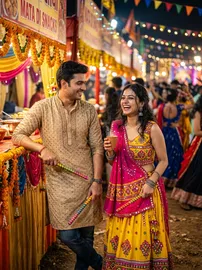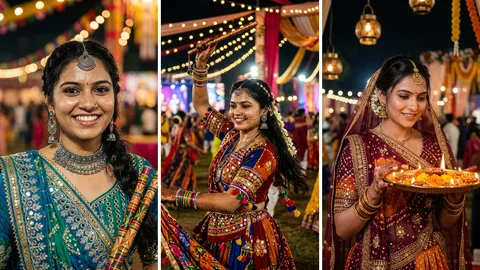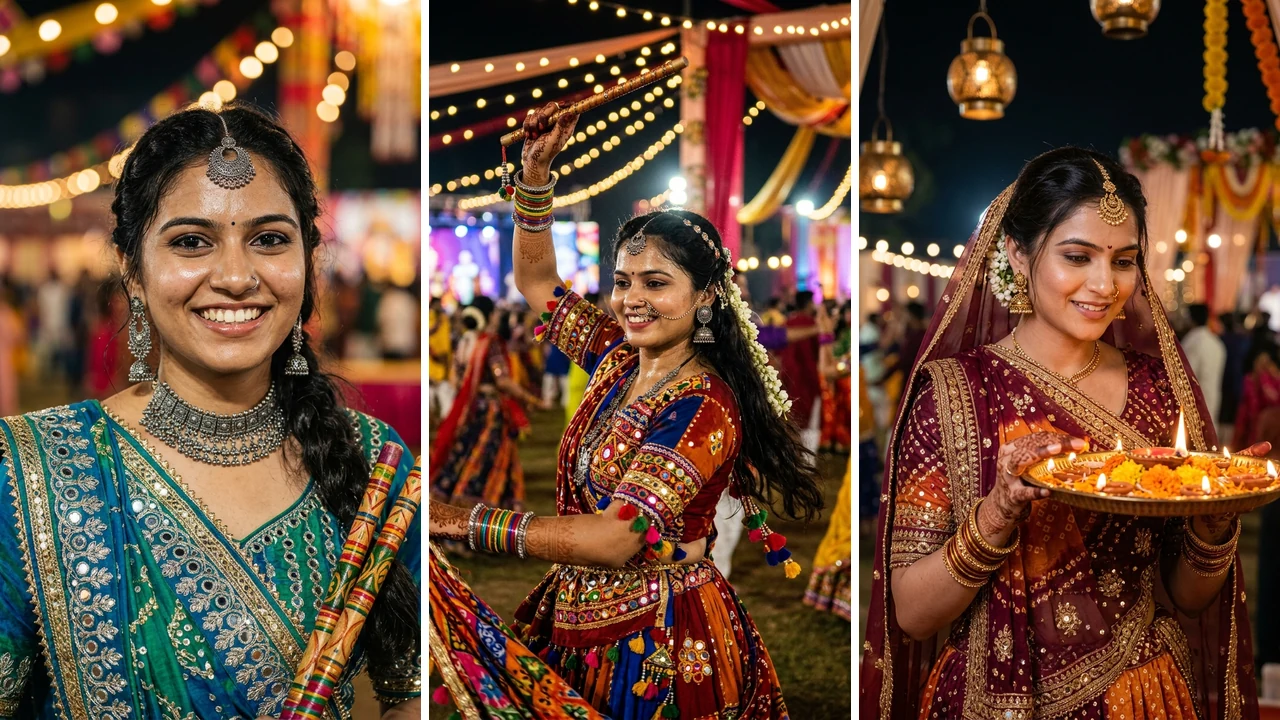

Navratri and Sharad Purnima festival nights bring vibrant garba grounds alive with dazzling lights, rhythmic dhol beats, swirling Kutchi chaniya cholis, and colorful wooden sticks clashing in sync. For content creators and couples celebrating together, creating a viral Instagram reel capturing these festive memories is a top priority. However, manually cutting clips to every fast-paced dhol drop, setting up smooth velocity curves, and grading festive lighting takes hours of tedious editing.
That is where the Couple Dandiya Night VN QR Code (2026) comes in. Designed specifically for the free VN Video Editor app on iOS and Android, this viral template automatically applies beat-synced cuts, romantic slow-motion ramps, dynamic stick-clash transitions, and warm festive color grading in a single tap. Below, you will find the live video preview, the instant VN QR code card, step-by-step scanning instructions, trending audio suggestions, and optimal export settings so you can create picture-perfect couple reels effortlessly.
Table of Contents
- 1. Live Video Preview: The Couple Dandiya Template
- 2. Couple Dandiya Night VN QR Code (Scan & Use)
- 3. Step-by-Step Guide: How to Scan VN QR Code in VN App
- 4. Photo & Video Selection Guide for Maximum Aesthetics
- 5. Best Trending Audio & Song Recommendations
- 6. Optimal VN Export Settings for Instagram (HD 60fps)
- 7. Troubleshooting: QR Code Scanning Fixes
- 8. Viral Instagram Captions & Hashtag Ideas
- 9. Frequently Asked Questions (FAQs)
1. Live Video Preview: The Couple Dandiya Template
Check out the exact video sequence produced by this VN template below. It begins with a romantic aesthetic intro ("You And Me ♡") with smooth cinematic fade-ins, transitioning directly into dynamic Garba beat drops synchronized with stick clash choreography:
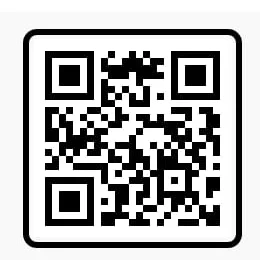
2. Couple Dandiya Night VN QR Code (Scan & Use)
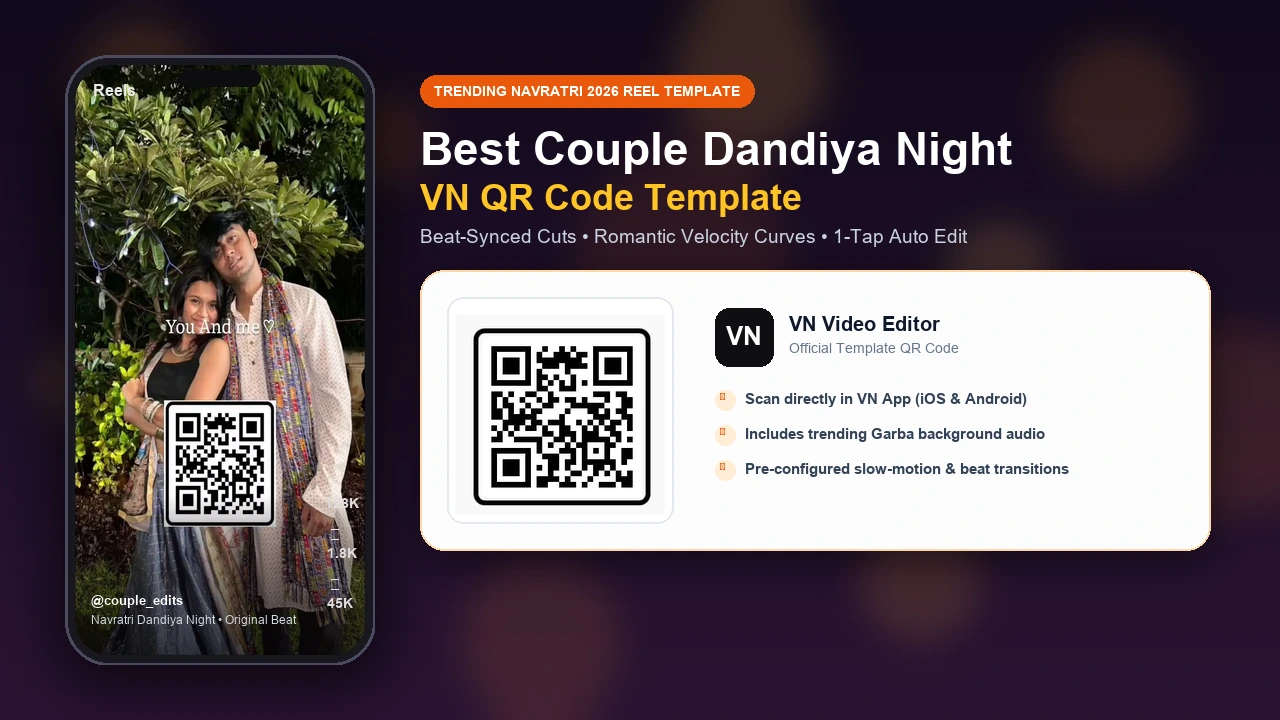
Here is the official verified VN QR code card for this template. You can either open it directly in the VN app using the deep-link button or save the image to your gallery and scan it using the in-app scanner:
Couple Dandiya Night VN QR Code (2026)
Scan this QR code with VN Video Editor to auto-import project tracks, speed curves, transitions, and text animations.
3. Step-by-Step Guide: How to Scan VN QR Code in VN App
If you are new to VN Video Editor, follow these simple steps to import and apply the template in under two minutes:
4. Photo & Video Selection Guide for Maximum Aesthetics
To make your couple Dandiya reel look like a high-budget Bollywood music video, curating the right order of media clips is essential:
- Opening Hero Shot (Clip 1 - 3.2s): Choose a calm, romantic couple portrait where both of you are smiling, standing close, or looking into each other's eyes. This sets the emotional theme before the fast beat drop.
- Outfit Reveal (Clip 2 & 3): Showcase full-length vertical shots of the traditional attire: intricate mirror-work chaniya choli with Bandhani dupatta for her, and an embroidered silk kurta-pyjama with Gujarati Kediya jacket for him.
- Fast Beat Transitions (Clips 4 to 7): Pick dynamic movement shots such as striking Dandiya sticks together, spinning with skirt flare, laughing candids, and walking hand-in-hand through warm festival fairy lights.
- Closing Pose (Final Clip): End with a dramatic slow-motion pose, such as holding Dandiya sticks crossed overhead or a candid romantic smile under golden bokeh chandeliers.
5. Best Trending Audio & Song Recommendations
Audio selection on Instagram directly influences your reel's viral potential. Here are the top trending audio tracks that match the beat tempo of this VN template:
6. Optimal VN Export Settings for Instagram (HD 60fps)
Nothing ruins a great festival reel like blurry compression when uploading to Instagram. In VN Video Editor, avoid the default Auto export and manually specify these parameters:
Pro-Tip for Instagram App: In your Instagram profile, go to Settings & Privacy → Data Usage and Media Quality, and enable Upload at Highest Quality. This prevents Instagram from re-compressing your VN export.
7. Troubleshooting: QR Code Scanning Fixes
If you experience any difficulty importing the QR code into VN Video Editor, try these tested solutions:
- Crop Out Surrounding Background: If scanning from your phone gallery fails, open your photo editor and crop the image tightly around the square QR code pattern. Background clutter can distract the scanner lens.
- Check App Version: Make sure your VN Video Editor is updated to version 2.2 or higher. Older builds do not support current project format revisions.
- Ensure Active Internet Connection: When you tap "Use Template", the VN app fetches project assets and audio files from its cloud CDN. Ensure your phone has stable Wi-Fi or cellular data enabled.
- Direct Link Shortcut: On mobile devices with VN already installed, simply tap the Open Directly in VN App button above to launch the template automatically without manual scanning.
8. Viral Instagram Captions & Hashtag Ideas
Pair your completed video with high-engagement captions and niche hashtags:
1. “Dhol beats, festive lights, and dancing the night away with my favorite person. Happy Navratri!”
2. “Two hearts, four Dandiya sticks, and endless Garba spins. Our festive look for 2026.”
3. “When the dhol drops, our chemistry takes over. Edited with VN App in 1 click!”
9. Frequently Asked Questions (FAQs)
What is the Best Couple Dandiya Night VN QR Code 2026?
It is a pre-configured template project for the free VN Video Editor app. It bundles automatic beat cuts timed to traditional Garba dhol beats, slow-motion velocity ramps, light leak overlays, and title cards designed specifically for Instagram reels.
How do I scan the VN QR Code on my phone?
Save the QR code image to your gallery. Open VN Video Editor, tap the three dots or scan icon in the top right corner, select the gallery icon inside the camera scanner, and select the saved QR image. VN will instantly load the template.
What if the VN QR code does not scan or fails to open?
Ensure your VN app is updated to version 2.2 or higher from Google Play Store or Apple App Store. Also verify your phone screen brightness and crop away unnecessary background margins around the QR code before importing.
What is the best export setting for Instagram Dandiya reels?
For maximum clarity without compression artifacts, export your VN project at 1080p resolution (1080x1920), 60 FPS frame rate, and a manual bitrate between 12 Mbps and 14 Mbps.
Can I replace the template audio with my own Dandiya song?
Yes. After the template opens in VN, simply mute the default audio track, tap Add Audio, and pick your own viral song from your phone storage or trending Instagram audio.
Can I use my own photos and videos in this VN template?
Yes. You can use your own smartphone festive photos or video clips, crop them in vertical 9:16 format, and replace the placeholder clips inside VN Video Editor with 1 tap.
Join The Prompt Adda Creator Community
Get daily viral VN QR codes, trending CapCut templates, and photorealistic AI prompts delivered straight to your phone.