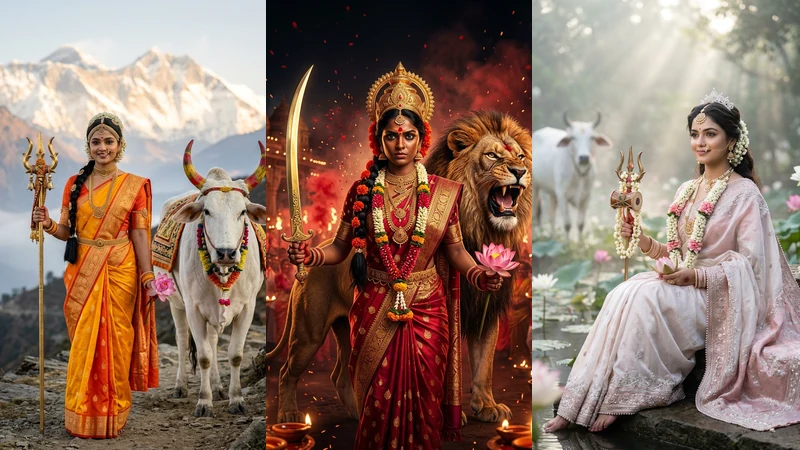
Looking for viral, divine, and hyper-realistic navratri 9 avatar ai photo prompt for girl styles to transform your selfies into the sacred 9 forms of Goddess Durga? You have arrived at the ultimate 2026 collection. Whether you are posting daily festive looks for Instagram Reels, updating your WhatsApp profile status, or creating a royal festival portfolio, these navratri 9 devi roop ai photo editing prompt copy paste 2026 formulas preserve 100% of your real facial features while adorning you with authentic festive sarees, sacred mounts, and cinematic temple lighting.
All 9 Days Navratri Photoshoot Prompts (9 Devi Roop Copy Paste)
Every single prompt below features exact ethnic styling, camera lens settings (85mm f/1.4), traditional sacred mounts (Vahan), and strict facial identity preservation commands. Simply tap Copy Prompt on any card and paste it straight into Google Gemini, Bing Image Creator, or ChatGPT.
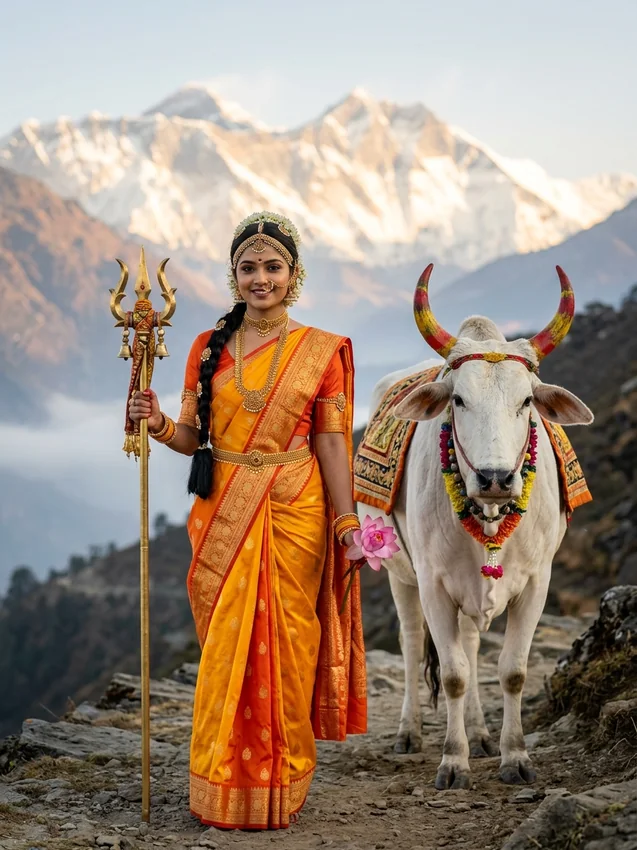
1. Day 1: Maa Shailaputri (Daughter of the Mountain & Himalayan Sunrise)
Traditional Color: Royal Orange & Sunburst Yellow | Avatar: Maa Shailaputri
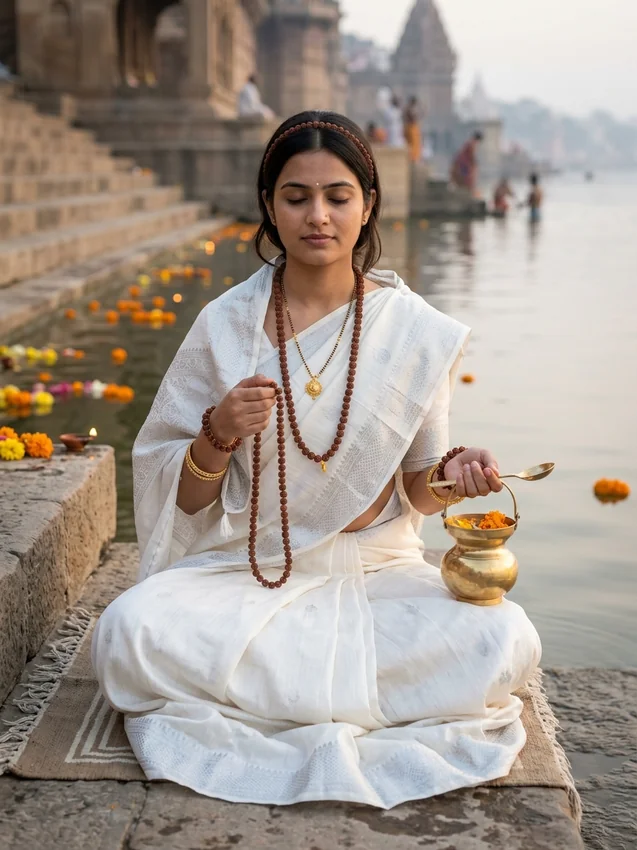
2. Day 2: Maa Brahmacharini (The Ascetic Penance & River Ghat Dawn)
Traditional Color: Pristine White & Sacred Silver | Avatar: Maa Brahmacharini
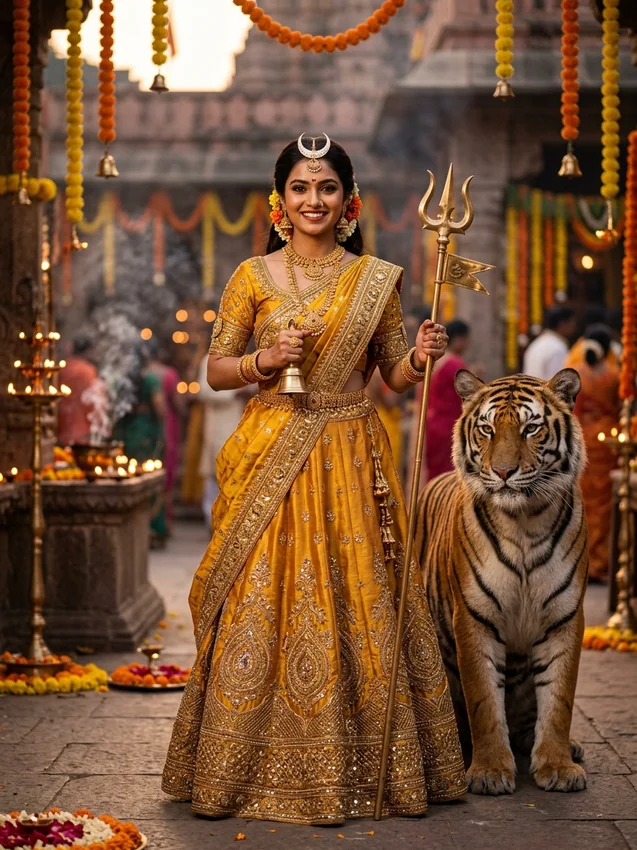
3. Day 3: Maa Chandraghanta (The Brave Warrior with Half Moon Bell)
Traditional Color: Royal Golden Yellow & Courageous Tiger | Avatar: Maa Chandraghanta
4. Day 4: Maa Kushmanda (The Cosmic Sun Creator & Solar Radiance)
Traditional Color: Sunset Amber & Cosmic Solar Radiance | Avatar: Maa Kushmanda
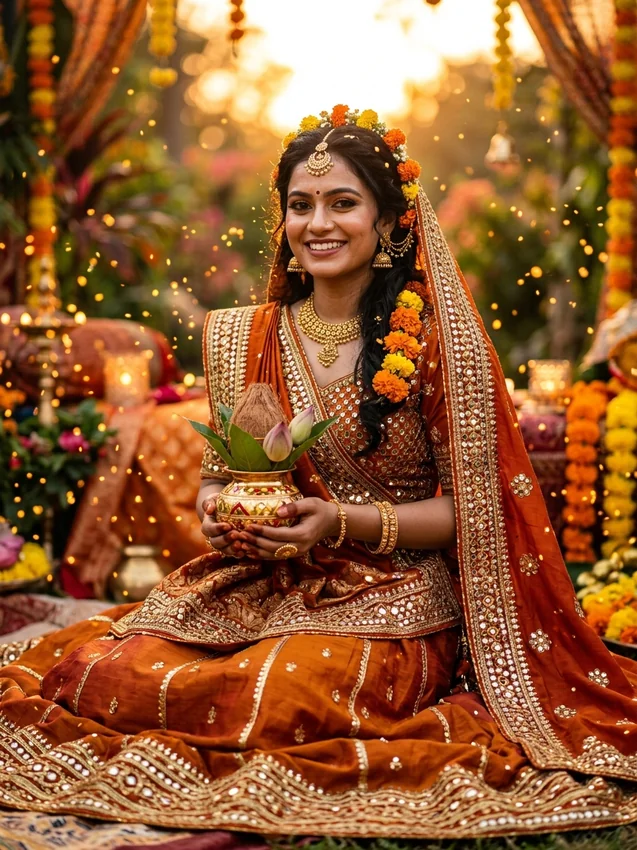
5. Day 5: Maa Skandamata (Mother of Skanda on Lotus Throne)
Traditional Color: Peacock Royal Blue & Maternal Grace | Avatar: Maa Skandamata
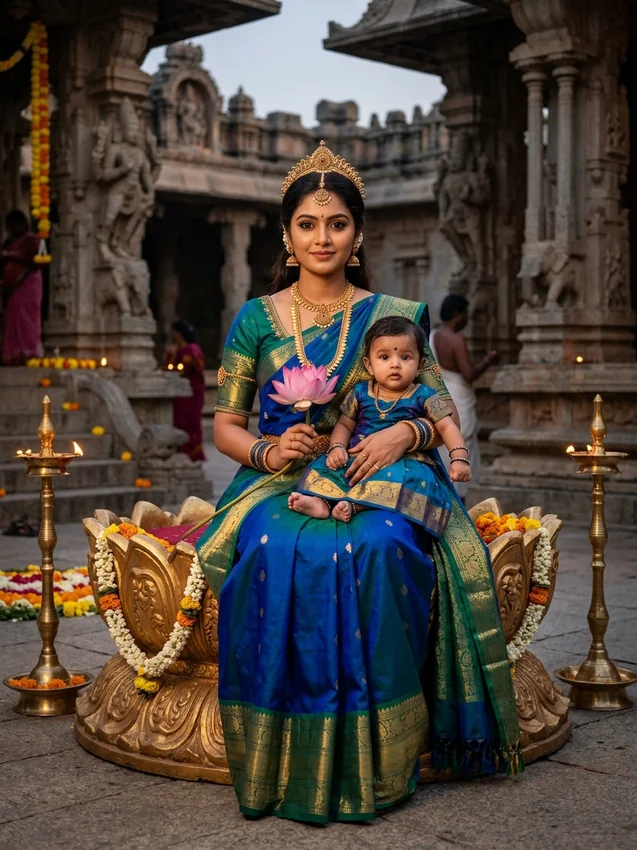
6. Day 6: Maa Katyayani (The Fierce Demon-Slayer Warrior with Lion)
Traditional Color: Crimson Scarlet Red & Golden Lion Warrior | Avatar: Maa Katyayani
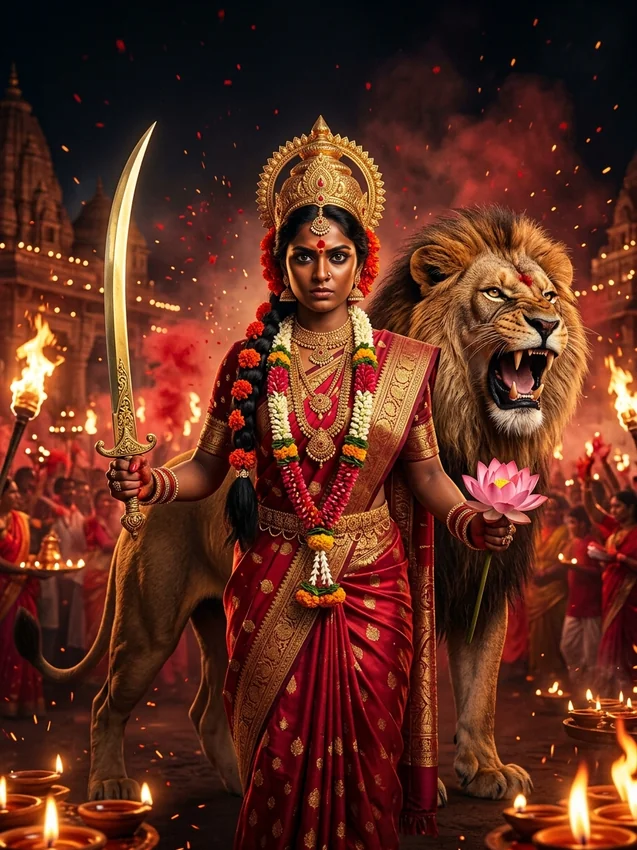
7. Day 7: Maa Kalaratri (Destroyer of Darkness with Lightning Energy)
Traditional Color: Midnight Indigo Black & Electric Lightning | Avatar: Maa Kalaratri
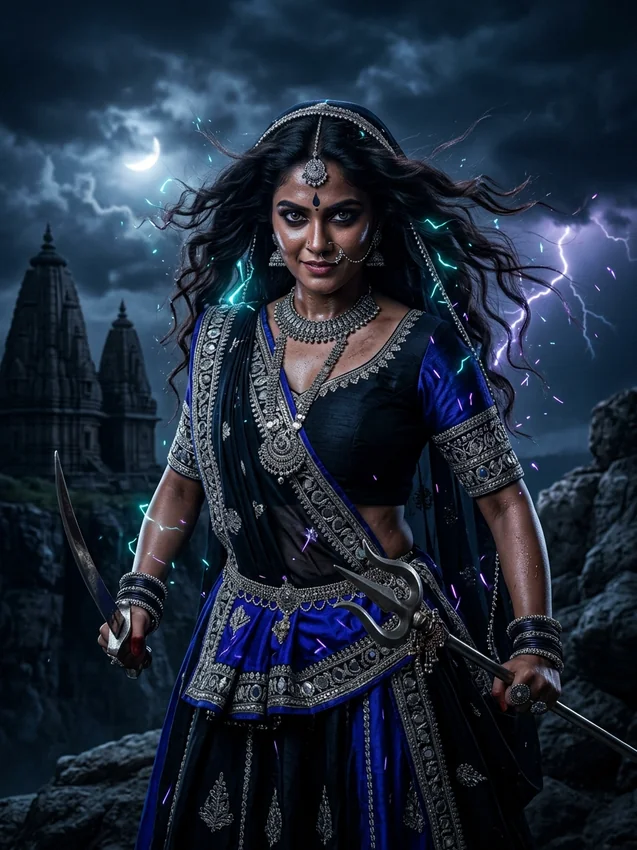
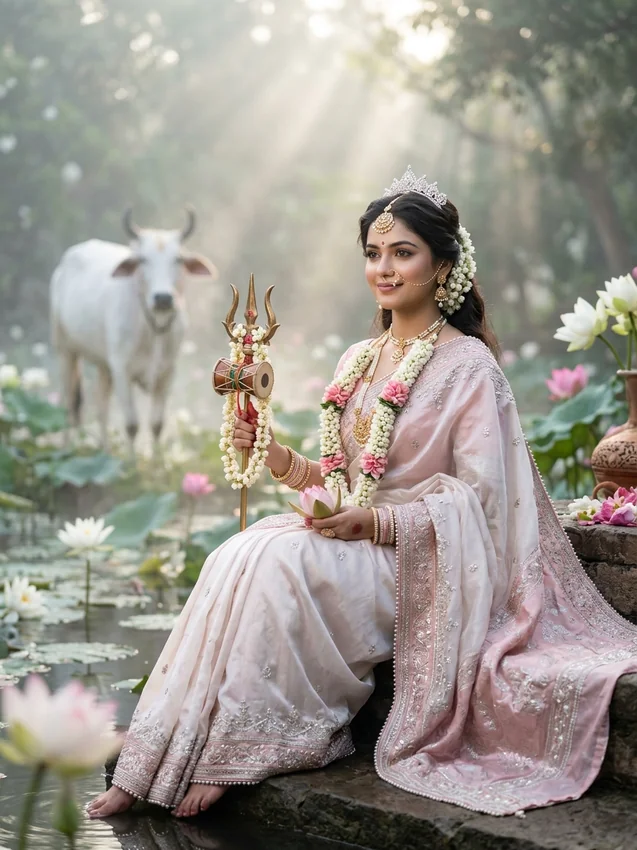
8. Day 8: Maa Mahagauri (Divine Serenity, Peace & Lotus Petals)
Traditional Color: Pearl White & Pastel Lotus Purity | Avatar: Maa Mahagauri
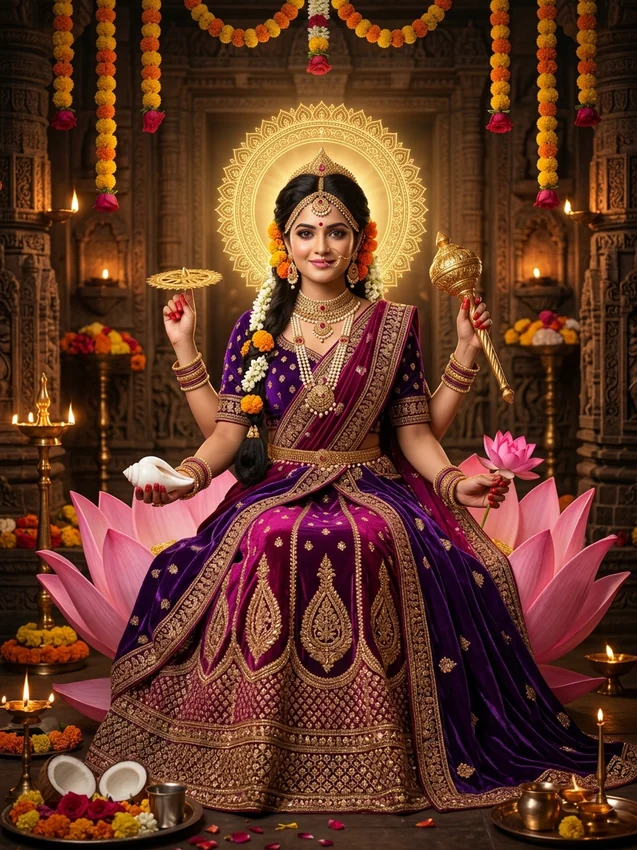
9. Day 9: Maa Siddhidatri (Bestower of All Siddhis & Lotus Throne)
Traditional Color: Imperial Royal Purple & Divine Lotus Throne | Avatar: Maa Siddhidatri
9 Days Navratri Color & Devi Avatar Quick Reference Chart (2026)
How to Generate Devi Roop Photos in Google Gemini (Step-by-Step)
- Open Google Gemini: Visit gemini.google.com on desktop or open the Gemini app on Android/iOS.
- Upload Your Reference Photo: Click the '+' attachment icon and select a high-resolution front-facing selfie or portrait of yourself. Avoid heavy beauty filters, sunglasses, or extreme side angles for best face-matching accuracy.
- Copy Your Desired Avatar Prompt: Tap the Copy Prompt button on the corresponding day avatar above (e.g. Day 1 Shailaputri, Day 6 Katyayani).
- Paste and Send: Paste the copied text into Gemini and hit send. Gemini will synthesize your real facial identity with the divine attire and sacred setting.
- Save in Full Resolution: Choose your favorite generated image from the output grid and download the high-resolution portrait for Instagram and WhatsApp status sharing.
Face-Lock Technique (100% Real Facial Likeness Without Plastic Smoothing)
Many creators complain that AI image generators turn their faces into generic cartoon dolls or alter their nose shape. To ensure Google Gemini and ChatGPT preserve your exact real facial features, always append this negative prompt safeguard to your requests:
Pro Camera & Lighting Tips for Viral Navratri Instagram Reels
- Vertical 9:16 Aspect Ratio: For Instagram Reels, Stories, and WhatsApp status, specify "vertical 3:4 portrait" or add "--ar 9:16" at the end of your prompt for full-screen edge-to-edge mobile viewing.
- Warm Festival Illumination: Include keywords like "flickering terracotta diyas", "golden bokeh circles", and "soft temple incense smoke" to add cinematic depth and rich festival atmosphere.
- Jewelry Precision: Prompts that specify "traditional temple jewelry", "maang tikka", "chandbali earrings", and "kamarbandh waist belt" generate photorealistic metallic reflections that look like luxury designer attire.
Frequently Asked Questions (FAQs)
How to make Navratri 9 avatar AI photo with my own face?
Open Google Gemini, tap the + icon to upload your clear front-facing selfie, then copy any of our 9 Devi avatar prompts above and paste it. Gemini will generate your personalized festive Devi portrait while preserving your exact face structure.
Can I use these prompts for free in ChatGPT and Bing Image Creator?
Yes! All prompts are 100% free to copy and use across Google Gemini, ChatGPT DALL-E 3, Microsoft Copilot / Bing Image Creator, and Midjourney v6.
What are the 9 colors for Navratri 2026?
The 9 sacred colors of Navratri are: Day 1 (Orange/Yellow), Day 2 (White), Day 3 (Golden Yellow), Day 4 (Sunset Orange), Day 5 (Peacock Blue), Day 6 (Scarlet Red), Day 7 (Midnight Black/Royal Blue), Day 8 (Pearl White/Pink), and Day 9 (Imperial Purple).
How do I prevent AI from giving me a cartoonish or plastic look?
Always specify camera settings like "shot on 85mm f/1.4 lens", "authentic skin micro-textures", and "zero artificial skin smoothing" as included in all of our prompt formulas.