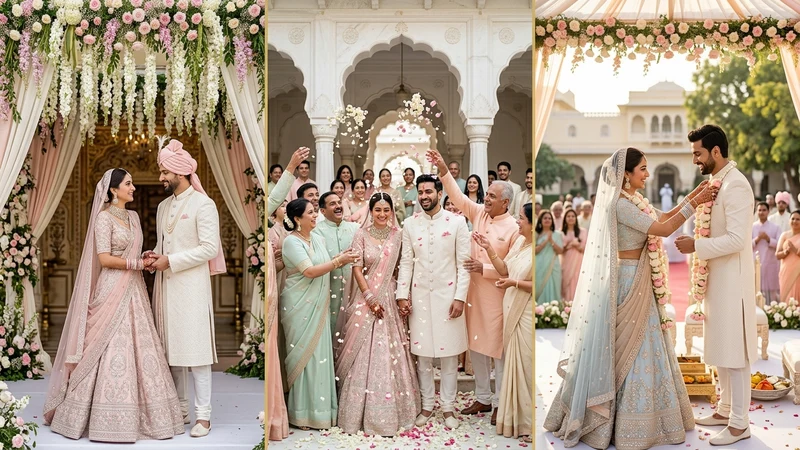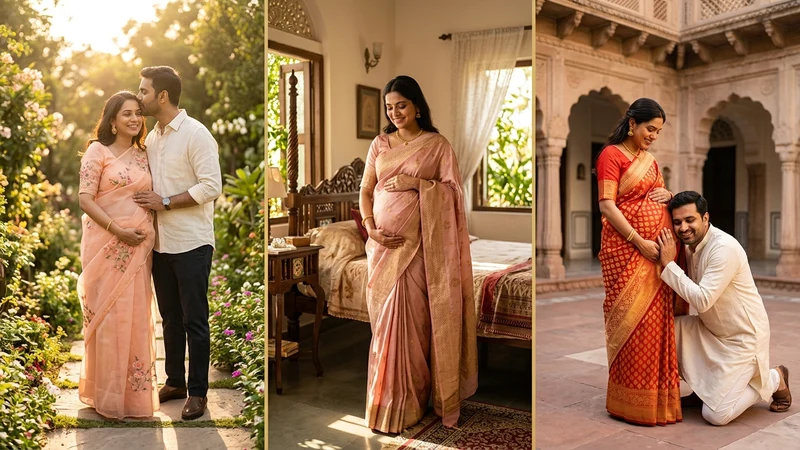
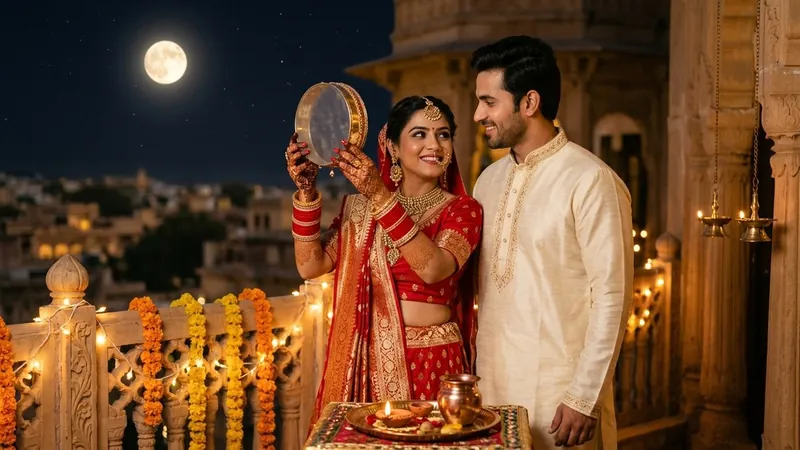
Looking for the ultimate google gemini karwa chauth ai photo editing prompt 2026? Celebrate the sacred bond of love and devotion with our viral, ready-to-copy karwa chauth ai photo editing prompts. Whether you want an emotional solo moon sieve portrait or a romantic couple fast-breaking moment, these prompt templates ensure that faces match the reference photos exactly without artificial distortion.
Table of Contents
- Viral Karwa Chauth AI Photo Editing Prompts (Copy Paste)
- Photo Editing Tips Mobile: Getting Studio Results on Android & Web
- iPhone Photo Editing Tips for Karwa Chauth Portraits
- Facial Fidelity Guide: Making Faces Match Reference Photos Exactly
- Related Festive Prompts & Guides
- Frequently Asked Questions
- Final Thoughts
Capturing crisp, low-light photographs on rooftop terraces during Karwa Chauth night can be challenging on mobile phone cameras. With Google Gemini, ChatGPT, and Grok, you can turn any simple daytime selfie into a majestic moonlit portrait adorned with crimson Banarasi silk, glowing diyas, and authentic jewelry in seconds.
Viral Karwa Chauth AI Photo Editing Prompts (Copy Paste)
Below are our curated, tested Karwa Chauth prompts designed for both solo women and couples. Tap Copy Prompt to copy the prompt with all facial preservation parameters, or launch your favorite AI tool directly with one tap.
1. Traditional Moon Sieve (Channi) Ritual AI Prompt
An iconic solo Karwa Chauth festival portrait of an Indian woman on a moonlit terrace viewing the full moon through a decorative sieve (chalni).
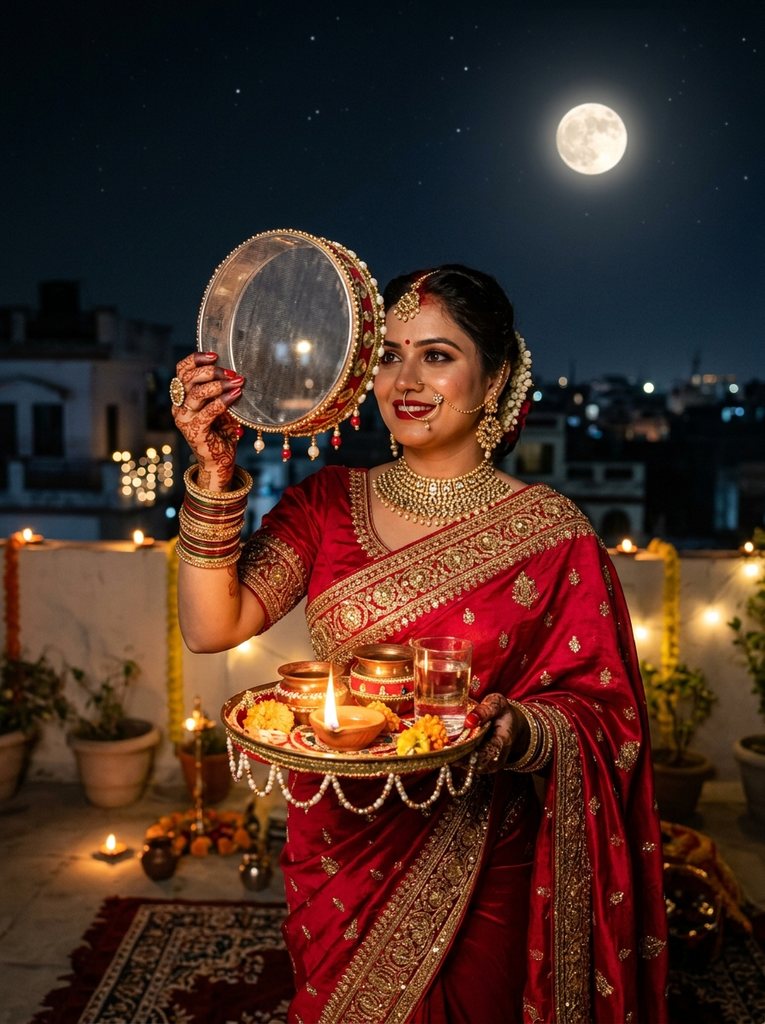
Best for: Auspicious Karwa Chauth DP, WhatsApp status, and family festive albums.
2. Romantic Couple Fast-Breaking Ritual AI Prompt
A tender, emotional couple moment where the husband offers water to his wife from a brass lota to break her day-long Karwa Chauth fast under the moon.
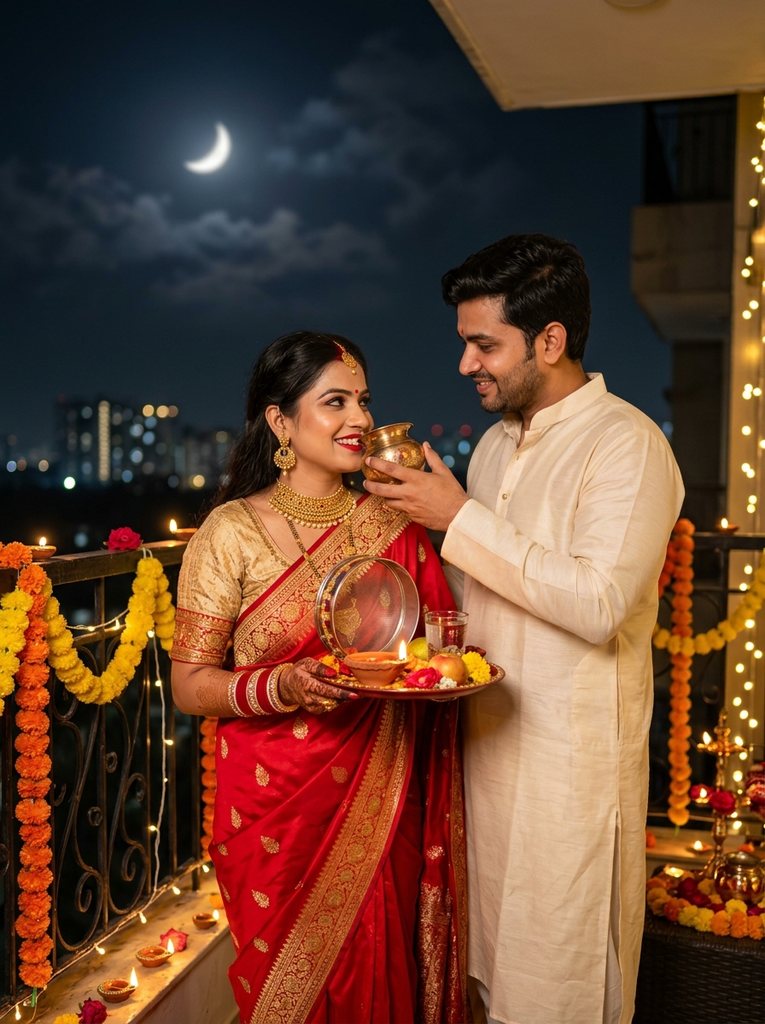
Best for: Romantic couple memories, anniversary celebration edits, and viral Instagram reels covers.
3. Royal Haveli Balcony Puja Aarti Thali AI Prompt
A regal, cinematic wide-angle setup showing the couple performing the sacred aarti together on an ancient heritage rooftop with glowing oil lamps.
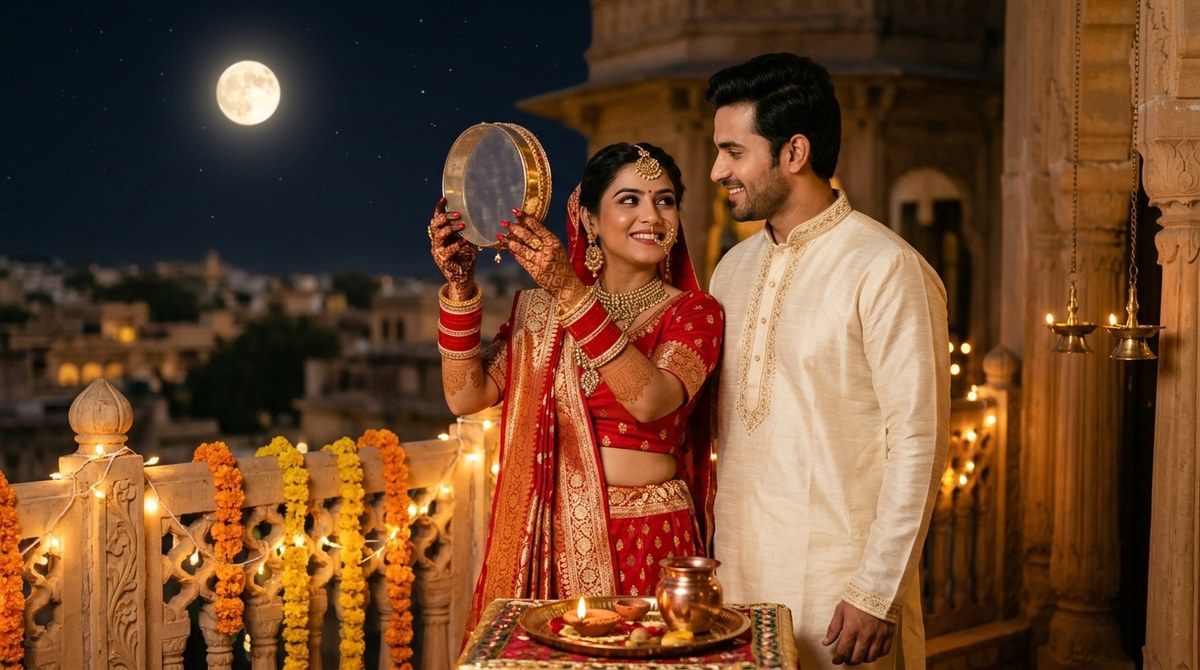
Best for: Heritage royal aesthetics, printable photo frames, and Facebook header banners.
Looking for more creative styles? Check out our companion guide on Diwali Saree AI Photoshoot Prompt (Festive Drapes) on PromptDeckAI for rich silk textures, festive lighting and traditional temple jewelry.
Photo Editing Tips Mobile: Getting Studio Results on Android & Web
When creating festive AI portraits directly from your smartphone, following these practical photo editing tips mobile will drastically enhance your output quality:
1. Use Clear Frontal Daylight Reference Shots
Do not upload a photo taken in dark lighting. Take a clear, front-facing daytime selfie where both eyes, nose bridge, jawline, and natural skin tone are clearly illuminated. The AI uses this clarity to reconstruct your face accurately under simulated moonlight.
2. Avoid Built-in Beauty Filters
Phones with heavy automated skin-smoothing filters confuse AI image generators, causing wax-like artificial textures. Turn off beauty modes and filters on your mobile camera app before snapping your reference photo.
3. Copy Negative Prompts on Mobile
Always use our built-in Copy Prompt button rather than typing manual descriptions on your phone keyboard. Our prompts contain critical guardrails like "zero artificial smoothing, realistic skin pores, natural fabric sheen" that prevent low-quality mobile renders.
4. Request 1-Step Color Adjustments
If Gemini generates a lehenga color that is slightly different from your preference, do not restart from scratch. Send a quick follow-up prompt: "Keep our faces, expressions, and the moon background unchanged, but change the lehenga color to deep royal crimson."
Why This Prompt Works (Traditional Moon Sieve (Channi) Ritual AI Prompt): Designed specifically for high-resolution Karwa Chauth Ai Photo Editing Prompts 2026 portraits, variation #1 combines festival portrait using my uploaded photo. Faces must match the reference photos exactly: preserve with 2700K warm candlelight and diya color temperature. By explicitly locking 85mm depth of field, the AI renders crisp micro-textures in the attire and natural skin pores in the foreground while melting the surrounding environment into smooth, distraction-free cinematic bokeh.
iPhone Photo Editing Tips for Karwa Chauth Portraits
If you are using an iPhone, these specialized iphone photo editing tips will give your Karwa Chauth generations extraordinary clarity and cinematic depth:
1. Capture Reference in Natural Light with 2x or 3x Telephoto
Instead of the ultra-wide lens (which can distort facial proportions), switch to 2x or 3x on your iPhone camera. This creates true focal compression matching professional 85mm portrait lenses.
2. Keep 'Live Photo' or Select the Best Key Frame
If you blink or have an awkward expression in your reference picture, use the iPhone Photos app to slide through the Live Photo frames and choose the sharpest key frame before uploading to Google Gemini.
3. AirDrop or Save as High-Efficiency JPEG
Ensure your photo uploads in full uncompressed resolution through the mobile browser or official Gemini/ChatGPT iOS app. Do not take screenshots of old photos, as screenshots compress pixel density by up to 60%.
4. Post-Generation iPhone Photos App Polish
Once Gemini generates your Karwa Chauth edit, open it in the native iPhone Photos app and apply subtle micro-adjustments: increase Brilliance by +10, Warmth by +5, and add a touch of Vignette (+8) to make the glowing moon and diya pop dramatically.
Facial Fidelity Guide: Making Faces Match Reference Photos Exactly
The single most important requirement in wedding and festive AI editing is: "Faces must match the reference photos exactly." Nobody wants an AI portrait where their partner or themselves look like a stranger. Here is how our engineered prompt syntax guarantees identity consistency:
Key Facial Preservation Clauses Included in Every Prompt
- Facial Structure & Jawline: Explicit tokens mandate: "Preserve natural facial structure, jawline, nose contours, and natural eye shape without distortion."
- Hairline & Grooming: The prompt instructs the model to retain natural hairlines, sideburns, and facial hair for men.
- Glasses & Accessories on Male: If the male partner wears spectacles, the prompt explicitly preserves the glasses frame style and bridge position without blurring them into the eyes.
- Nose Ring (Nath) & Jewelry on Female: Intricate bridal jewelry, including the traditional nath, maang tikka, and chooda, are rendered in authentic cultural alignment.
- Skin Texture with Natural Pores: Strict anti-CGI parameters instruct the diffusion model to render genuine skin pore textures rather than glossy, synthetic doll finishes.
Related Festive Prompts & Guides
Looking for more festival and creative photo editing inspirations? Explore our popular creator collections:
Frequently Asked Questions
What is the best Google Gemini Karwa Chauth AI photo editing prompt?
The best prompt is one that clearly describes the nighttime terrace setting with the full moon, brass sieve (chalni), and burning diya, while mandating that: "Faces must match the reference photos exactly, preserving facial structure, skin tone, hairline, and jewelry." Both Prompt #1 and Prompt #2 on this page are engineered specifically for this standard.
How can I make sure our faces match the reference photos exactly on Gemini?
Always upload a sharp, front-facing daytime photo without beauty filters, copy our full prompt text with negative tokens intact, and specify any distinguishing features such as glasses or beauty marks in the text description.
What are the top photo editing tips mobile users should follow?
Take your source photo in bright natural light, avoid screenshotting older pictures, use our 1-click Copy button to retain all prompt engineering tokens, and request simple iterative follow-up adjustments in the chat rather than reprompting completely.
Can iPhone users get high-definition 4K Karwa Chauth portraits?
Yes. By shooting reference portraits with the 2x or 3x telephoto lens and uploading the full-resolution uncompressed photo to Gemini or ChatGPT, you will achieve ultra-sharp 4K-quality festival portraits.
Are these Karwa Chauth AI photo editing prompts free to copy?
Yes, all prompts on The Prompt Adda are 100% free to copy, modify, and use for personal celebrations, WhatsApp status updates, and social media posts.
Final Thoughts
Karwa Chauth is a celebration of enduring love, partnership, and spiritual beauty. With these modern google gemini karwa chauth ai photo editing prompt templates, you can capture timeless romantic memories that reflect the true warmth of your relationship with studio-quality perfection.
Copy your favorite prompt, upload your couple portrait, and celebrate this Karwa Chauth with magical portraits that you will cherish for years to come. For more festive inspiration, explore our dedicated Festival Prompt archive.