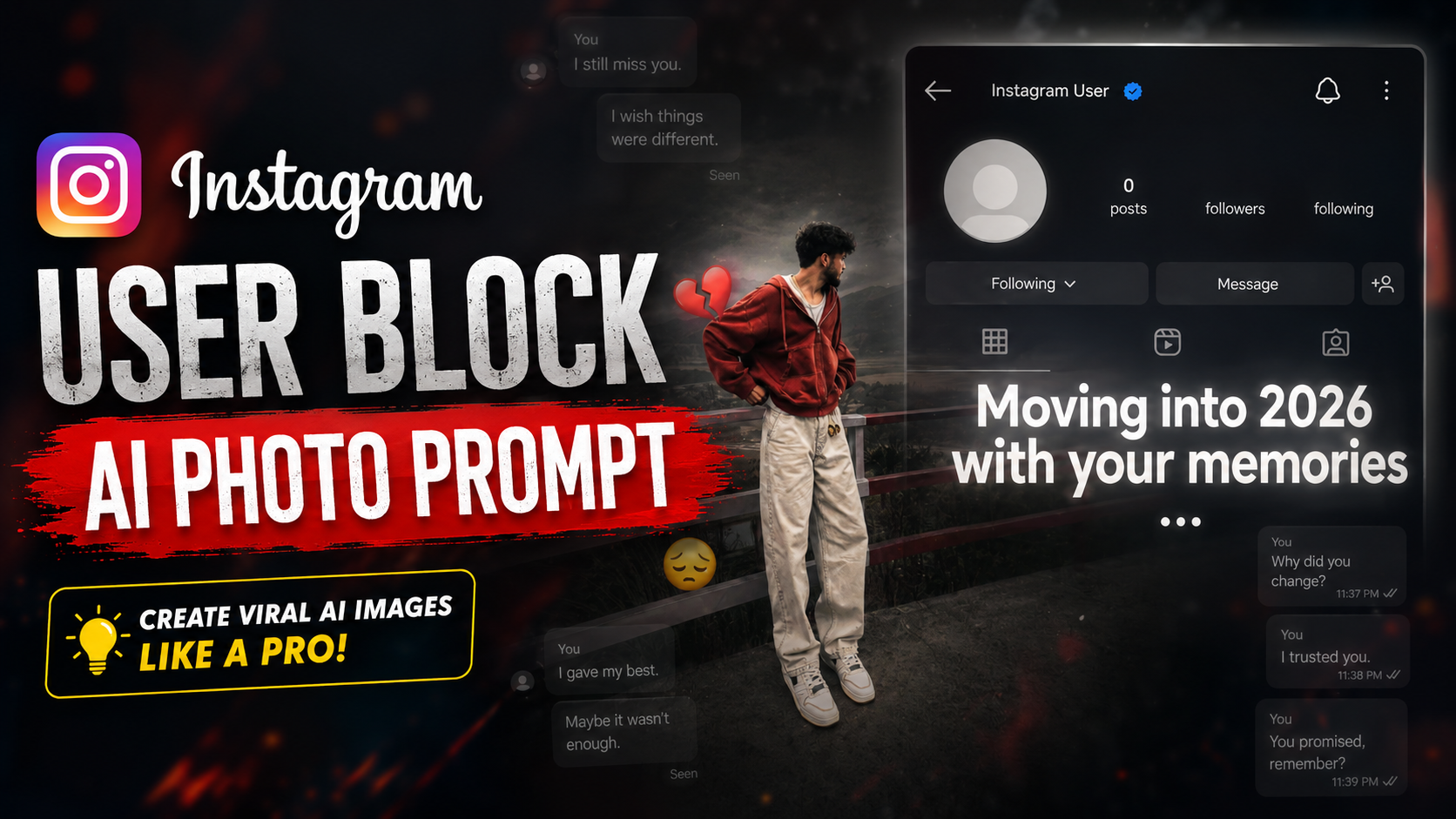
Old photographs can instantly bring back people, places, and emotions we thought we had forgotten. When these memories are combined with a blocked Instagram profile concept, the result can feel even more emotional. The Instagram User Block AI Photo Prompt helps creators turn an ordinary picture into a cinematic scene filled with heartbreak, distance, and nostalgia.
Stay connected and get the latest updates.
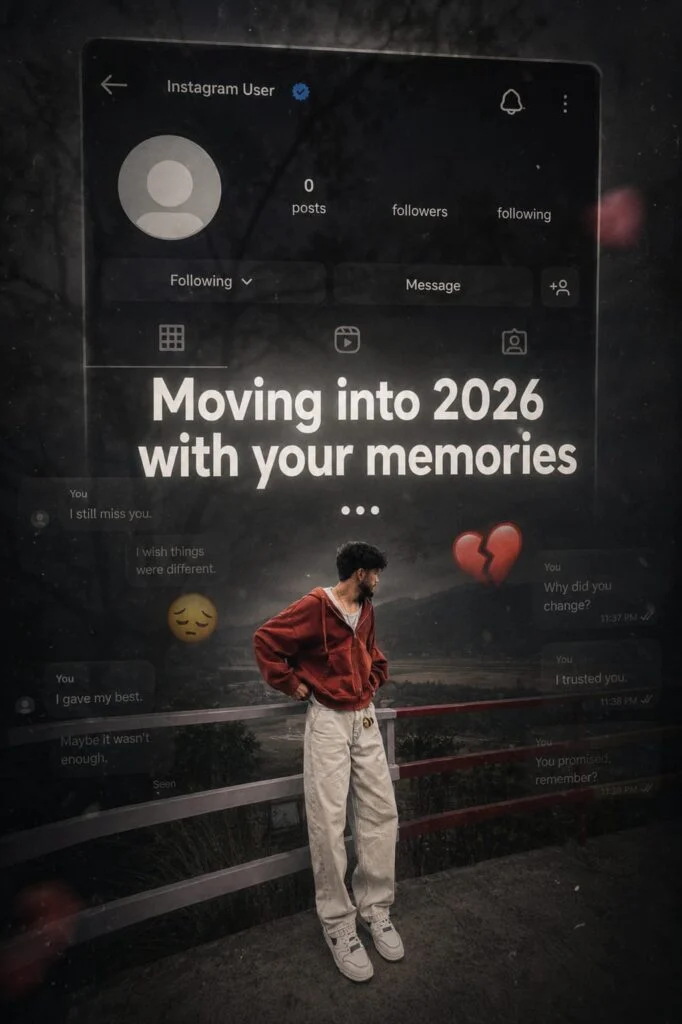
This AI photo-editing idea uses a dark social media interface, a blocked-user message, faded colors, and dramatic lighting to create the feeling of looking back at someone who is no longer part of your life. It is especially suitable for Instagram Reels, YouTube Shorts, profile edits, and emotional storytelling posts.
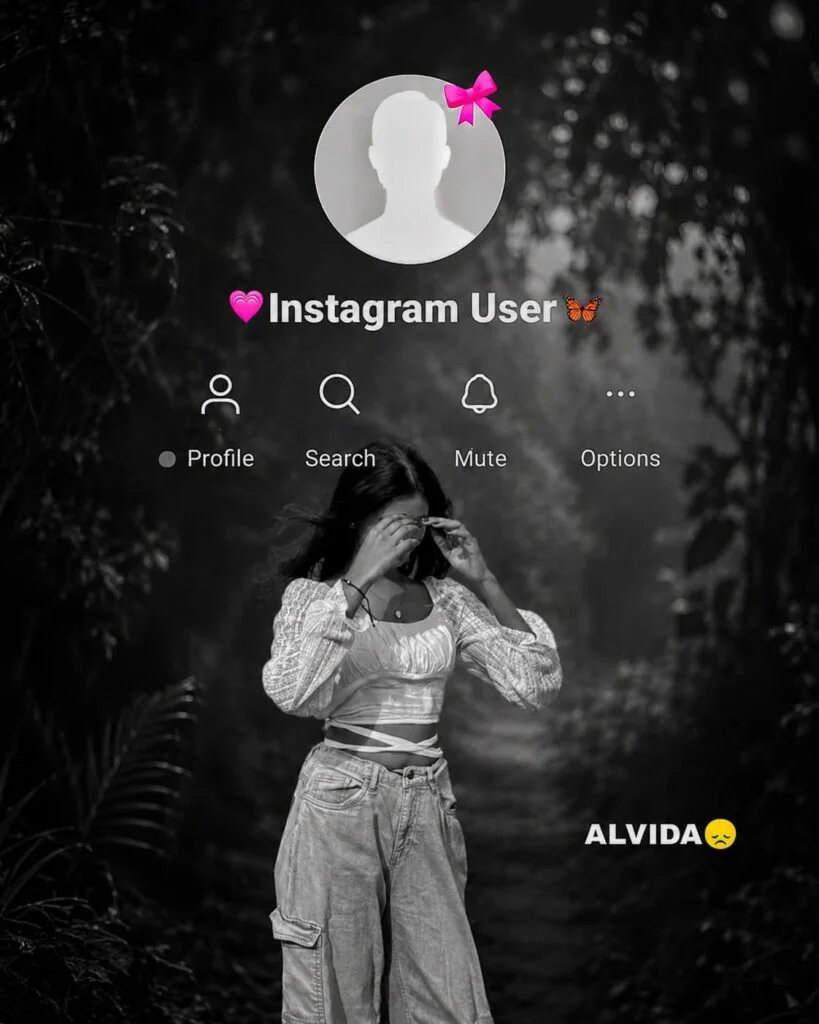
The Instagram User Block AI Photo Prompt is a text instruction used with an AI image generator. It creates an Instagram-inspired scene in which a person looks at an old profile, message, or photograph after being blocked.
The final image may include:
These details make the image feel like a scene from an emotional movie rather than a basic screenshot.
After pasting the prompt, upload one clear, well-lit photo of yourself and hit generate.
Emotional content often attracts attention because viewers can relate to it personally. Being blocked, losing contact with someone, or remembering an old relationship are familiar experiences for many social media users.
This trend is also popular because it combines three visually powerful elements:
The concept works particularly well with sad music, short quotes, or before-and-after transitions in video content.
Girls Birthday AI Photo Editing Prompts 2026 – Realistic ChatGPT Birthday Prompts
Choose a high-quality photo with a visible face and natural lighting. Avoid heavily blurred images, extreme filters, or photographs in which the face is covered.
Use an AI image generator or photo editor that supports reference images. Upload only photographs you own or have permission to edit.
Copy one of the prompts above and adjust the details. You can change the location, lighting, outfit, mood, or background to match your story.
Use a 9:16 vertical format for Instagram Stories, Reels, and YouTube Shorts. A 4:5 format is better for regular Instagram feed posts.
Check the face, hands, phone, interface, and text carefully. AI-generated text can sometimes appear unclear, so it may be better to add the blocked-user message later with a photo-editing app.
Add light grain, lower the saturation slightly, and improve the contrast. Keep the editing subtle so the final image does not look artificial.
You can pair your Instagram user block AI edit with a short emotional caption:
Yes, but the results will depend on whether the tool supports reference photos, portrait editing, and custom aspect ratios.
Many AI image generators struggle to create accurate text. Generate the main scene first, then add the notification manually using a design or photo-editing application.
Use 1080 × 1920 pixels for Stories and Reels. For an Instagram feed portrait, 1080 × 1350 pixels is a suitable option.
Yes. Add terms such as romantic nostalgia, deep heartbreak, peaceful acceptance, vintage memory, or dark cinematic mood to control the emotional style.
The Instagram User Block AI Photo Prompt is a creative way to transform a simple portrait into an emotional visual story. Its combination of nostalgic memories, a blocked-profile concept, and cinematic effects gives the image a modern yet personal appearance.
For the best result, use a clear photograph, keep the edits natural, and customize the prompt around your own story. A simple expression, realistic lighting, and a subtle social media interface can often create a stronger impact than excessive effects.
Stay connected and get the latest updates.
Leave a Comment