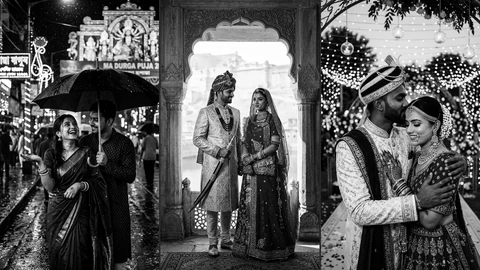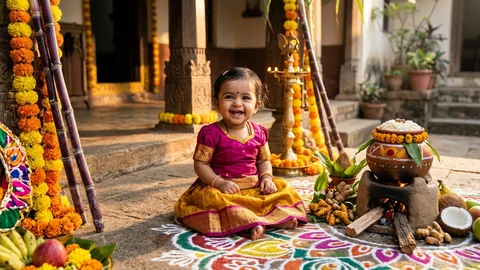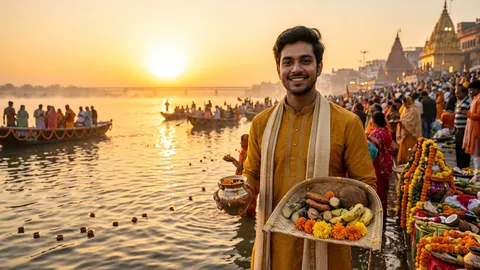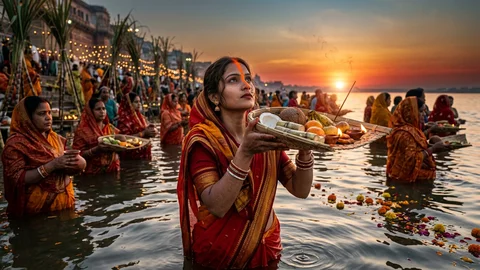
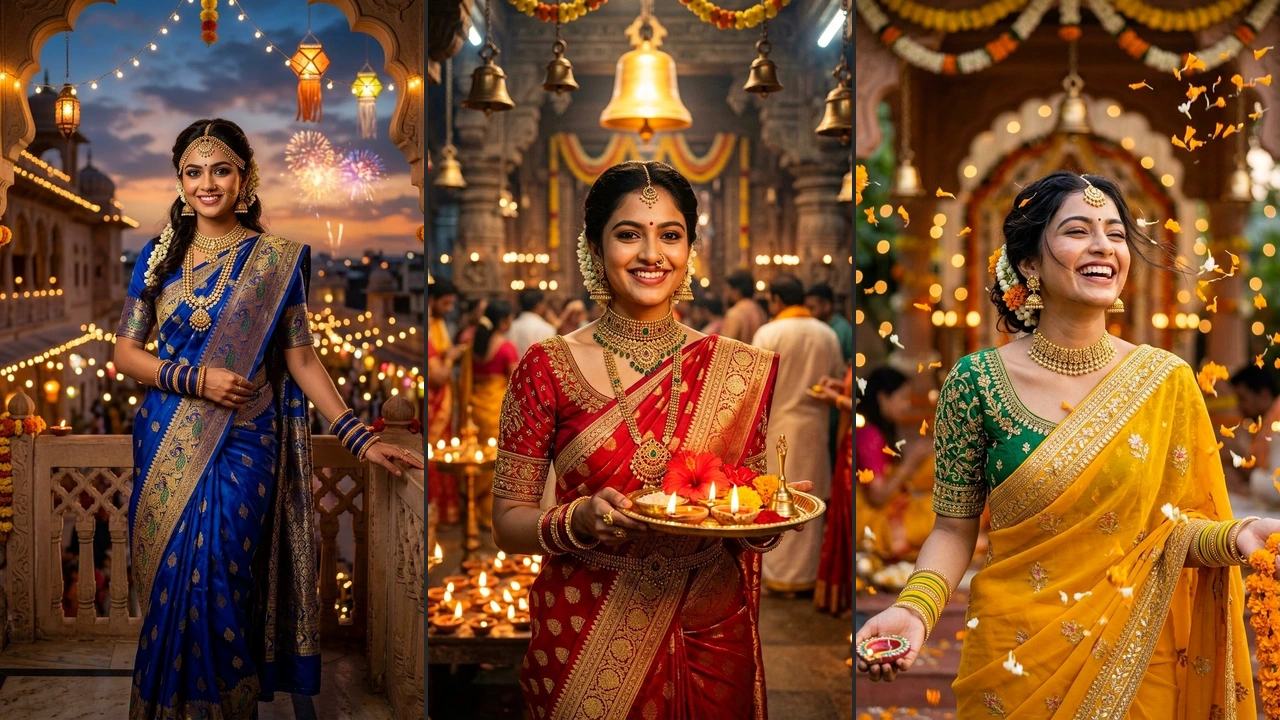
Your iPhone lock screen is the very first thing you look at dozens of times every day. In 2026, nothing looks more royal, elegant, and aesthetic on Apple's Super Retina OLED screens than stunning Indian girl in saree wallpapers. From shimmering red Banarasi silks and royal peacock-blue Kanjivarams to ethereal white Kasavu temple drapes and modern silver organza sarees, traditional Indian ethnic attire transforms your mobile screen into a museum-worthy portrait.
Every prompt in this guide has been specifically tailored for Apple iOS 16, 17, and iOS 18 Depth Effect and Photo Shuffle. By incorporating negative space and generous headroom above the subject's head, the digital clock tucks naturally behind delicate hair strands, gajras, and saree pallus while remaining 100% crisp and readable. Whether you generate wallpapers using Google Gemini (Imagen 3), ChatGPT Plus (DALL-E 3), or Midjourney, you will get photorealistic portraits with natural dewy skin textures and zero plastic smoothing.
Below, explore our hand-crafted collection of 12+ viral Indian girl in saree wallpaper prompts. Each prompt includes simple, easy-to-read formulas with exact camera parameters (85mm f/1.4 prime lens, golden hour lighting, temple bokeh, and authentic jewelry styling). Tap "Copy Prompt" or launch your favorite AI tool with a single click.
- 1. Traditional Red Banarasi Silk Saree: Temple Bells & Glowing Aarti Thali
- 2. Royal Peacock Blue Kanjivaram Saree: Jasmine Gajra & Courtyard Diyas
- 3. Sunshine Yellow Silk Saree: Floating Marigold Petal Shower & Candid Joy
- 4. Royal Blue Twilight Palace Saree: Balcony View & Festive Fireworks
- 5. Pristine White & Gold Temple Saree: Sacred Lotus Blooms & Dawn Sunbeams
- 6. Majestic Purple Zardozi Silk Saree: Royal Temple Elegance & Diya Glow
- 7. Emerald Green Kanjivaram Saree: Gold Kamarbandh Waistbelt & Mandir Glow
- 8. Sunset Orange Festive Silk Saree: Ancient Pillar & Kuthu Vilakku Lamp
- 9. Ethereal Full Moon Chhalni Glance: Crimson Silk Saree in Starry Night
- 10. Deep Red Chiffon Saree: Fairy Light Pergola Gazebo & Full Moon Bokeh
- 11. Vibrant Bandhani Mirrorwork Saree: Oxidized Silver Jewelry & Dandiya Joy
- 12. Shimmering Silver-Grey Organza Saree: Sequin Borders & Gentle Diya Flame
- How to Master iPhone Depth Effect with Saree Wallpapers
- How to Set Up iPhone Photo Shuffle (Step-by-Step)
- AI Prompt Engineering Guide for Ultra-Realistic Saree Wallpapers
- Frequently Asked Questions (FAQ)
12+ Beautiful Indian Girl in Saree iPhone Wallpaper Prompts (Copy & Paste)
1. Traditional Red Banarasi Silk Saree: Temple Bells & Glowing Aarti Thali
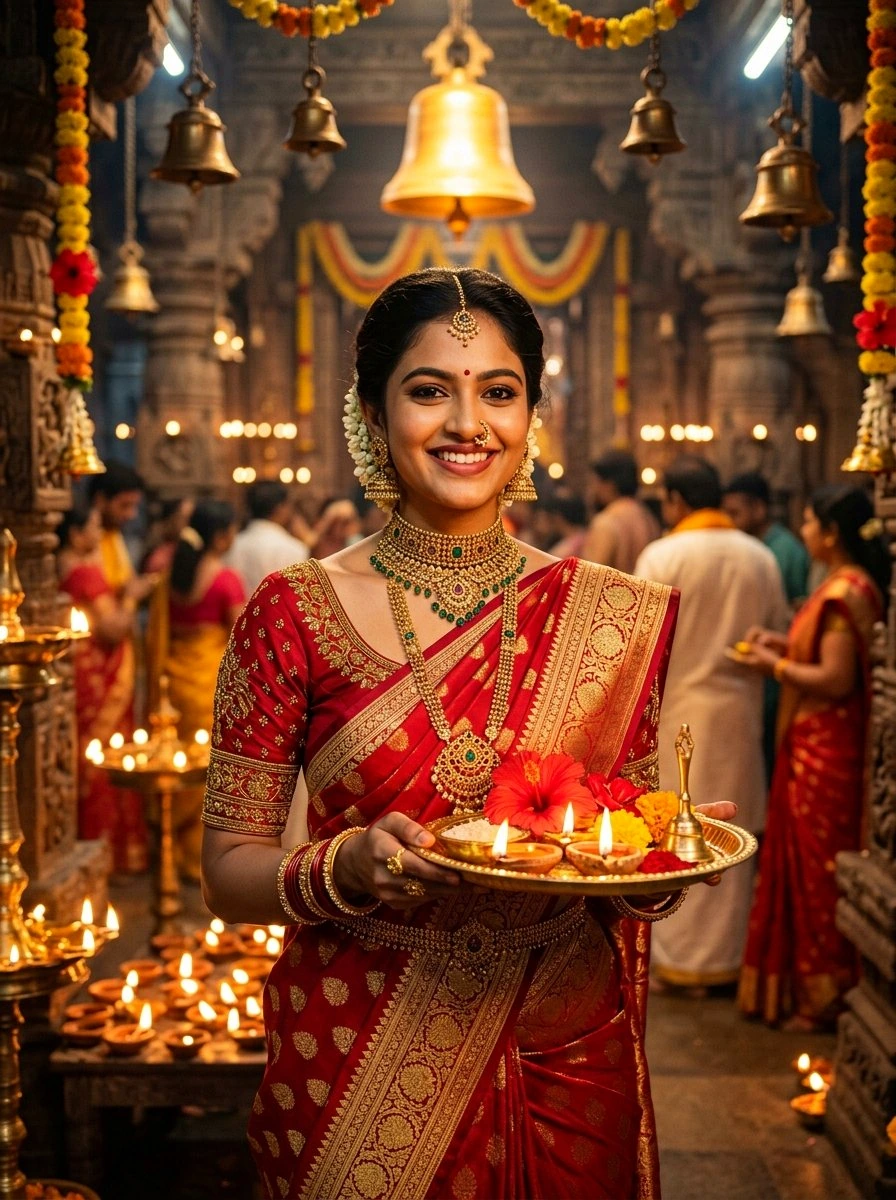
The warm flame glow from the aarti plate beautifully illuminates her smile. The vertical composition provides generous headspace above the temple bells, allowing the iOS clock to layer seamlessly with Depth Effect.
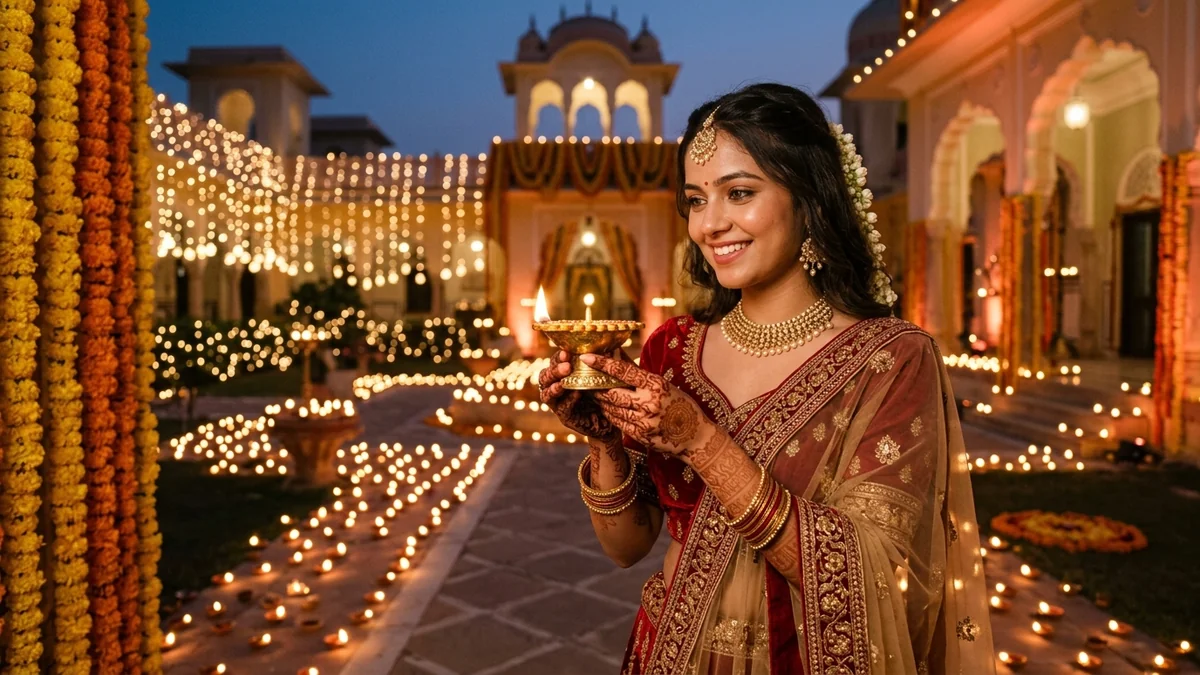
2. Royal Peacock Blue Kanjivaram Saree: Jasmine Gajra & Courtyard Diyas
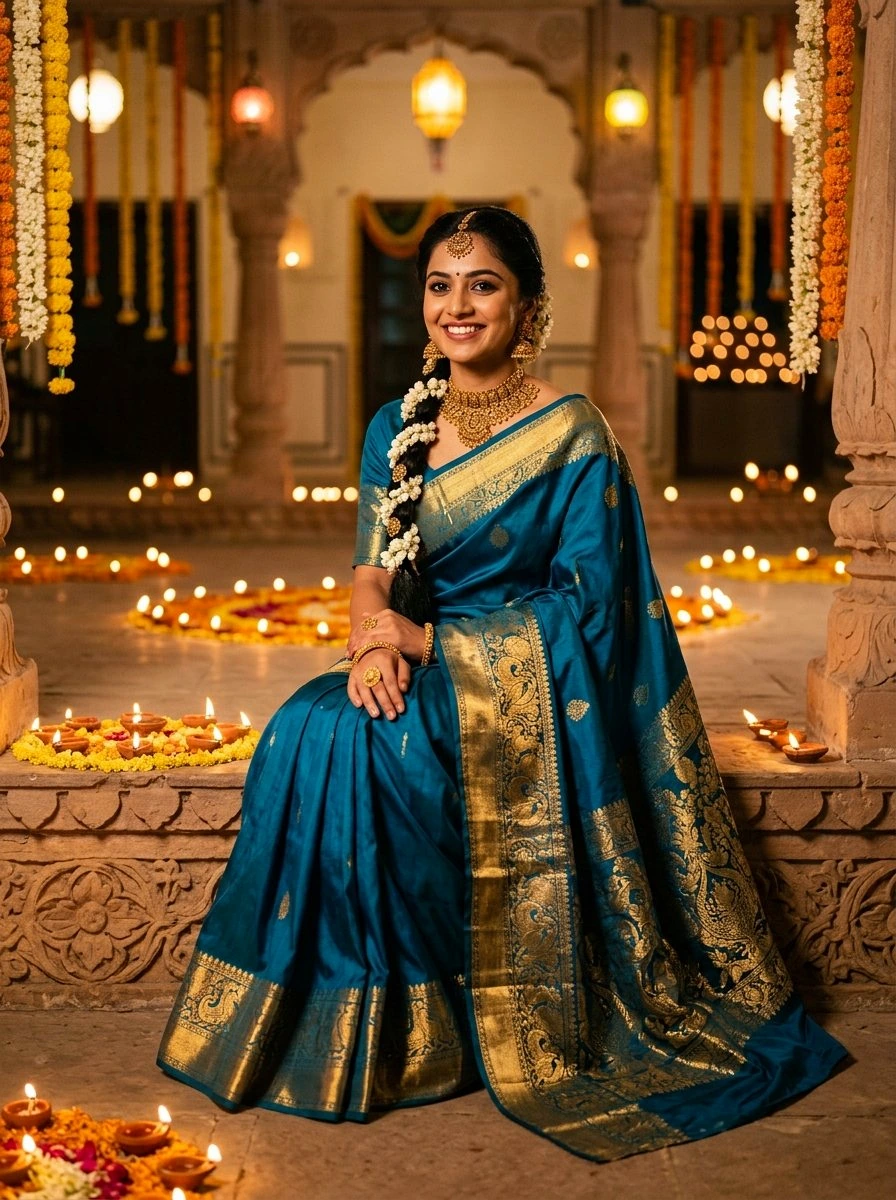
Peacock blue and warm golden diya flames create complementary color contrast. The clean upper background ensures white iPhone typography stays razor-sharp and legible.
3. Sunshine Yellow Silk Saree: Floating Marigold Petal Shower & Candid Joy
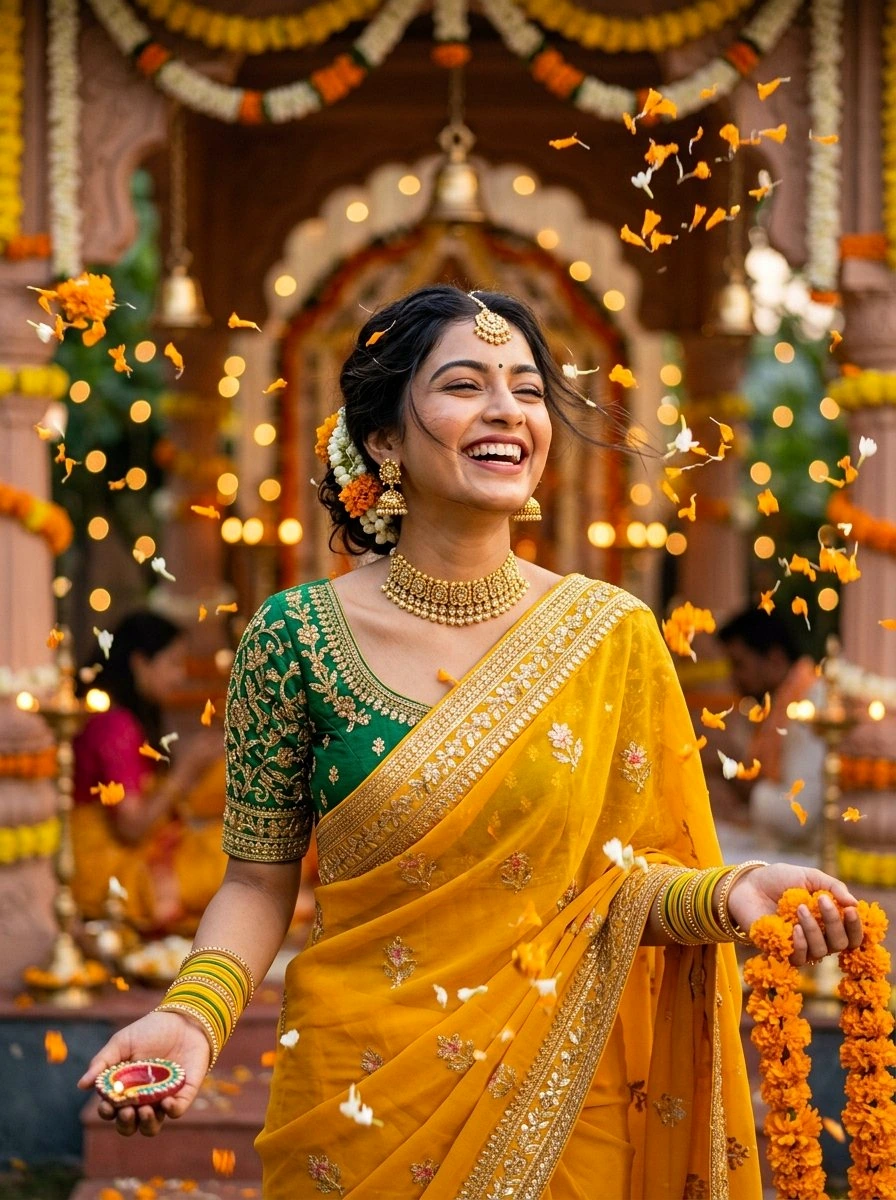
The floating marigold petals add dynamic mid-air depth. Her laughter brings infectious positivity every time you wake your iPhone screen.
4. Royal Blue Twilight Palace Saree: Balcony View & Festive Fireworks
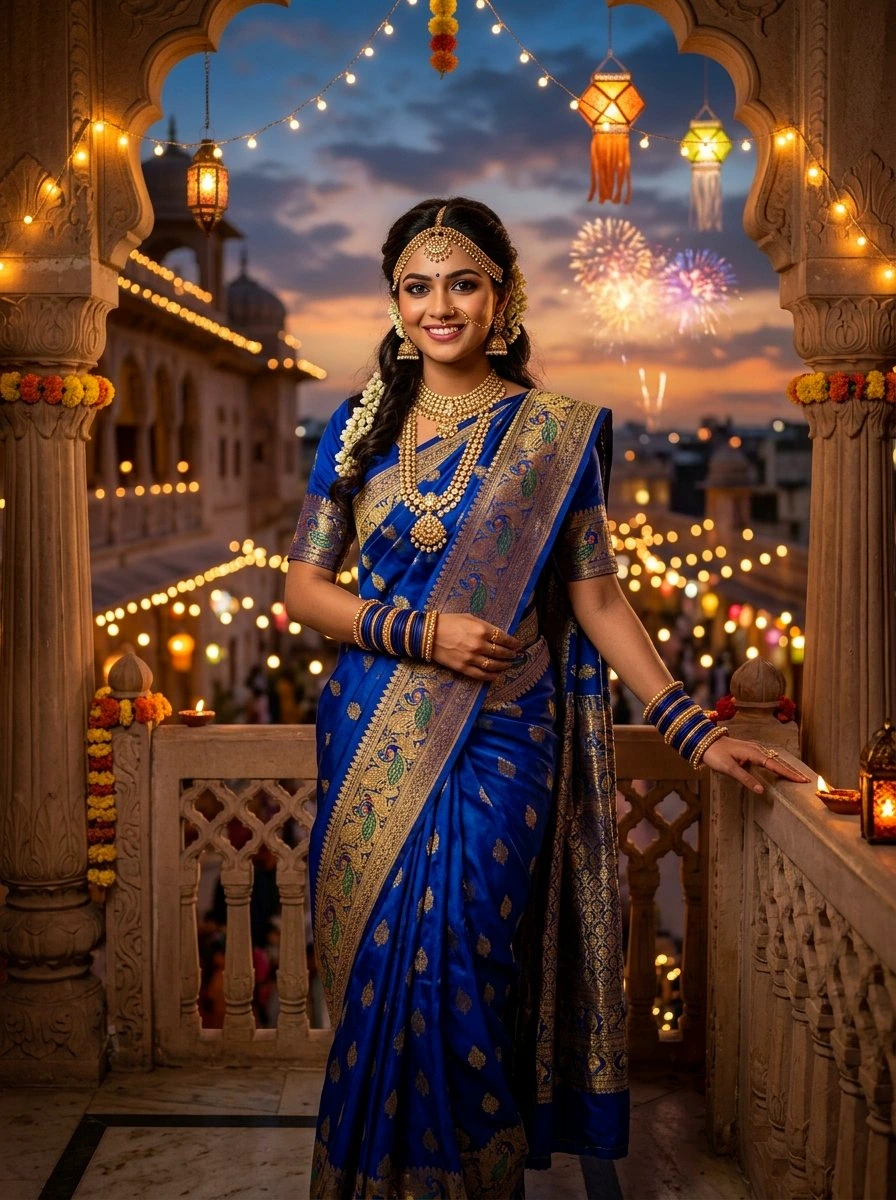
Deep twilight blues and vibrant fireworks bokeh make this a dramatic OLED wallpaper. The subject segmentation algorithm easily isolates her silhouette against the evening sky.
5. Pristine White & Gold Temple Saree: Sacred Lotus Blooms & Dawn Sunbeams
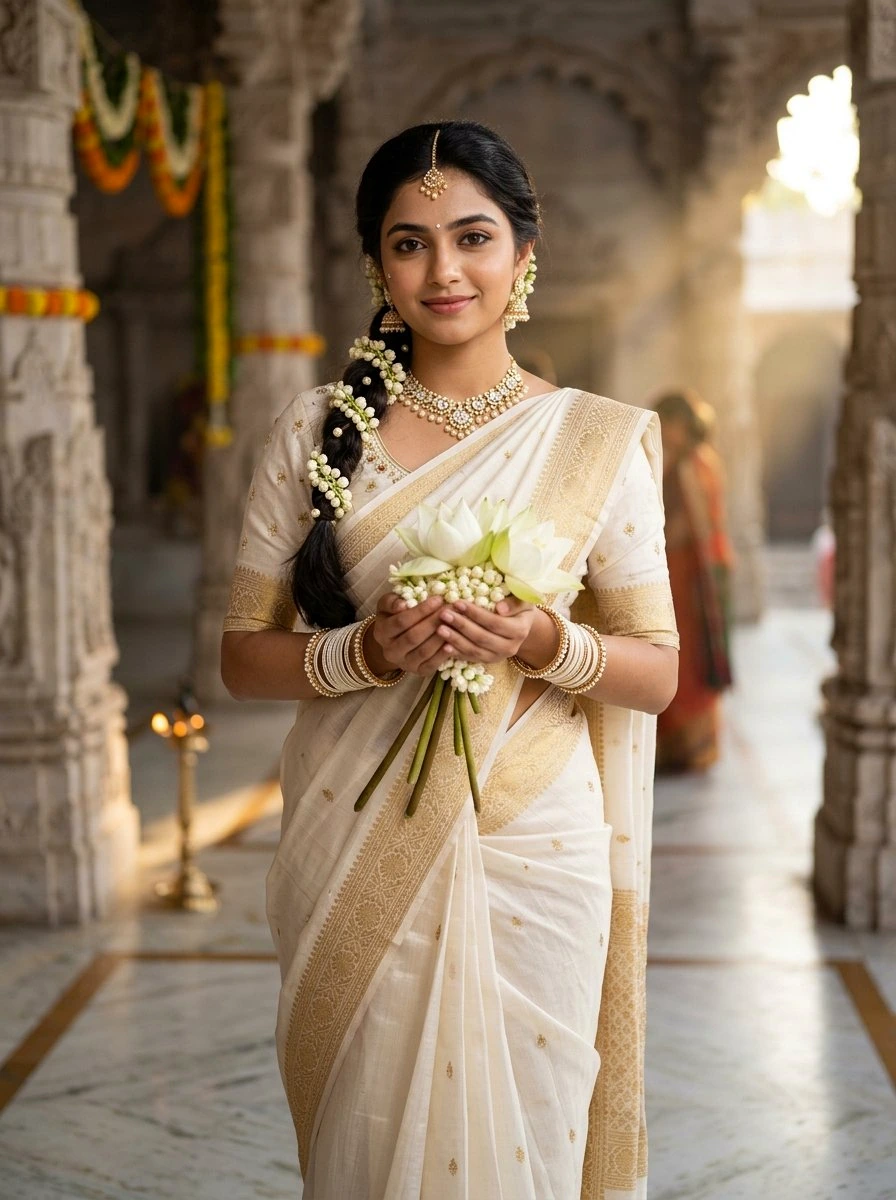
Ivory and gold tones create a minimalist, divine aesthetic. The sunlit stone pillars provide an uncluttered backdrop that highlights her peaceful expression.
6. Majestic Purple Zardozi Silk Saree: Royal Temple Elegance & Diya Glow
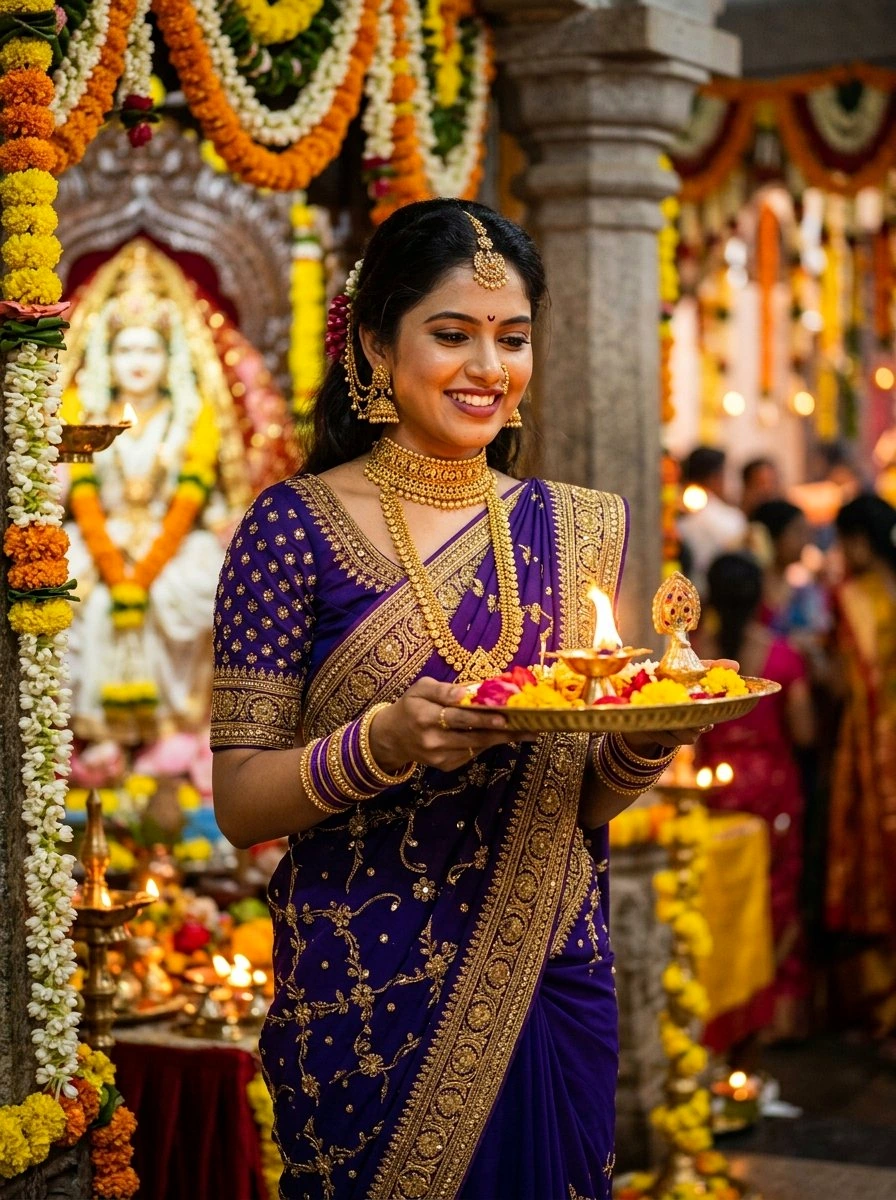
Deep royal purple paired with warm gold flame lighting yields high visual richness on iPhone Super Retina OLED displays.
7. Emerald Green Kanjivaram Saree: Gold Kamarbandh Waistbelt & Mandir Glow
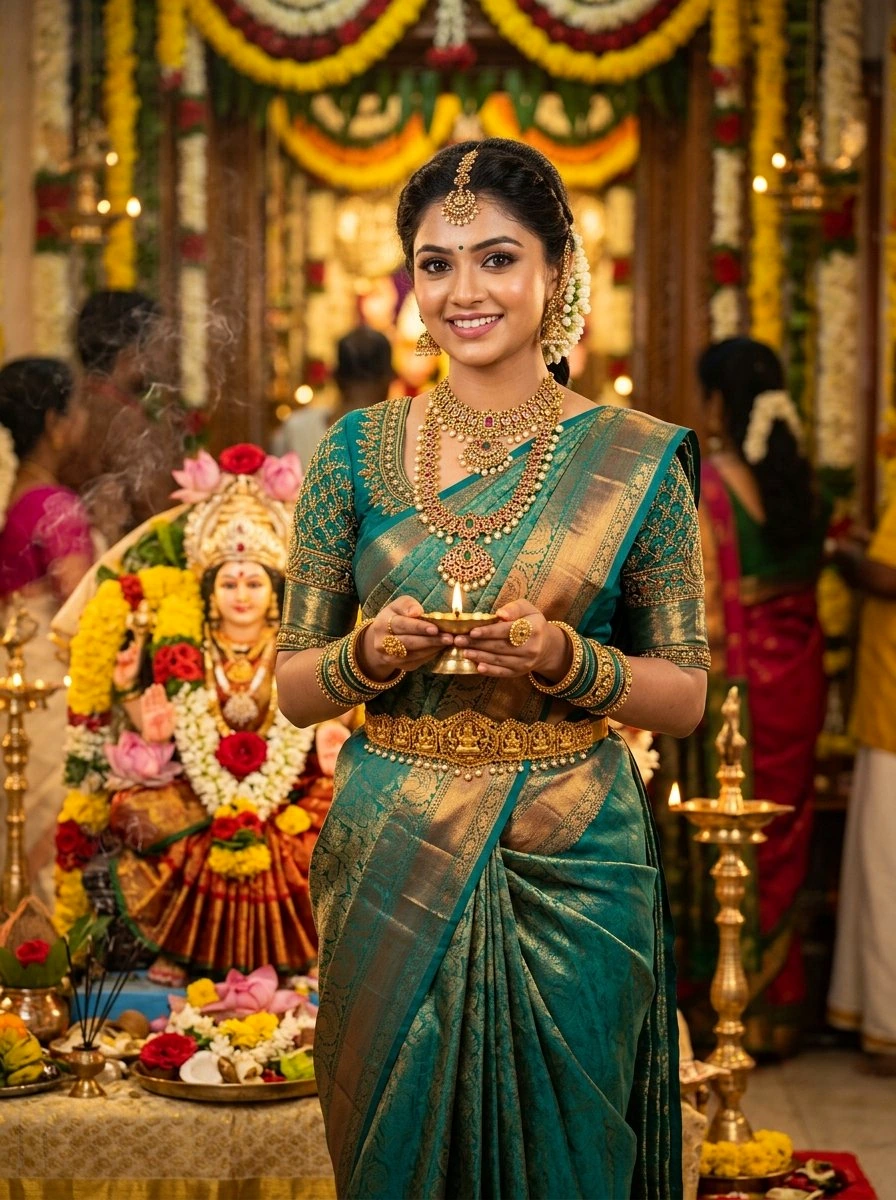
The rich green silk and golden temple kamarbandh provide authentic South Indian bridal grandeur that looks regal on any mobile screen.
8. Sunset Orange Festive Silk Saree: Ancient Pillar & Kuthu Vilakku Lamp
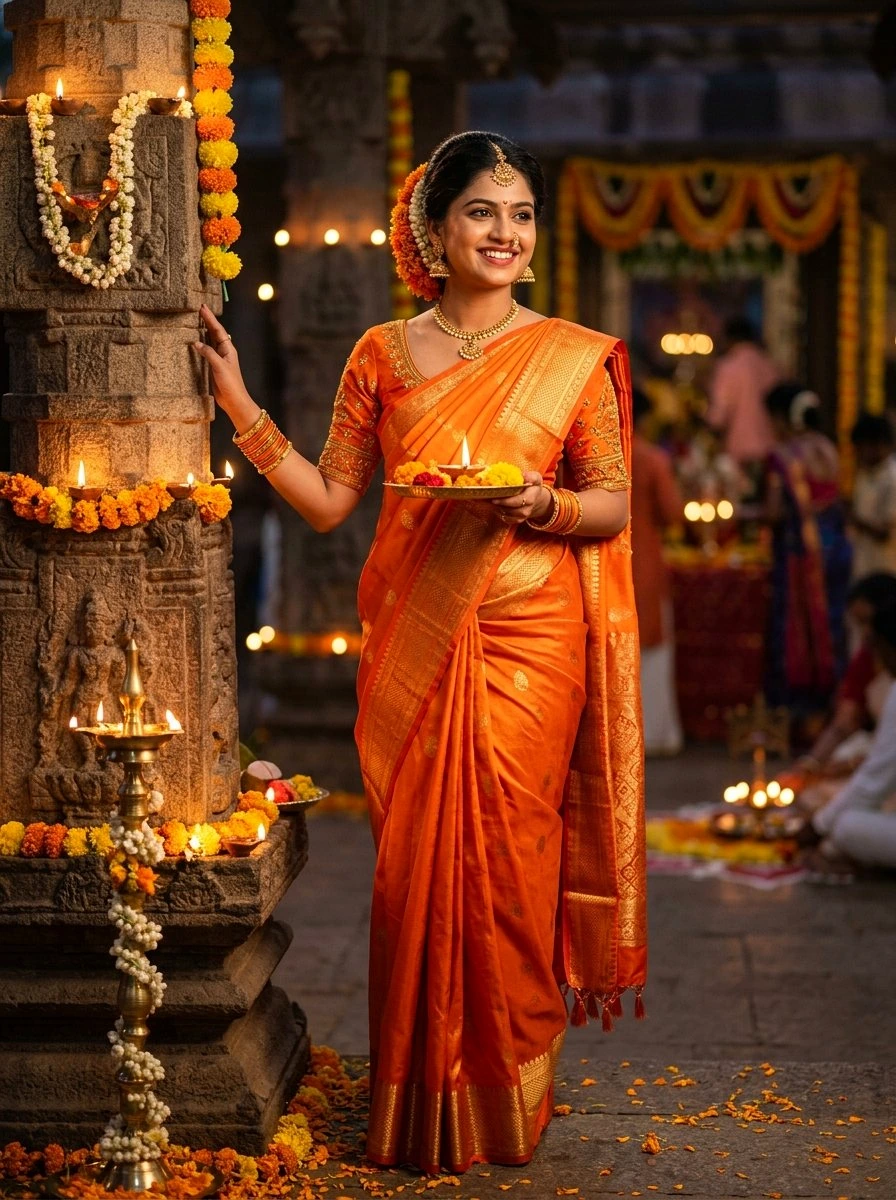
Golden hour sunlight illuminates the warm orange silk and carved stone pillar, creating an organic warm filter look without any post-processing required.
9. Ethereal Full Moon Chhalni Glance: Crimson Silk Saree in Starry Night
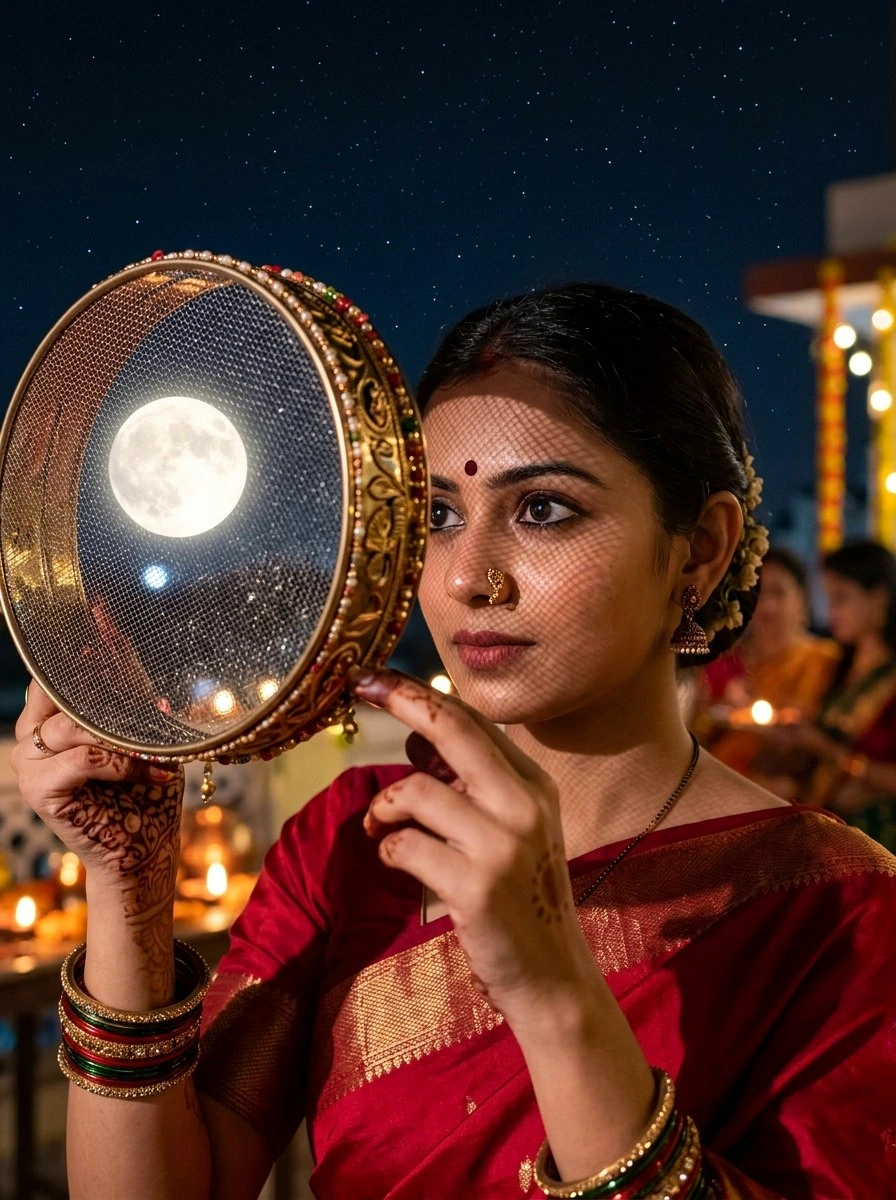
The mesh shadow across her cheek and the full moon captured directly inside the sieve frame make this an artistic masterpiece. The dark starry sky is optimized for the iPhone clock.
10. Deep Red Chiffon Saree: Fairy Light Pergola Gazebo & Full Moon Bokeh
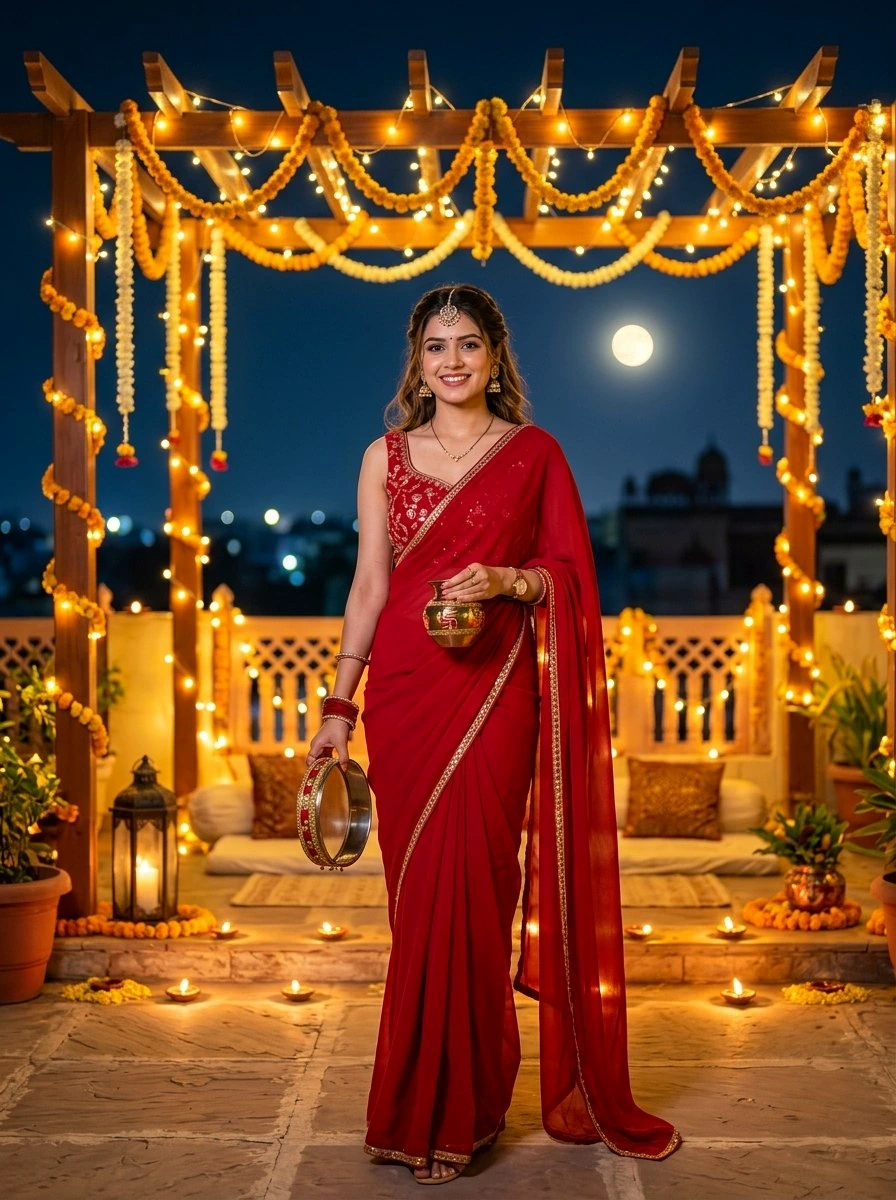
The wooden pergola structure frames the subject naturally. The deep red chiffon fabric and surrounding fairy lights create a warm, cinematic ambiance.
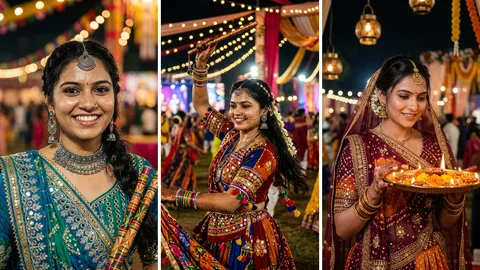
11. Vibrant Bandhani Mirrorwork Saree: Oxidized Silver Jewelry & Dandiya Joy
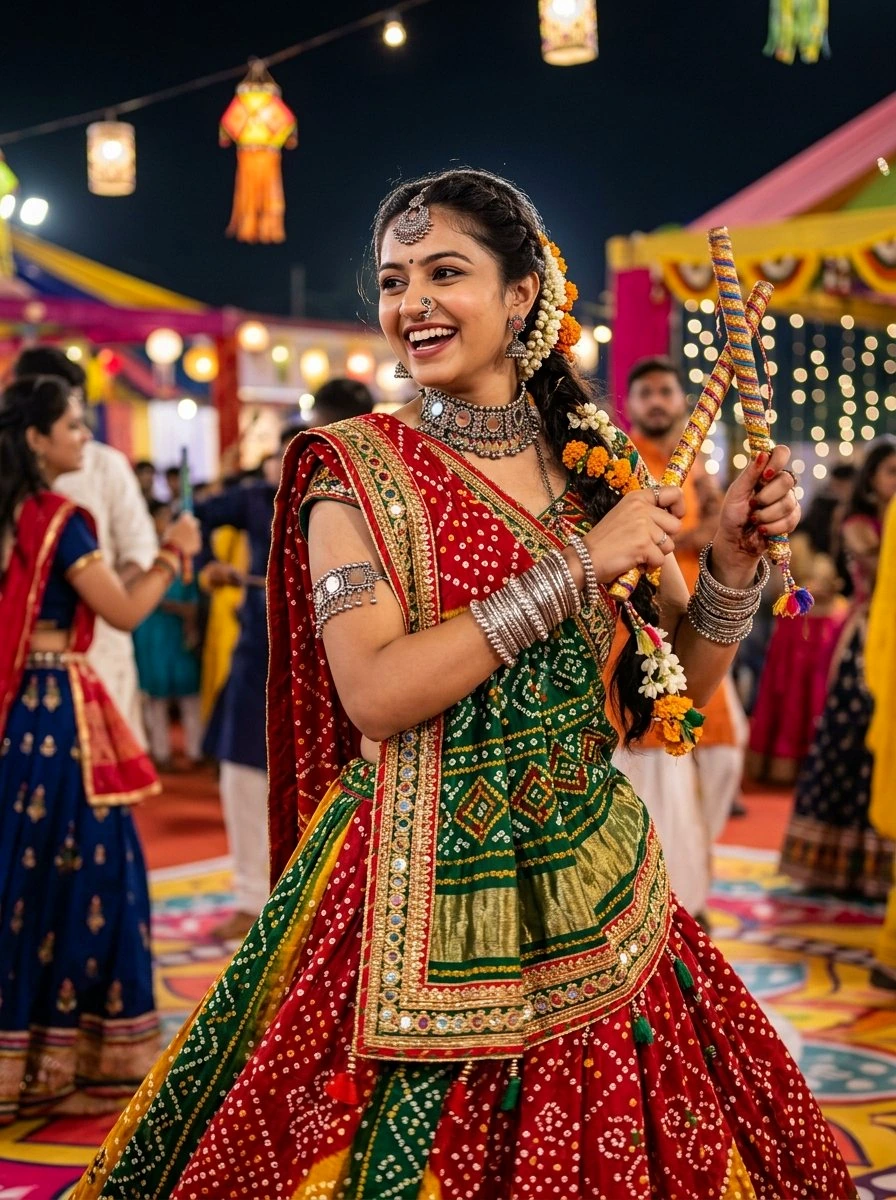
Intricate Bandhani tie-dye dots and reflective mirrorwork sparkle vividly on screen, capturing the electrifying spirit of Indian festive dance.
12. Shimmering Silver-Grey Organza Saree: Sequin Borders & Gentle Diya Flame
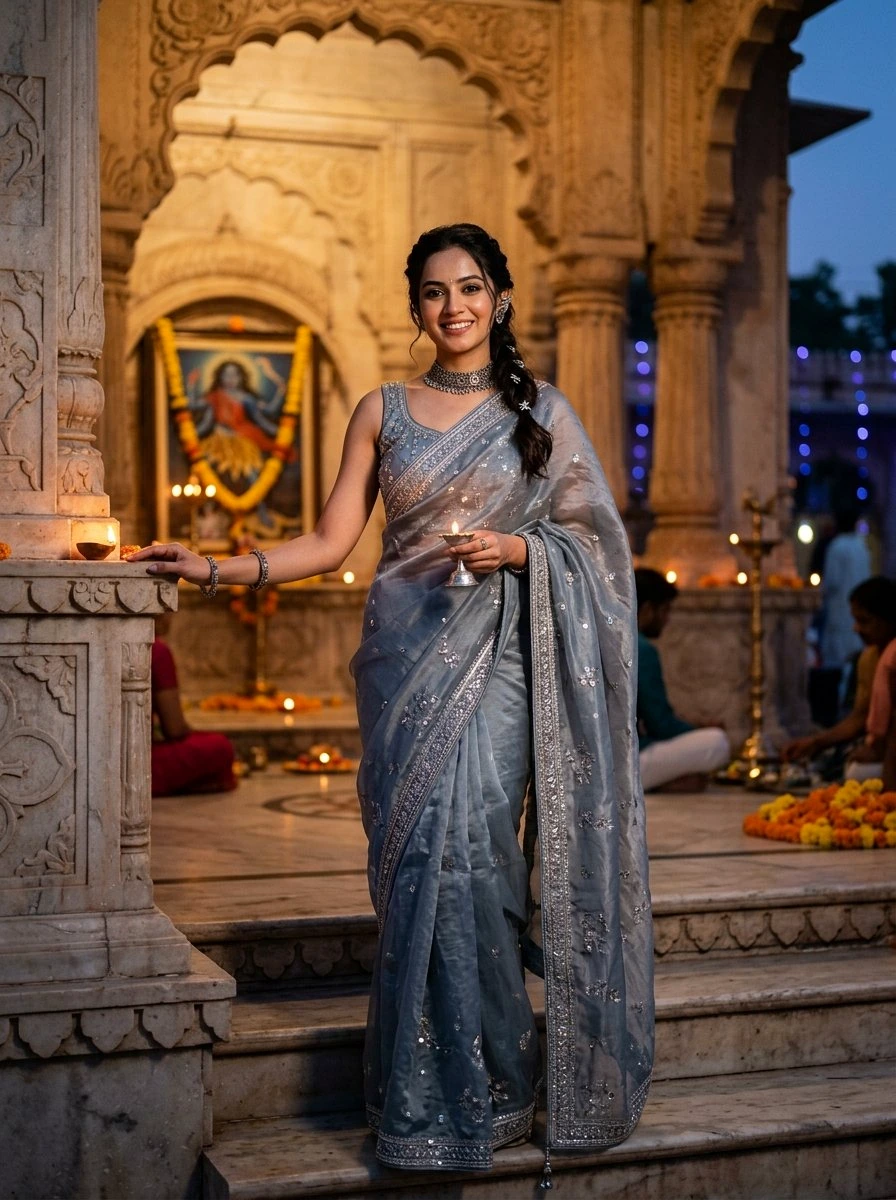
Sheer silver organza and delicate sequin shimmer offer a refreshing modern take on ethnic wear. The neutral metallic palette pairs exquisitely with sleek titanium iPhone finishes.
How to Master iPhone Depth Effect & Clock Headroom
Apple's iOS lock screen uses machine learning to dynamically segment portrait subjects, placing the time display slightly behind the subject's hair or head. To guarantee this feature activates seamlessly on every generation:
- The 40% Headroom Rule: Always prompt for
generous clean upper composition, soft gradient sky, and uncluttered negative space overhead. If the subject's head is too high or covers more than half of the clock digits, iOS will automatically disable the 3D effect. - Clear Edge Contrast: Specify
warm golden rim lighting, crisp edge definition, or backlighting. Strong contrast between hair and background helps Apple's Neural Engine generate a clean alpha mask without jagged cutout halos. - Widget Awareness: Note that adding lock screen widgets below the clock automatically disables Depth Effect in iOS. For the 3D layered look, keep the widget area clean.
How to Set Up iPhone Photo Shuffle (Step-by-Step)
Don't limit yourself to just one wallpaper! The iphone lock screen photo shuffle feature allows your lock screen to rotate through all 12 of these aesthetic wallpapers automatically:
Quick Photo Shuffle Setup Guide
Step 1: Save your favorite AI generated wallpapers to your iPhone Photos app.
Step 2: Wake your iPhone, press and hold the lock screen until the gallery opens, then tap the blue '+' button in the bottom right corner.
Step 3: Tap Photo Shuffle at the top of the menu, then tap Select Photos Manually at the bottom.
Step 4: Select all 12 generated wallpapers from your gallery and tap Add.
Step 5: Tap the '...' button in the bottom right corner to choose your shuffle frequency: On Tap, On Wake, Hourly, or Daily.
Step 6: Tap Done in the top right to activate your dynamic aesthetic lock screen!
AI Prompt Engineering Guide for Ultra-Realistic Wallpapers
To achieve high-end mobile wallpaper aesthetics that look like genuine 85mm prime lens photography rather than artificial computer graphics, incorporate these proven prompt formulas:
- Define Camera Optics: Include
shot on Sony A7R V with 85mm f/1.4 GM lensorHasselblad 100mm f/2.2 portrait lens with creamy circular background bokeh. - Specify Micro-Skin Realism: Use
natural skin texture with visible delicate pores, subtle peach fuzz, and realistic crystalline catchlights in eyes. - Eliminate Plastic Artifacts: Add negative qualifiers such as
no plastic doll skin, no CGI smoothing, no deformed fingers, no oversaturated skin tones. - Optimize Aspect Ratio: Always specify
aspect ratio 9:16orvertical 3:4so the image naturally fills modern edge-to-edge smartphone OLED screens.
Frequently Asked Questions (FAQ)
What makes an AI wallpaper prompt work perfectly with iPhone Depth Effect?
For the iOS Depth Effect to separate your subject and overlay the time numbers seamlessly, the prompt must specify three things: 1) High vertical resolution (9:16 aspect ratio), 2) A clear, uncluttered upper negative space (soft sky or bokeh) so the subject occupies the middle to lower two-thirds, and 3) Crisp subject edge definition with strong backlighting or rim lighting to help Apple's Neural Engine isolate the subject.
How do I set up iPhone Photo Shuffle with these AI generated wallpapers?
Press and hold your iPhone lock screen, tap the blue '+' button, select 'Photo Shuffle', choose 'Select Photos Manually', select your favorite AI generated wallpapers from your gallery, set the shuffle frequency (On Tap, On Wake, Hourly, or Daily), and tap 'Add' to set as your dynamic lock screen pair.
Why is the Depth Effect not working on my iPhone lock screen?
Depth Effect automatically disables if: 1) You have added lock screen widgets below the clock (widgets take priority over 3D layering), 2) The subject's head covers more than 50% of the clock numbers, or 3) The image background is too busy. Our prompts ensure generous headroom and clean background contrast to guarantee Depth Effect compatibility.
Can I put a personalized text message or motivational quote on my iPhone lock screen?
Yes! You can add text widgets directly above or below the clock in iOS 16/17/18, use the Shortcuts app to create automated lock screen banner prompts, or prompt ChatGPT/Gemini to embed your favorite quote directly into the wallpaper's lower third in elegant minimal typography.
Which AI generator produces the highest quality aesthetic iPhone wallpapers?
Google Gemini (Imagen 3), Midjourney v6, and FLUX.1 [dev] produce the highest optical quality with natural skin pores, realistic hair strand highlights, and zero plastic doll smoothing. Simply copy our tested prompts into Gemini or ChatGPT Plus for instant high-resolution wallpapers.