The Royal Enfield Gemini Prompt trend is currently exploding across Instagram Reels, YouTube Shorts, and Pinterest. Royal Enfield is not just a motorcycle in India; it is a symbol of royalty, pride, rugged elegance, and pure emotion. Whether it is the legendary Bullet 350, the timeless Classic 350, or the adventure-bred Himalayan, creating hyper-realistic AI portraits with these iconic machines has become the hottest trend of 2026.
Using Google Gemini (Imagen 3) and Bing Image Creator (DALL-E 3), you can generate ultra-realistic 8k cinematic bike portraits with lifelike chrome reflections, detailed engines, authentic Indian backgrounds, and natural skin textures. Below, you will find 10 hand-tested, high-definition Royal Enfield prompts for boys, girls, couples, and road trips, ready to copy with a single click.
Why Royal Enfield AI Prompts Are Going Viral in 2026
Across social media platforms, bike enthusiasts and digital creators love showcasing attitude and cinematic aesthetics. But hiring professional automotive photographers, arranging golden hour permits, or riding to Ladakh can cost thousands of rupees. With advanced AI models like Google Gemini, you can create studio-grade, editorial-quality motorcycle photos in just 10 seconds.
What makes these prompts especially popular:
- Authentic Indian Aesthetics: Realistic heritage havelis, Ladakh high passes, coastal national highways, and rainy monsoon roads.
- Perfect Mechanical Accuracy: Highlighting the signature round headlamp, teardrop fuel tank, chrome crankcase, and spoke wheels.
- Profile Picture (DP) Appeal: Boys and girls use these viral images for stylish WhatsApp, Instagram, and Facebook profile photos.
Quick Overview: 10 Royal Enfield Prompts
| # | Bike Model | Character / Style | Setting & Vibe |
|---|---|---|---|
| 1 | Classic 350 | Solo Boy Attitude | Golden Hour Highway Sunset |
| 2 | Bullet 350 (Matte Black) | Boy Attitude DP | Vintage Brick Street Alley |
| 3 | Hunter 350 | Modern Girl Biker | Hilltop Sunset Overlook |
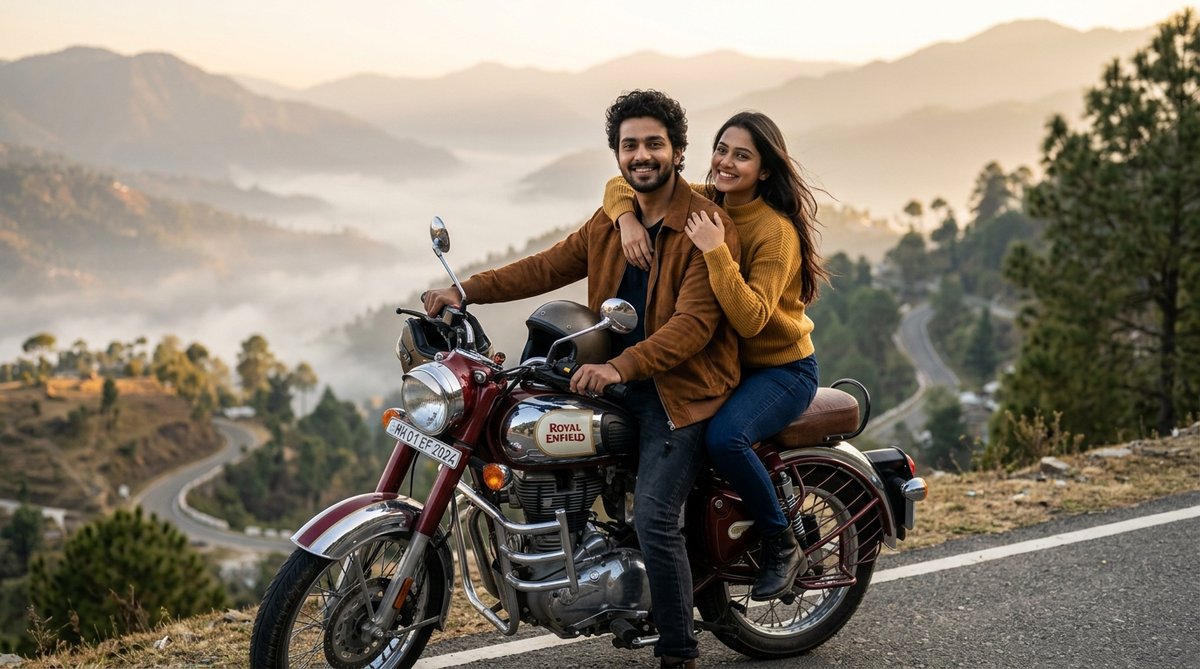
| 4 | Classic 350 (Maroon Chrome) | Romantic Couple | Misty Mountain Valley |
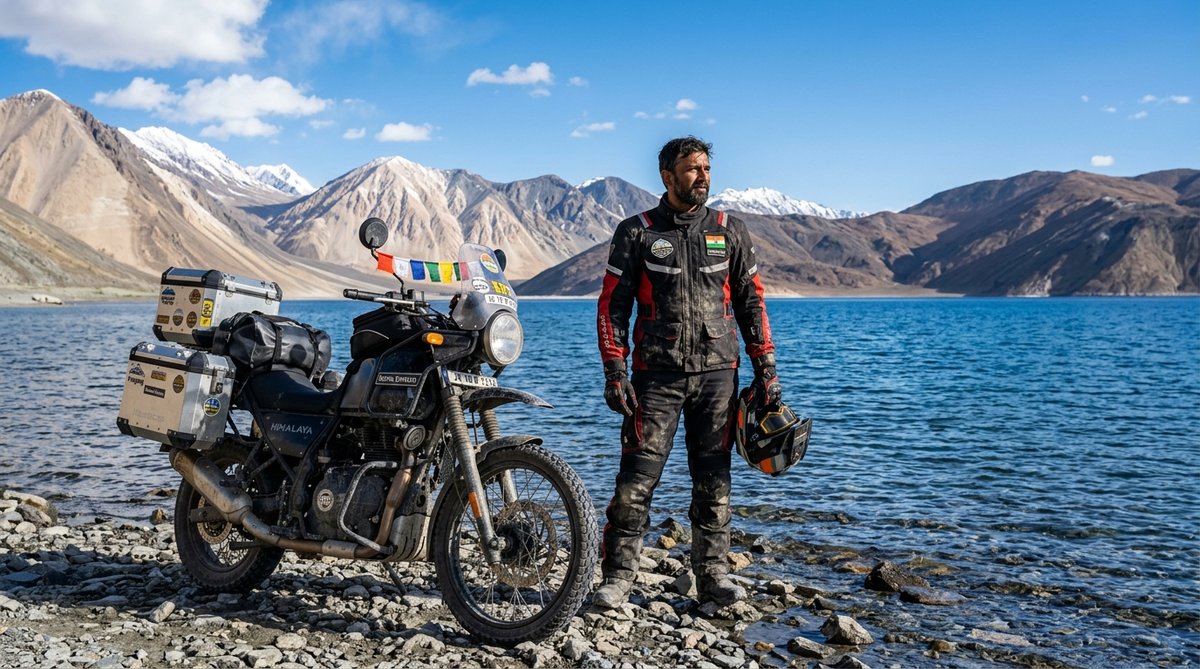
| 5 | Himalayan 450 | Adventure Explorer | Pangong Lake, Ladakh |
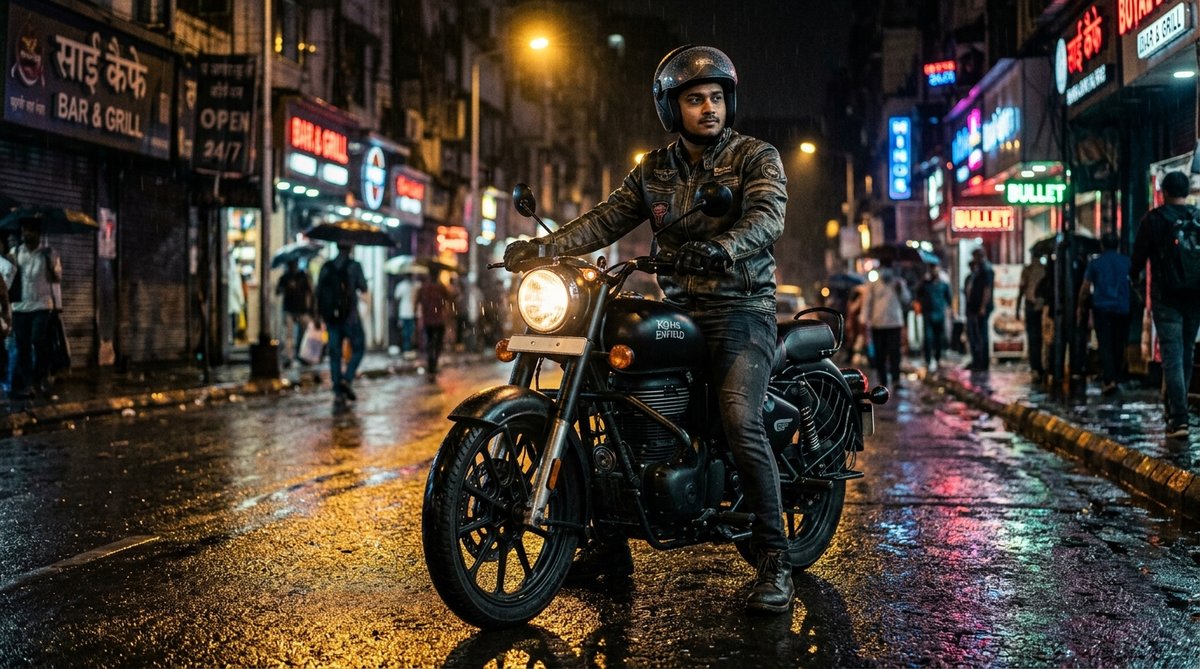
| 6 | Bullet 350 | Midnight Rider | Rainy City Wet Asphalt Neon |
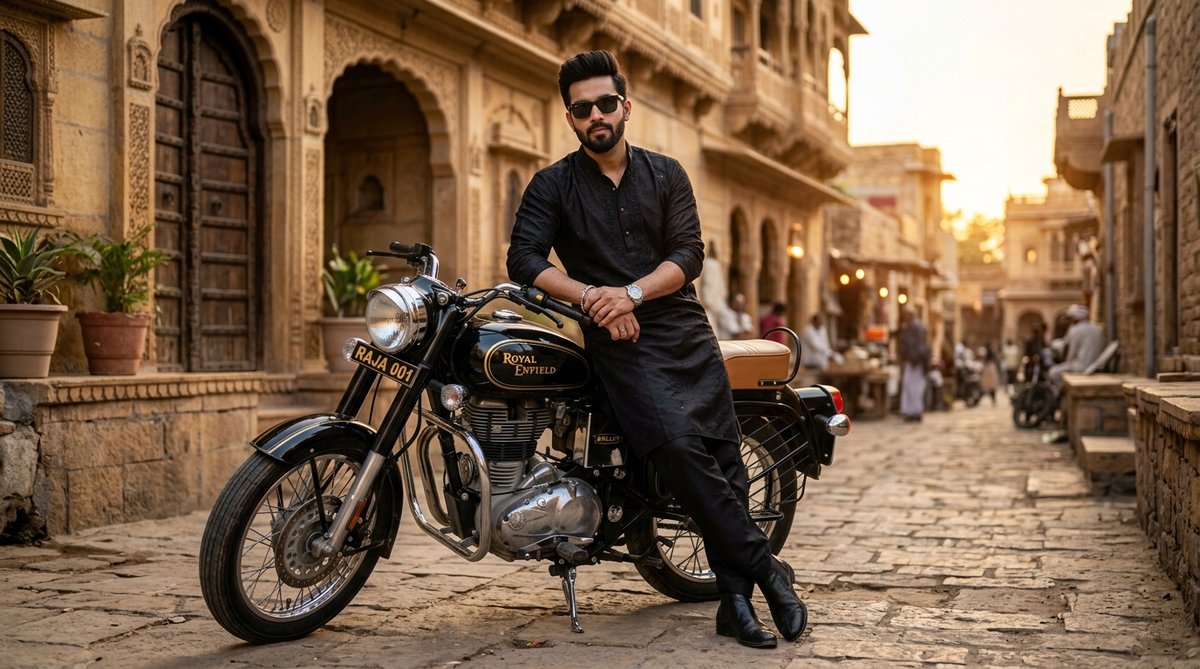
| 7 | Vintage Bullet | Desi Royal Pathani Kurta | Sandstone Haveli, Rajasthan |
| 8 | Classic 350 Chrome | Aesthetic Cafe Lifestyle | European Artisan Coffee Shop |
| 9 | Meteor 350 (Yellow) | Monsoon Cruiser | Foggy Pine Mountain Road |
| 10 | Bullet 350 (Touring) | Solo Wanderer | Thar Desert Sand Dunes Sunset |
Top 10 Royal Enfield Gemini AI Photo Editing Prompts
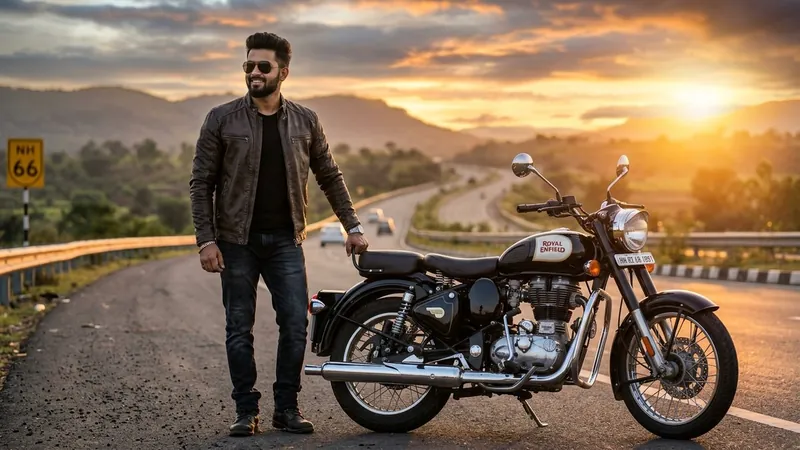
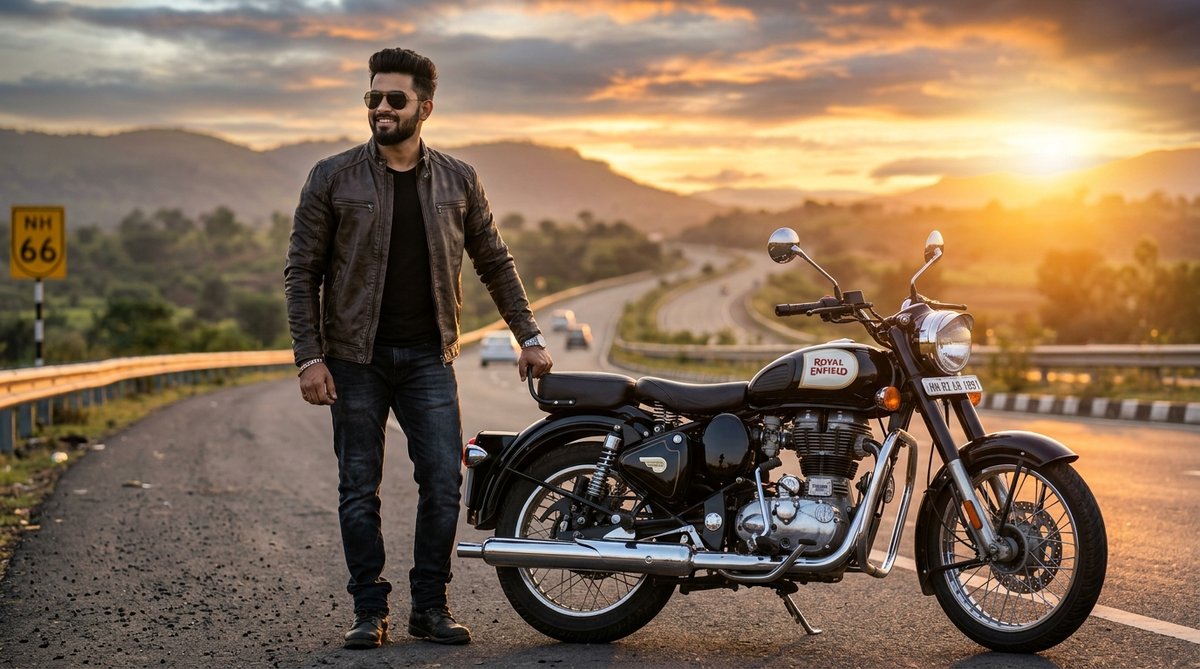
1. Royal Enfield Classic 350 Golden Hour Highway Swagger (Boy Attitude)
A cinematic golden hour highway portrait featuring a stylish Indian boy standing proudly with a glossy black Classic 350, perfect for Instagram feed posts and WhatsApp DPs.
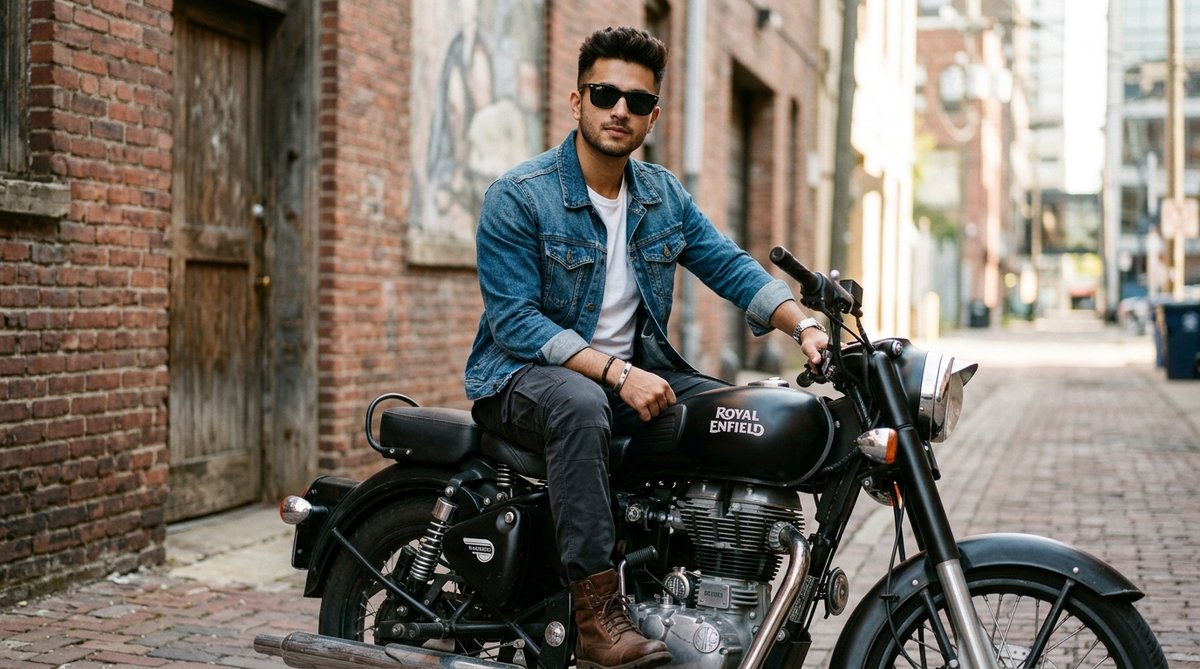
2. Matte Black Bullet 350 Urban Alley Attitude Look (Boy DP)
An edgy urban street portrait of an athletic boy sitting casually on a stealth matte black Bullet 350 in a historic brick alleyway.
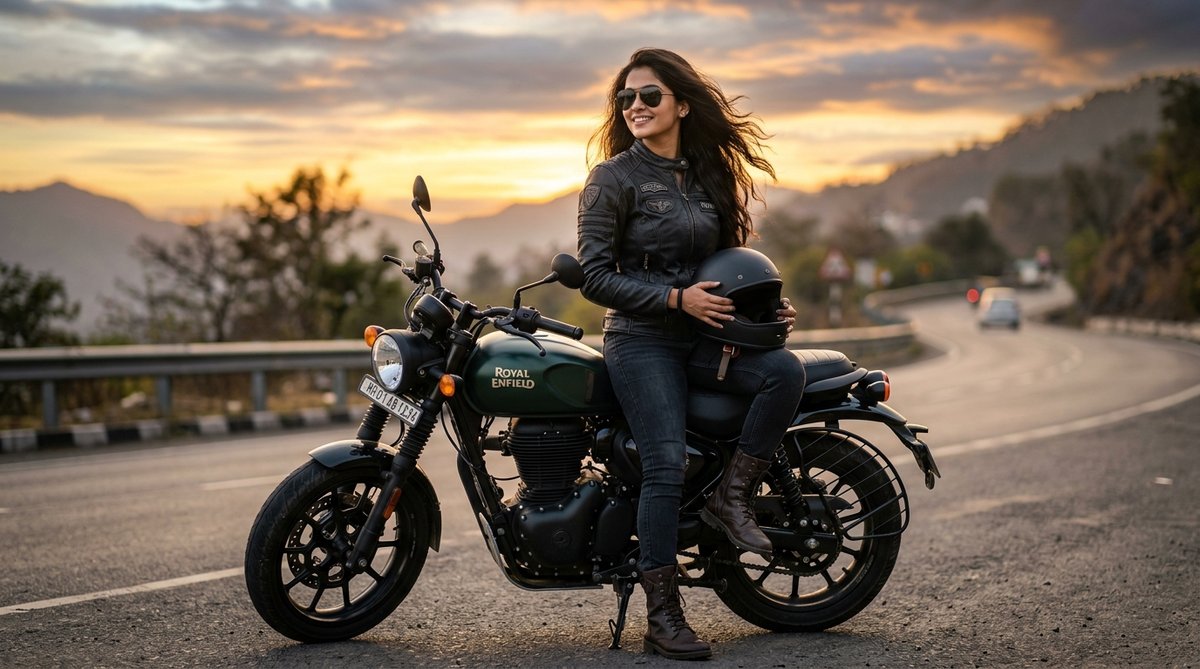
3. Modern Hunter 350 Indian Girl Biker Sunset Portrait (Girl DP)
A fierce, empowering, and stylish portrait of a modern Indian girl biker sitting on a dual-tone Hunter 350 with golden rim lighting.
4. Romantic Mountain Valley Couple Ride on Classic 350 (Couple Aesthetic)
A heartwarming and romantic couple travel portrait on a maroon chrome Classic 350 overlooking foggy Himalayan valleys.
5. Pangong Lake Ladakh Himalayan Expedition (Adventure Touring)
The ultimate Leh-Ladakh adventure bucket-list shot featuring a rugged rider and an expedition-ready Royal Enfield Himalayan beside crystal blue waters.
6. Midnight Wet Asphalt Neon Rain Bullet (Cyberpunk Night Ride)
A moody, cinematic midnight shot of a Royal Enfield Bullet parked on wet city streets with warm streetlights and colorful neon puddles.
7. Royal Heritage Haveli Pathani Kurta Swagger (Desi Bullet Attitude)
A royal desi swagger look featuring a handsome man in an embroidered black Pathani kurta leaning against a classic Bullet in Rajasthan.
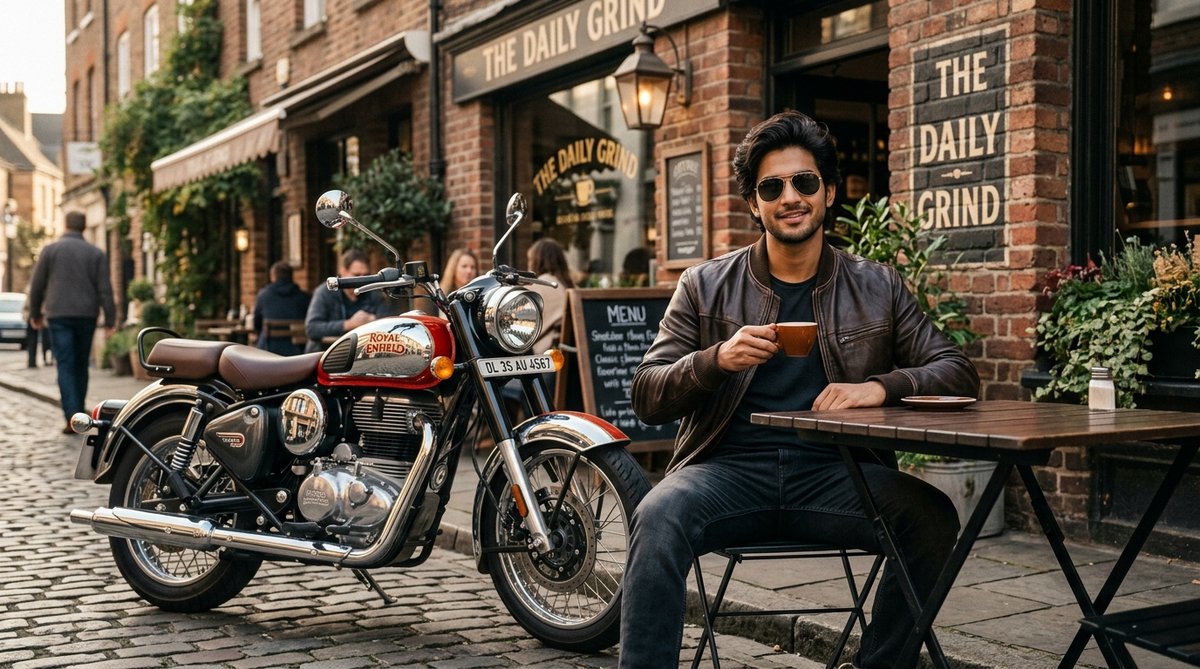
8. Vintage Red & Chrome Classic 350 Outside European Café
An aesthetic lifestyle portrait with a red and chrome Classic 350 parked outside a cozy artisan café with morning coffee.
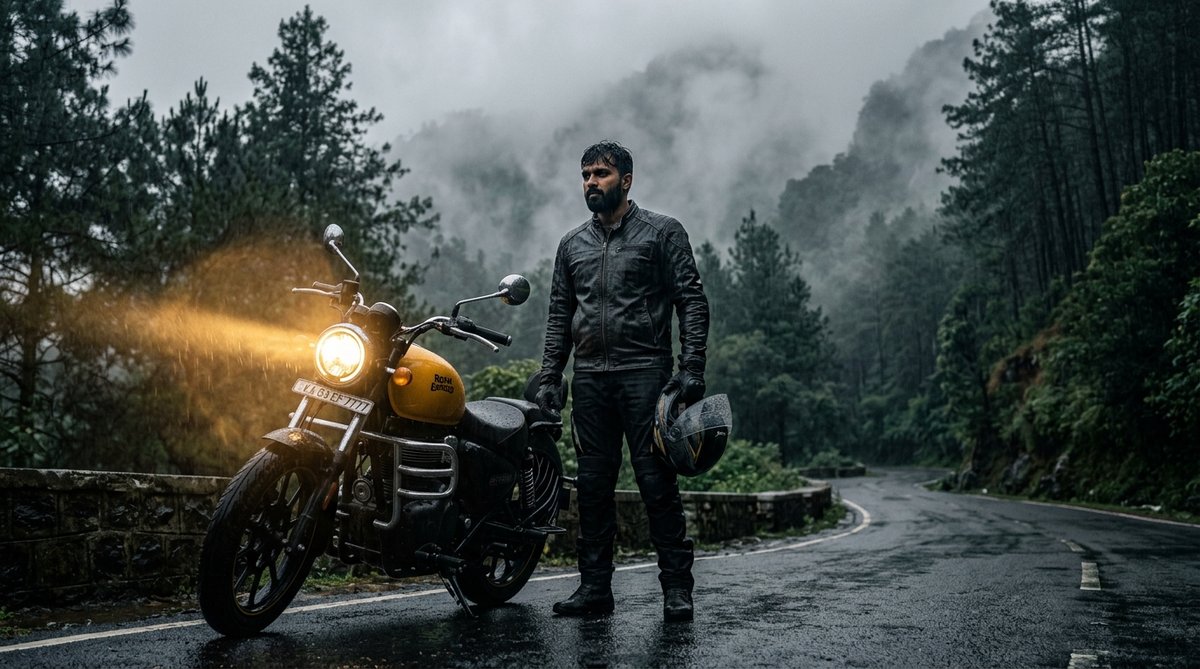
9. Monsoon Fog & Mountain Pine Forest Headlight Beam (Meteor 350)
A mesmerizing monsoon ride shot on a foggy hill station road surrounded by dense pines, with a glowing headlight beam cutting through the mist.
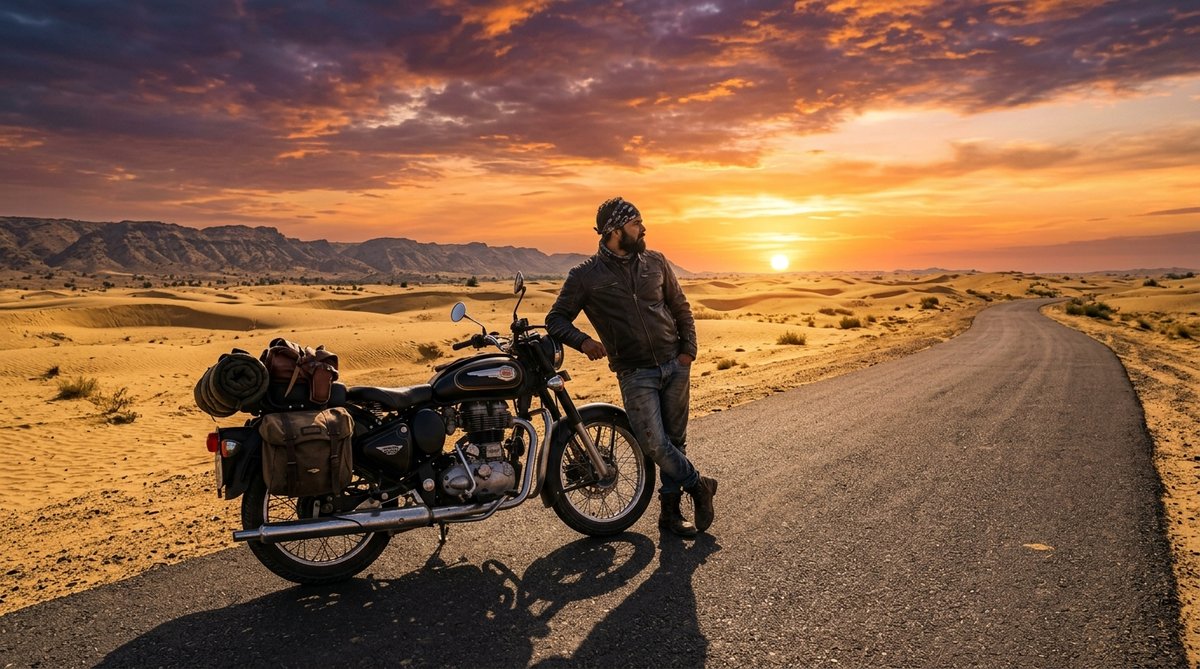
10. Rajasthan Thar Desert Dunes Sunset Highway (Epic Solitude Ride)
An epic landscape shot of a vintage Bullet parked beside endless golden sand dunes under a fiery Rajasthan sunset.
Step-by-Step: How to Generate Royal Enfield Photos in Google Gemini
Generating high-resolution AI bike photos is fast and 100% free. Follow these simple steps:
- Open Google Gemini or Bing Image Creator: Visit gemini.google.com or bing.com/create.
- Copy Your Favorite Prompt: Browse through the 10 prompts above and click the Copy Prompt button on the card you like best.
- Paste and Customize: Paste the prompt into Gemini's chat bar. If you want to change your shirt color, sunglasses type, or bike color (e.g., from glossy black to British Racing Green), make those quick text changes.
- Hit Generate: Wait 5 to 10 seconds. The AI engine will render 2 to 4 ultra-realistic 8k photo options.
- Download High-Res: Click on your preferred output and save it in full resolution on your mobile or PC.
Pro Tip: How to Swap Your Real Face onto AI Bike Photos
Once you generate an amazing Royal Enfield photo, you probably want your own face on the rider. Here is the easiest 3-step face swap workflow:
- Generate the base image: Use one of our prompts above with matching hair length and facial shape.
- Use a free AI Face Swap tool: Tools like Remaker AI, FaceSwapper, or SeaArt allow you to upload the generated AI bike photo as the "Target Image" and your real selfie as the "Source Image".
- Export in HD: In just 5 seconds, the AI seamlessly blends your exact facial features, skin tone, and expressions into the rider's body while preserving the sunglasses and motorcycle lighting.
How to Customize Bike Colors, Helmets & Number Plates
Want to personalize your Royal Enfield photo further? Here are quick keywords you can add to any prompt:
- Bike Color Schemes: Replace "glossy black" with "Stealth Black matte", "Signals Desert Sand", "Halcyon Green", or "Chrome Bronze".
- Number Plate Customization: Add the phrase: "A vintage yellow license plate on the front fender reading 'RJ 19 ROYAL' or your custom name."
- Riding Gear: Switch between "distressed café racer leather jacket", "waterproof adventure touring jacket with armor", or "royal black Pathani kurta with silver wristwatch".
- Camera Lighting: Use "golden hour side lighting with anamorphic lens flare" for sunny highway shots, or "diffused misty overcast light" for mountain hill station edits.
Frequently Asked Questions (FAQ)
Which AI tool is best for Royal Enfield photo editing prompts?
Google Gemini (with Imagen 3) and Bing Image Creator (DALL-E 3) are the two best free platforms. Gemini excels at hyper-realistic skin textures and natural lighting, while Bing Image Creator delivers incredible mechanical precision for Royal Enfield tanks, engines, and chrome components.
Can I generate a Royal Enfield photo with my own name on the number plate?
Yes! Simply specify in the prompt: "The motorcycle front number plate clearly displays the text '[YOUR NAME]'". Both Gemini and Bing Image Creator have excellent in-image text rendering capabilities.
Are these Royal Enfield prompts free to copy and use?
Yes, 100% free! You can click the Copy Prompt button on any card above and paste it directly into Gemini, ChatGPT, or Grok without any restrictions.
How do I get ultra-realistic faces without cartoonish AI plastic look?
Always include keywords like "hyper-realistic natural skin texture, visible pores, authentic lighting, raw 35mm photography, no plastic airbrushed effect" in your prompt. All prompts in this guide are pre-optimized with these photographic parameters.