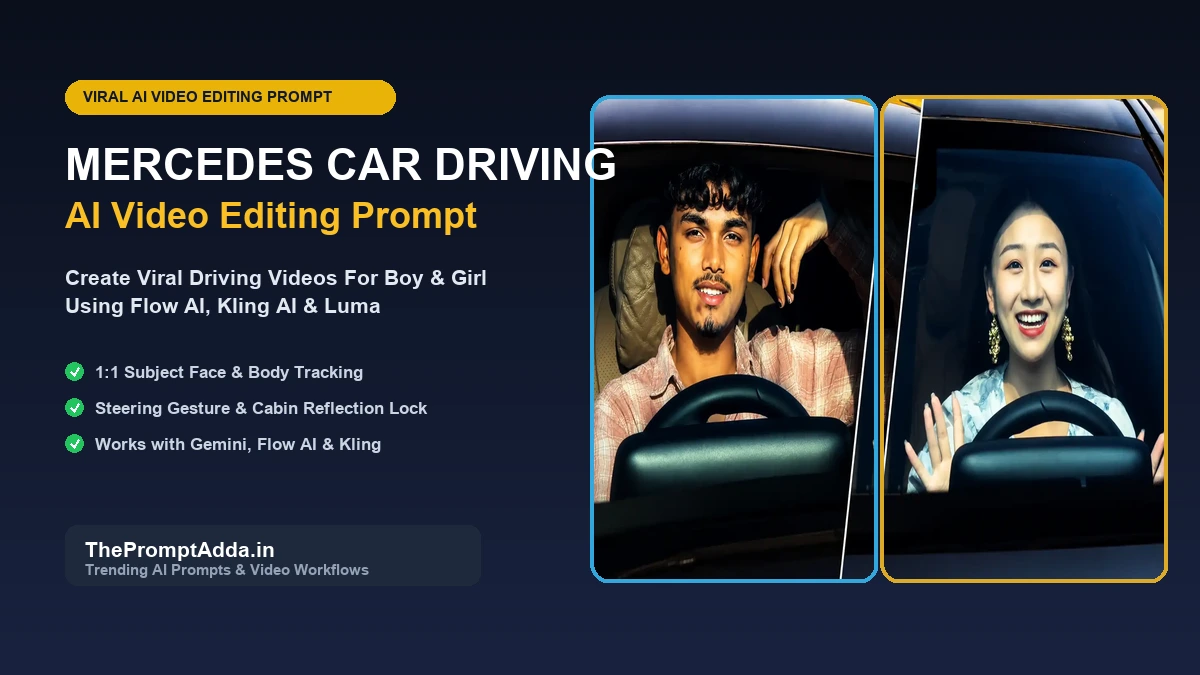
Across Instagram Reels, YouTube Shorts, and TikTok, luxury automotive video edits have exploded in popularity. Among them, the "Mercedes Car Driving AI Video" and "Mercedes Car Stand AI Video" trends have become massive viral sensations. In these clips, everyday creators appear seamlessly behind the steering wheel of a top-tier Mercedes S-Class or Mercedes-AMG sedan, cruising down neon-lit avenues or laughing in the driver seat with hyper-realistic cabin reflections and steering wheel motion.
Generating these photorealistic driving videos does not require a luxury car rental, green screen studio, or professional camera crew. With modern video AI generators like Google Flow AI, Kling AI, Luma Dream Machine, and companion multimodal engines like Google Gemini, you can transform a single clear solo selfie into a broadcast-quality driving video.
In this exhaustive 2026 master guide, we provide the exact 4 viral prompts for boys and girls, paired with an in-depth walkthrough of the reference video replacement method, camera optics parameters, and troubleshooting fixes.
The Viral Mercedes Car AI Video Trend Explained
The Mercedes car driving trend captivates audiences because it strikes a perfect balance between luxury aspirational lifestyle and effortless casual realism. Instead of an over-produced corporate car commercial, these clips look like authentic point-of-view smartphone video captured by a friend sitting in the passenger seat or through the front windshield.
Key elements that make this trend perform exceptionally on algorithmic feeds include:
- Authentic Steering Wheel Mechanics: The driver natural hand repositioning on the leather-wrapped Mercedes steering wheel adds instant kinetic believability.
- Dynamic Light Falloff: Sunlight passing through trees or sodium streetlights flickering across the driver face and dashboard anchors the video in reality.
- Candid Facial Expressions: A spontaneous smile, looking over to the passenger, or nodding along to music breaks robotic rigidity.
- Iconic Mercedes Dashboard Details: Distinctive circular turbine air vents, digital instrument cluster glow, and steering wheel tri-star emblem.
Why Video-to-Video Replacement Outperforms Text-to-Video
When creators try to generate a car driving video purely from text prompts (text-to-video), the AI model has to hallucinate the camera movement, vehicle physics, road timing, and steering wheel rotation from scratch. This frequently leads to morphing cars, melting steering wheels, and unnatural drifting cameras.
The secret behind the cleanest viral videos is the Video-to-Video In-Place Subject Replacement technique (available in tools like Google Flow AI, Kling AI v1.5, and Runway Gen-3):
- Master Plate Stability: A high-quality reference video of a real person driving a Mercedes serves as the master plate. The car interior, windshield reflections, and camera path remain 100% stable.
- Identity Transfer: The AI is instructed strictly to replace only the driver with your uploaded photo, matching your exact facial features, hair, and clothing.
- Motion Tracking: Because your face tracks the original driver head rotation and steering gestures frame-by-frame, the final clip looks flawlessly natural.
Complete Step-by-Step Tutorial: How to Make the Mercedes AI Video
Follow this step-by-step tutorial to create your luxury driving clip:
Step 1: Prepare Your Reference Photo
Select a clear, front-facing solo photo with natural lighting where your facial features, jawline, and hair are sharply in focus. Avoid sunglasses or heavy filters.
Step 2: Choose Your AI Video Platform
Open Flow AI, Kling AI, or Luma Dream Machine. If you want a photorealistic still image first to animate, open Google Gemini or ChatGPT.
Step 3: Upload Both the Photo & Reference Video
In Flow AI or Kling AI, select Video-to-Video mode. Upload your target driving reference video clip (3 to 5 seconds is optimal) and upload your portrait photo as the identity source.
Step 4: Paste the Replacement Prompt
Copy the prompt from Look 1 (for boys) or Look 2 (for girls) below. Make sure to tag your uploaded image so the AI knows which photo to use for identity transfer.
Step 5: Generate & Download in High Resolution
Hit Generate. The rendering engine will process the motion vectors and replace the driver. Once complete, export the video in 1080p or 4K resolution.
4 Viral Mercedes Car Driving Prompts (Copy & Paste)
Browse our collection of 4 tested prompts below. Click "Copy Prompt" to copy the parameters to your clipboard or launch directly into ChatGPT or Google Gemini.
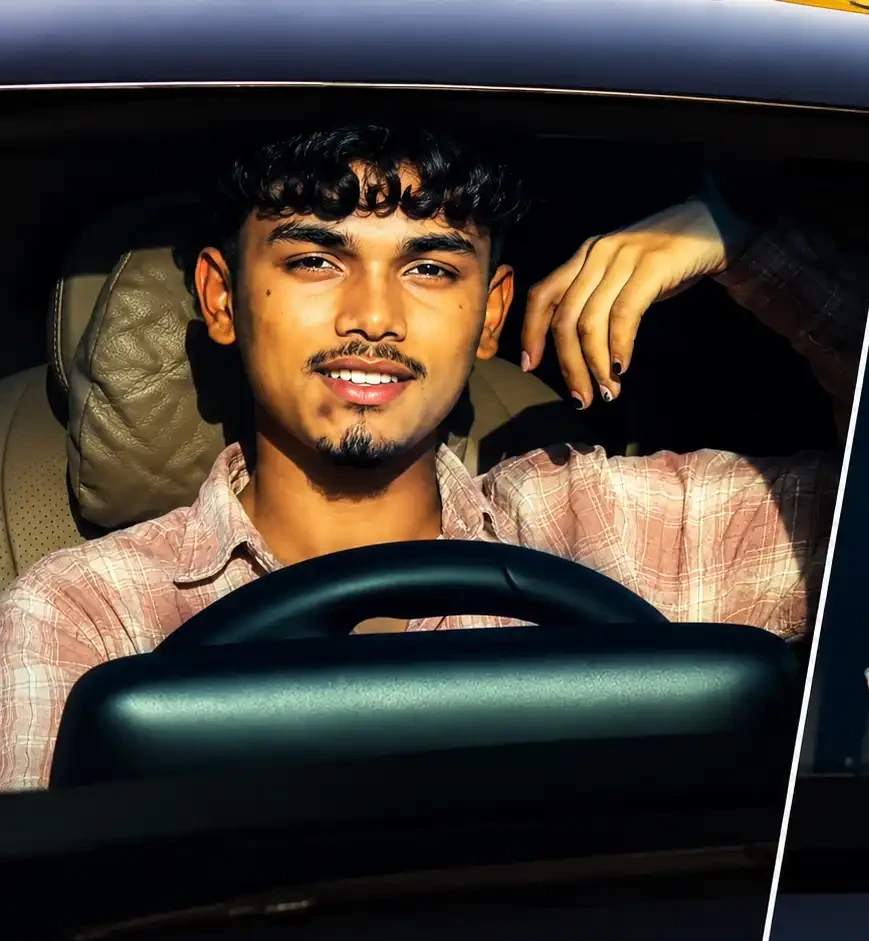
1. Mercedes Car Driving AI Video: Boy Steering Wheel POV (1:1 Subject Replacement)
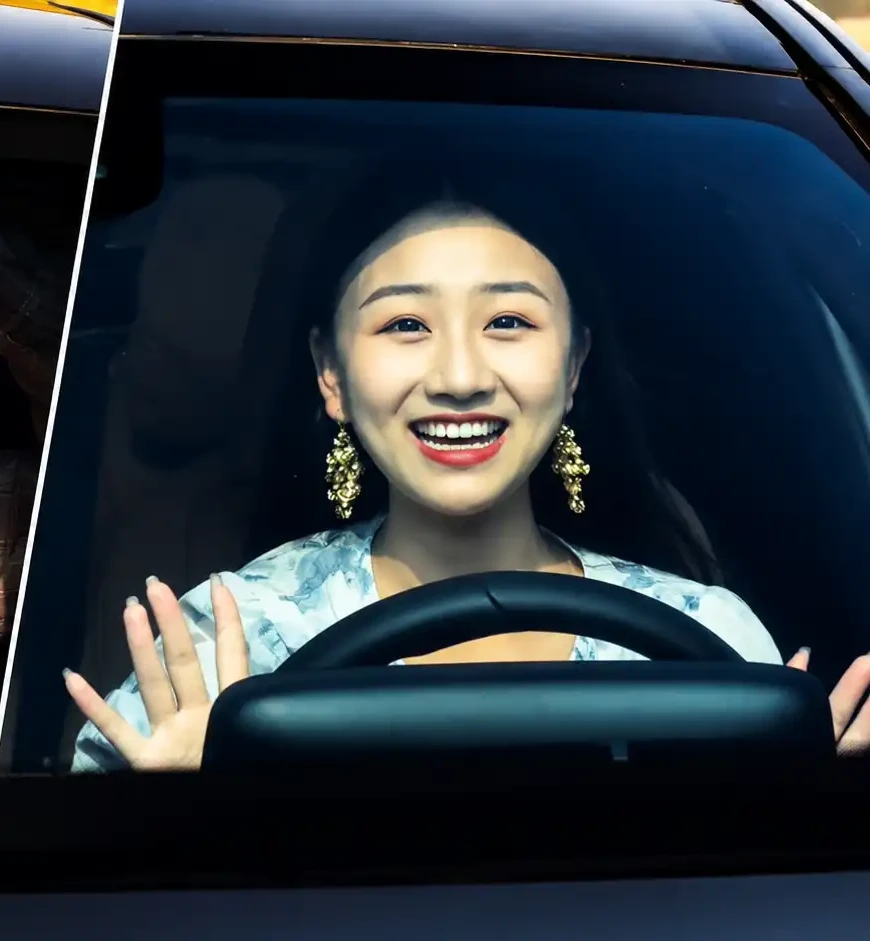
2. Mercedes Car Driving AI Video: Girl Luxury Interior POV (Joyful Driving Expression)
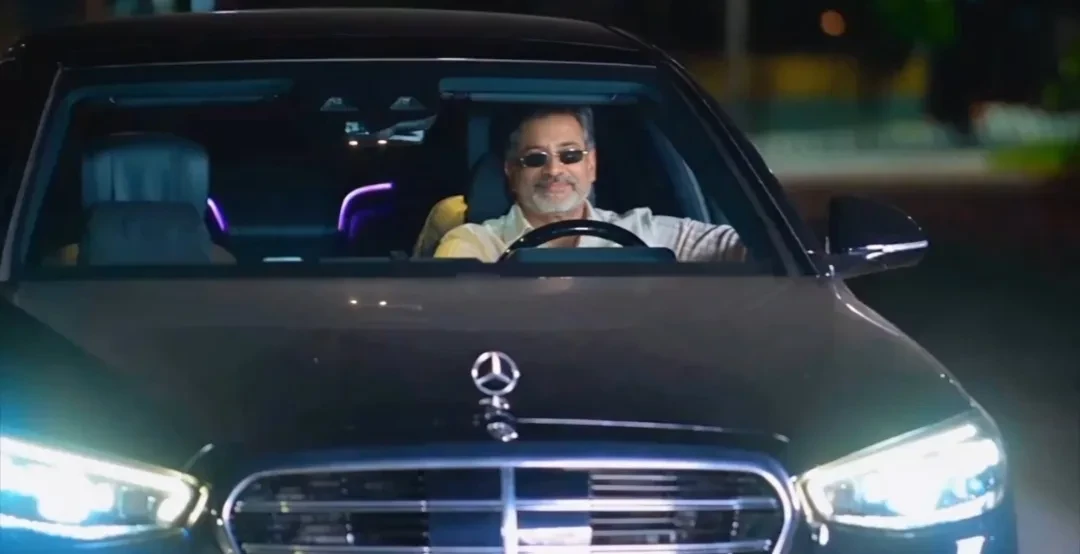
3. Mercedes S-Class Night Windshield Drive (Cinematic Exterior Headlight View)
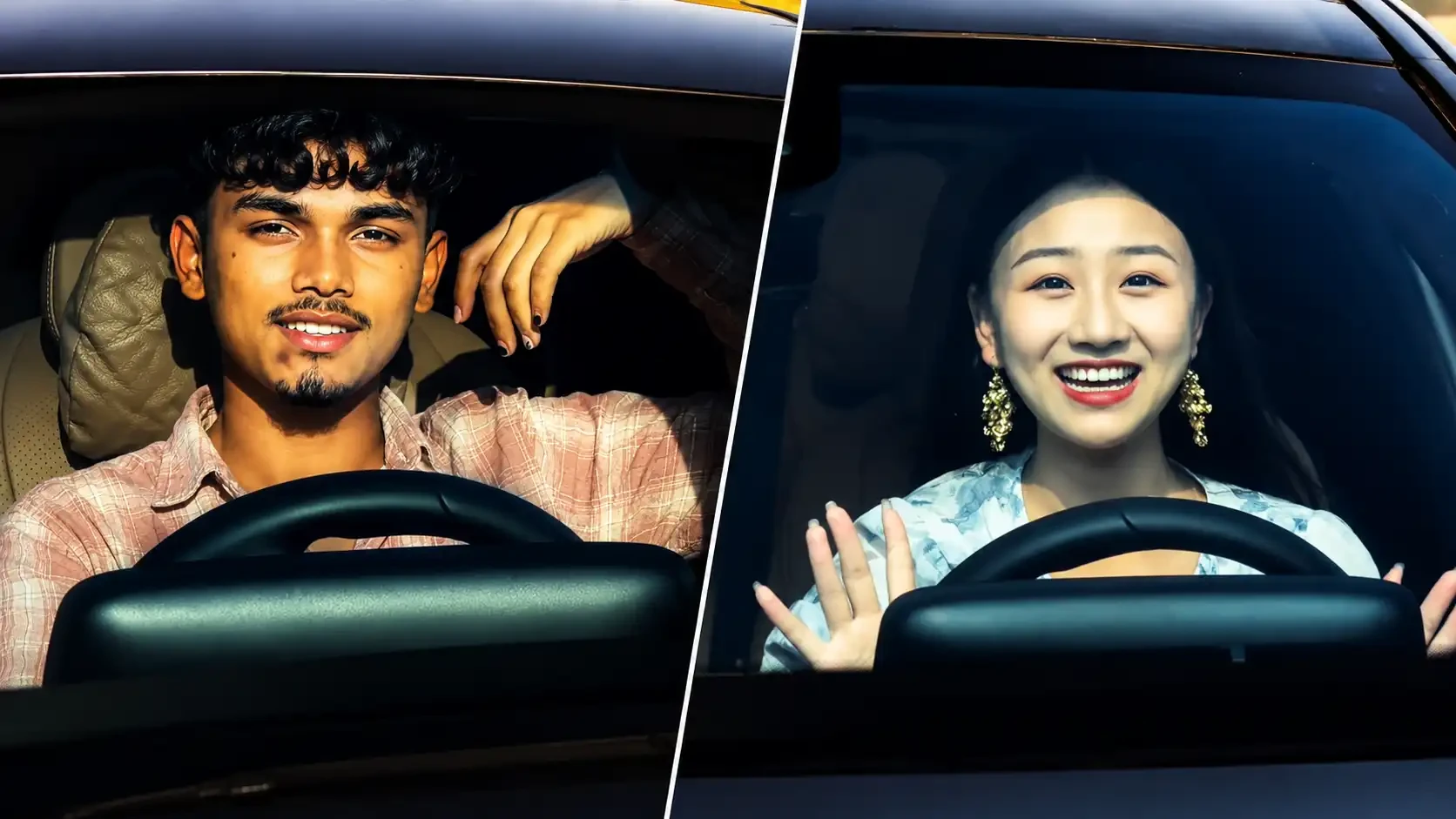
4. Mercedes Car Driving & Stand Duo Comparison (Split Screen Transition Look)
Camera Settings & Lighting Parameters Comparison Table
When generating photorealistic vehicle imagery or animating video clips, these optical calibrations guarantee cinematic realism:
| Driving Style | Camera Angle | Lighting Physics | Recommended Tool | Target Aspect Ratio |
|---|---|---|---|---|
| 1. Boy Steering Wheel POV | Passenger seat eye-level 50mm | Warm directional golden hour sunlight | Flow AI / Kling AI | 9:16 vertical |
| 2. Girl Luxury Interior POV | Dashboard center-mounted 35mm | Bright ambient daylight with tinted window falloff | Flow AI / Luma Dream Machine | 9:16 vertical |
| 3. S-Class Night Windshield | Low exterior front hood level | LED headlight flares & neon ambient glow | Google Gemini / ChatGPT | 9:16 or 16:9 |
| 4. Split Comparison Transition | Dual passenger & windshield angle | Matched natural daylight highlights | CapCut / VN Editor | 16:9 or 9:16 |
Troubleshooting Common AI Video Glitches (Hands, Face & Glare)
Car driving AI videos involve complex reflections and articulated hand movements. Here is how to fix common glitches:
1. Warped Hands on the Steering Wheel
If hands fuse into the steering wheel, ensure your prompt includes: "Natural distinct five fingers gripping the leather steering wheel, natural knuckles, zero hand distortion, realistic steering wheel curvature."
2. Face Looking Too Plastic or Artificial
Enforce raw realism by adding: "natural skin micro-pores, fine stubble, authentic facial expression lines, zero airbrushing, unretouched smartphone documentary realism."
3. Windshield Glare Obscuring the Face
If exterior reflections completely wash out the driver face, add: "clean transparent windshield with subtle realistic glare, driver face clearly visible and illuminated by dashboard ambient light."
How to Edit for Instagram Reels with CapCut & Trending Audio
Follow this creator workflow to maximize views on Instagram Reels:
- Create a Before & After Hook: Start with a 1-second clip of your normal photo, followed by a dynamic blur transition revealing the Mercedes driving video.
- Add Speed Ramping: In CapCut, add a subtle speed ramp (0.8x slow-down on the steering turn, then 1.2x on the straight road).
- Color Grade with Teal & Orange LUT: Enhance the luxury aesthetic with gentle contrast and deep black levels.
- Pair with Trending Audio: Add trending luxury lifestyle beats or viral Punjabi / hip-hop tracks to boost algorithmic distribution.
Explore Related Trending AI Prompts
Discover more viral prompts to grow your social media presence:
- Chlare Chalre Waal Couple Photo Editing Prompt: Viral messy hair romantic pose prompts.
- Royal Enfield Gemini Prompts (10 Viral Bike Looks): High-altitude mountain bike adventure prompts.
- Brother and Sister Prompt for Gemini AI (2026): Sibling portrait prompts for festivals and road trips.
- Couple Eyes AI Photo Editing Prompts: Intimate macro eye photography prompts.
- ChatGPT Candid Photo Prompts: Authentic everyday lifestyle photography prompts.