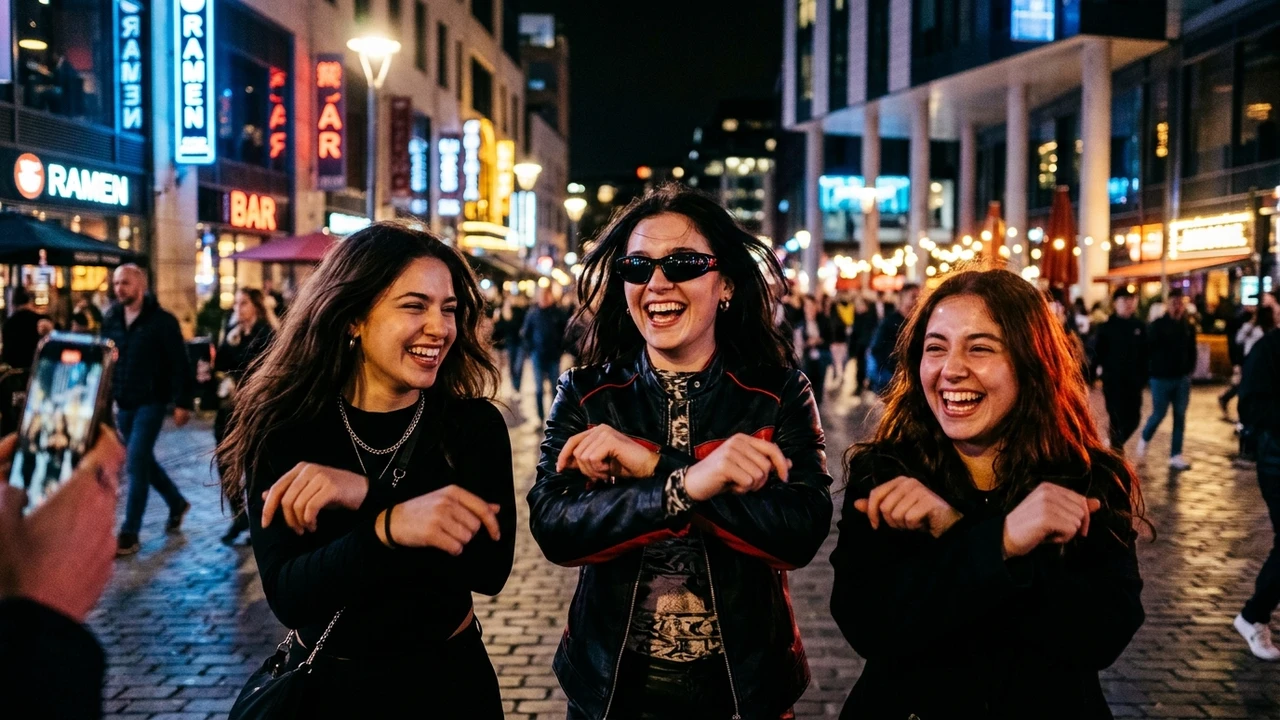
The viral Gangnam Style prompt has become the fastest-growing AI video trend across Instagram Reels, YouTube Shorts, and TikTok. Using the latest Gangnam Style AI video prompt formulas, creators around the world are generating high-energy 3-person group dance videos by swapping real faces onto the iconic horse-riding dance choreography with cinematic night lighting, wide-angle motion, and genuine smiling expressions.
Quick Guide: Gangnam Style AI Video Prompt & Free Dance Workflow
To make a Gangnam Style AI video free, download the clean 10-second muted reference dance clip below, copy our master open Gangnam Style prompt, and upload 3 clear portrait photos into Google Flow or Viggle AI. The AI automatically replaces all three dancers while locking 100% of the original choreography, camera pans, and neon background intact for a watermark-free Gangnam Style AI dance video download.
Whether you are searching for an open Gangnam Style prompt for a trio of friends, an authentic Indian wedding sangeet version, or a solo dance edit, this guide provides the exact tested Gangnam Style AI prompt formulas, direct Gangnam Style AI video download reference files, and troubleshooting steps to bypass the common "Unable to edit speech" error.
- 1. Watch & Download Gangnam Style Reference Video
- 2. What You Need to Create Gangnam Style AI Video Free
- 3. Step-by-Step Gangnam Style AI Dance Video Workflow
- 4. The Official Gangnam Style AI Video Prompt (Copy Paste)
- 5. Trending Gangnam Style AI Dance Variations (Wedding, Streetwear & Solo)
- 6. Expert Tips for High-Resolution Video Download & Quality
- 7. Frequently Asked Questions
1. Watch & Download the Gangnam Style Reference Dance Video
First, watch the 10-second reference clip below. This is the exact muted motion source you need for your Gangnam Style AI video download and Google Flow character replacement template.
Clean 720p H.264 reference clip without background audio. Optimized for Google Flow character replacement.
2. What You Need to Create Gangnam Style AI Video Free
To generate your Gangnam Style AI video free without paying for premium subscriptions or third-party plugins, ensure you have the following ready:
- Google Flow Account: Sign in to Google Flow with your standard Google account to use your free generation credits.
- Muted Reference Dance Video: The 10-second clip provided above.
- Three High-Quality Reference Photos: Clear, well-lit portraits of the three people you want in the dance:
- Image 1: Replaces Character 1 (Dancer on the left).
- Image 2: Replaces Character 2 (Dancer in the center with sunglasses).
- Image 3: Replaces Character 3 (Dancer on the right).
- CapCut or VN Video Editor: A free mobile video editor to combine your generated clips and sync the official Psy - Gangnam Style soundtrack.
3. Step-by-Step Gangnam Style AI Dance Video Workflow
Upload the Muted Reference Video & Your Photos
- Open Google Flow and start a new project.
- Choose Ingredients Mode and verify your aspect ratio is set to 16:9.
- Upload the muted 10-second reference video clip as your primary motion source.
- Upload your three reference portraits in exact sequence:
- Upload Photo 1 for Character 1 (Left dancer).
- Upload Photo 2 for Character 2 (Center dancer).
- Upload Photo 3 for Character 3 (Right dancer).
Paste the Viral Gangnam Style AI Prompt & Generate
Copy the prompt from the prompt box below and paste it directly into the Flow instruction field. Then click Generate and allow the model 60 to 90 seconds to render your video.
Add the Original Psy Gangnam Style Soundtrack
- Open CapCut or VN Video Editor on your mobile device or computer.
- Import your generated 10-second dance video clip onto the timeline.
- Import the original Psy - Gangnam Style audio track.
- Line up the audio waveform so that the beat drops precisely as the dancers cross their wrists for the horse-riding step.
- Mute any ambient noise from the video track and export in 1080p 60fps.
4. The Official Gangnam Style AI Video Prompt (Copy Paste Formula)
This master Gangnam Style prompt is calibrated with strict neural constraint tokens. It instructs the generative video model to preserve 100% of the original choreography, camera motion, and city square lighting while cleanly swapping character faces and clothing with your uploaded photos for an ultra-realistic Gangnam Style video prompt execution.
5. Trending Gangnam Style AI Dance Variations (Wedding, Streetwear & Solo)
If you want to tailor the video to different aesthetics or cultural themes, use these customized prompt variations.
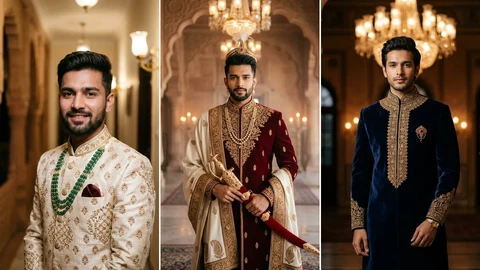
Variation 1: Indian Wedding Sangeet Night Gangnam Style
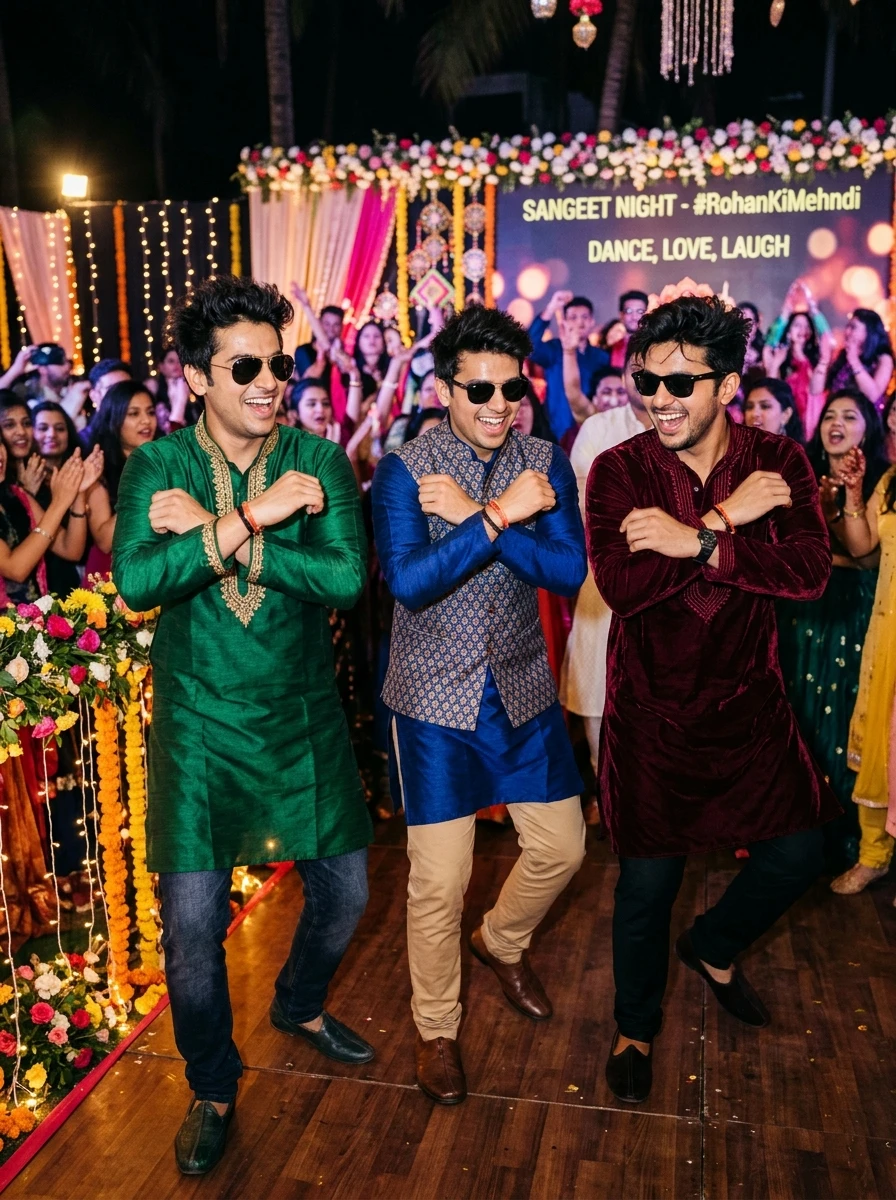
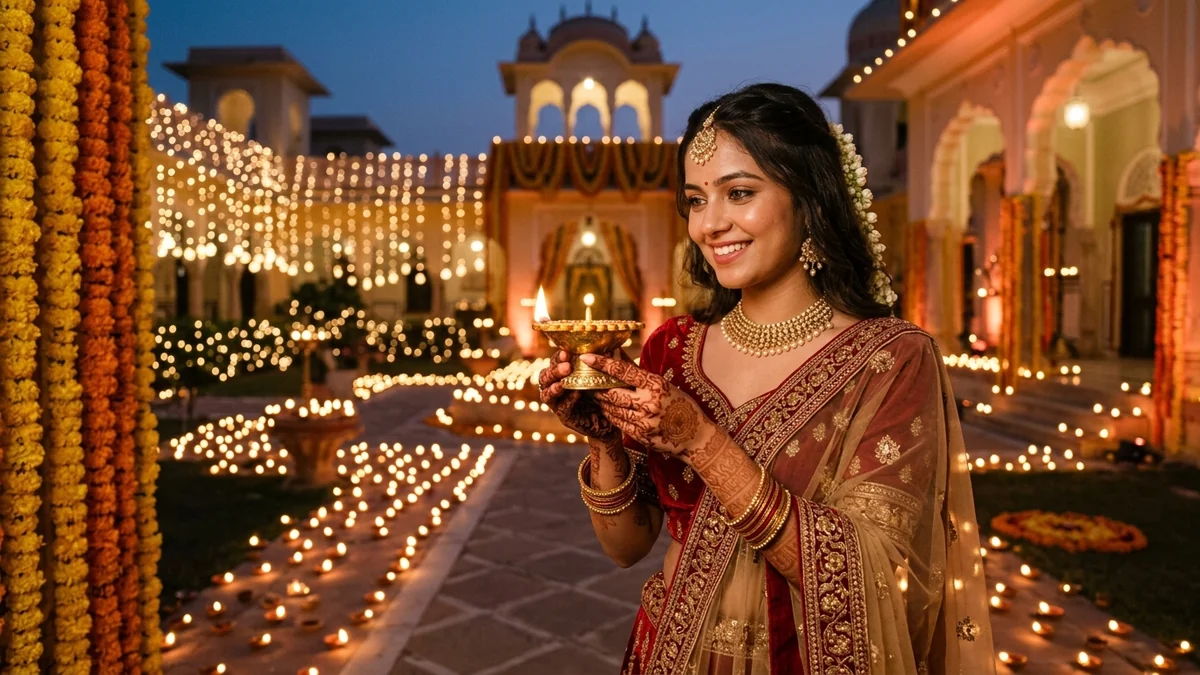
Camera Aperture & Styling Nuances (Open Gangnam Style Trend Prompt Variation 1): What sets #1 apart in this Open Gangnam Style Trend Prompt collection is the interplay between the reference persons from the provided images. Replace Character 1 with the person from and natural soft directional directional highlights. Generating at 85mm f/1.4 prime focal length eliminates wide-angle facial distortion, keeping jawline proportions, eye catchlights, and intricate garment detailing completely photorealistic across both Gemini Nano Banana and ChatGPT 4o.
Variation 2: Boys Urban Streetwear Cyberpunk Gangnam Style
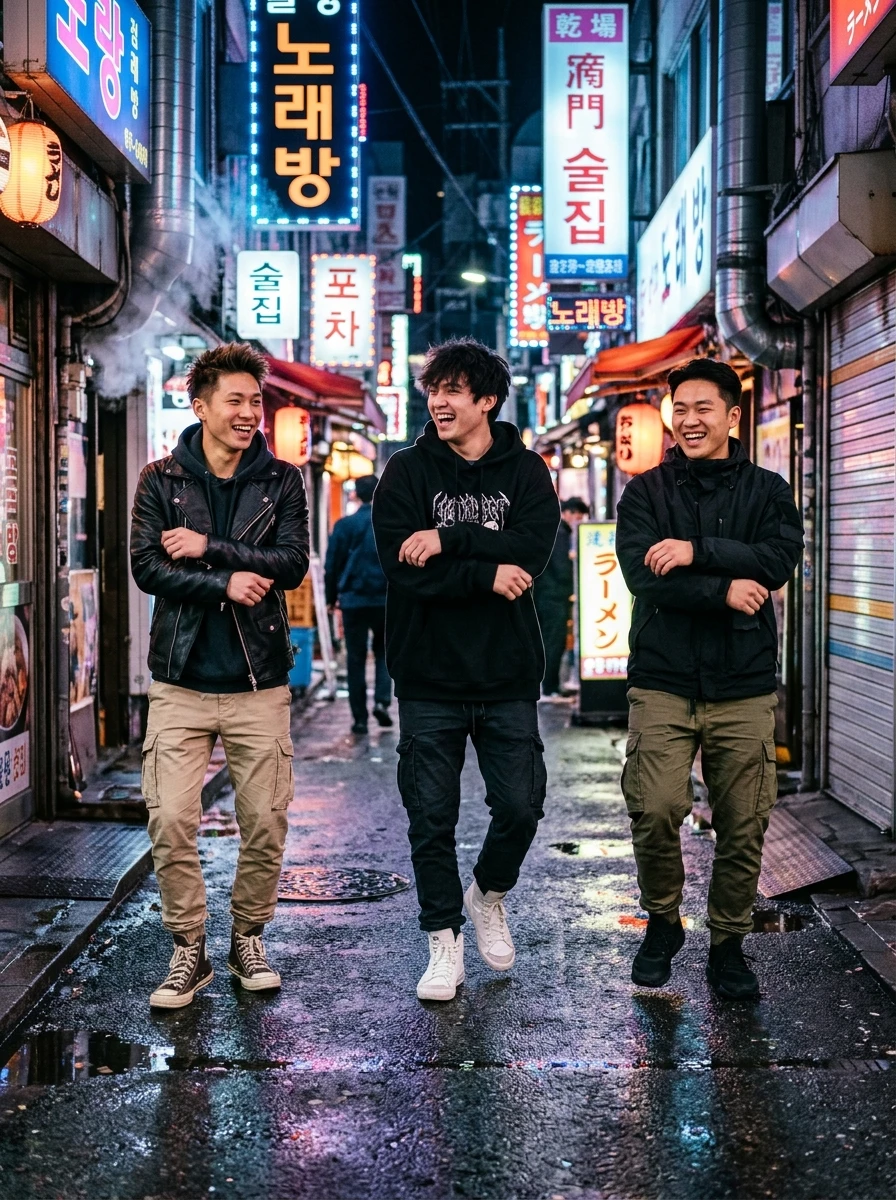
Pro Face-Match & Color Grading Tip (Variation 2: Boys Urban Streetwear Cyberpunk Gangnam Style): When running prompt #2 for your Open Gangnam Style Trend Prompt edit, the keywords guys in oversized streetwear hoodies, leather bomber jackets, cargo pants, and retro sneakers, doing instruct the diffusion engine to balance skin-tone warmth against dual-tone twilight and ambient rim ambient shadows. Paired with 35mm portrait compression, this guarantees magazine-grade sharpness suitable for Instagram 4:5 posts, Reels covers, and HD profile displays.
Looking for more creative styles? Check out our companion guide on Trending Instagram AI Photo Prompts (Viral Reels & Feeds) on PromptDeckAI for high-engagement viral concepts, neon color pop and modern creator edits.
Variation 3: Solo Single Person Gangnam Style AI Dance Prompt
If you don't have three photos and want to generate a solo Gangnam Style AI dance video starring yourself, use this single-character prompt optimized for Viggle AI and Google Flow:
6. Expert Tips for High-Resolution Gangnam Style AI Video Download & Face Consistency
- Use Front-Facing Lit Portraits: Avoid uploading photos with heavy shadows, extreme angles, or hats that cover the forehead. Evenly lit portraits yield near 100% facial likeness in the output video.
- Maintain Photo Order: If you generate multiple parts or re-renders, always upload the three photos in the exact same order (Left dancer, Middle dancer, Right dancer).
- Outfit Control: What the person wears in the uploaded reference photo is what Google Flow will wrap onto their character in the dance video. If you want a leather jacket look, upload a photo where you are wearing a leather jacket.
- Handling Minor Artifacts: If a hand gesture appears soft or slightly distorted on the first run, regenerate once using the same seed. Video diffusion models frequently produce a crisp hand render on the second pass.
Frequently Asked Questions (FAQ)
Q1: What is the Open Gangnam Style trend on Instagram and TikTok?
The Open Gangnam Style trend is a viral AI group dance reel format where three friends appear dancing together in a city square at night performing the iconic Gangnam Style horse-riding moves. Creators use AI video tools like Google Flow, Viggle AI, or Kling to swap the original dancers' faces and outfits with their own photos while preserving the original choreography, lighting, and camera motion.
Q2: How do I fix the 'Unable to edit speech' error in Gangnam Style AI video prompt?
Google Flow throws an 'Unable to edit speech' error when the uploaded reference video contains audio tracks with singing, talking, or lip-sync audio. To avoid this error, you must always upload a 100% muted reference video clip (such as the 10-second reference video provided in this guide). You then add the original Psy Gangnam Style music back during final video editing in CapCut or VN Editor.
Q3: Can I make a Gangnam Style AI video free without paid tools?
Yes, Google Flow provides free initial generation credits upon signing in with your Google account. You can use these free credits to upload your reference photos and generate both 10-second dance video clips.
Q4: Can I create a solo or duo Gangnam Style AI dance video?
Yes. While the standard reference video features three dancers, you can modify the prompt instructions to swap only Character 1 and Character 2 for a duo, or duplicate a single person across all positions for a fun clone dance effect.
Q5: Where can I get the Gangnam Style AI video download reference clip?
You can download the clean 10-second muted reference dance clip directly from Section 1 of this guide by tapping 'Save Reference Video'. Using this pre-muted H.264 MP4 clip prevents audio encoding conflicts and ensures 100% smooth character replacement in Google Flow, Viggle AI, and Kling.
Fabric Texture & Atmospheric Depth (Variation 3: Solo Single Person Gangnam Style AI Dance Prompt): Variation #3 elevates standard Open Gangnam Style Trend Prompt generation by layering stylish individual performing the energetic Gangnam Style dance solo in the center of an under dual-tone twilight and ambient rim studio-grade contrast. The 85mm f/1.4 prime perspective separates foreground drapery and accessories from the background plane, giving the final 8K portrait a tactile, three-dimensional DSLR realism that never looks plastic or over-smoothed.