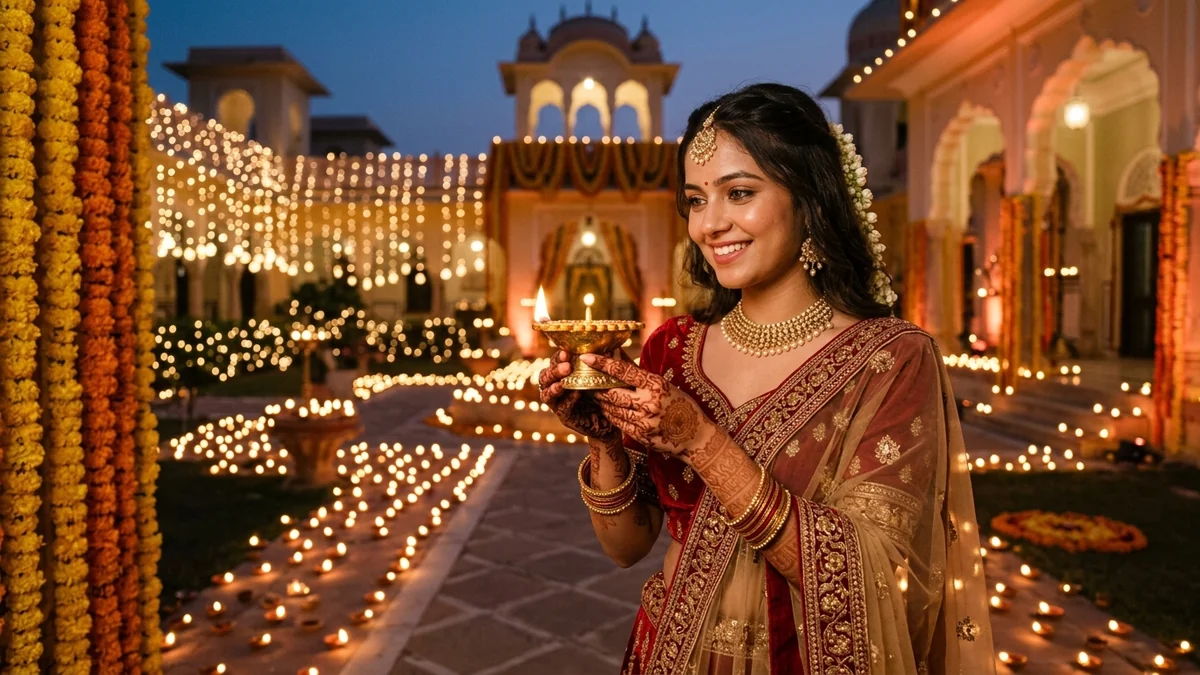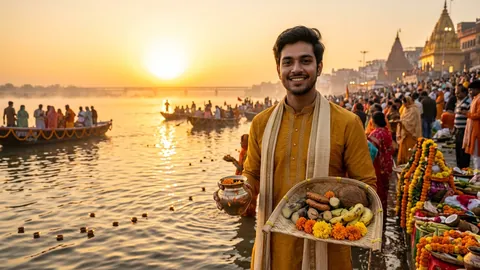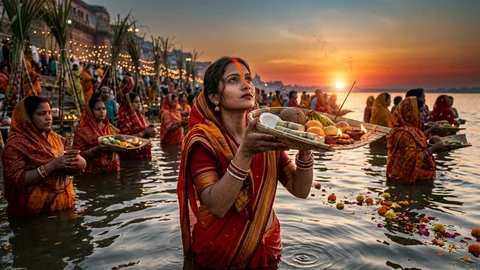
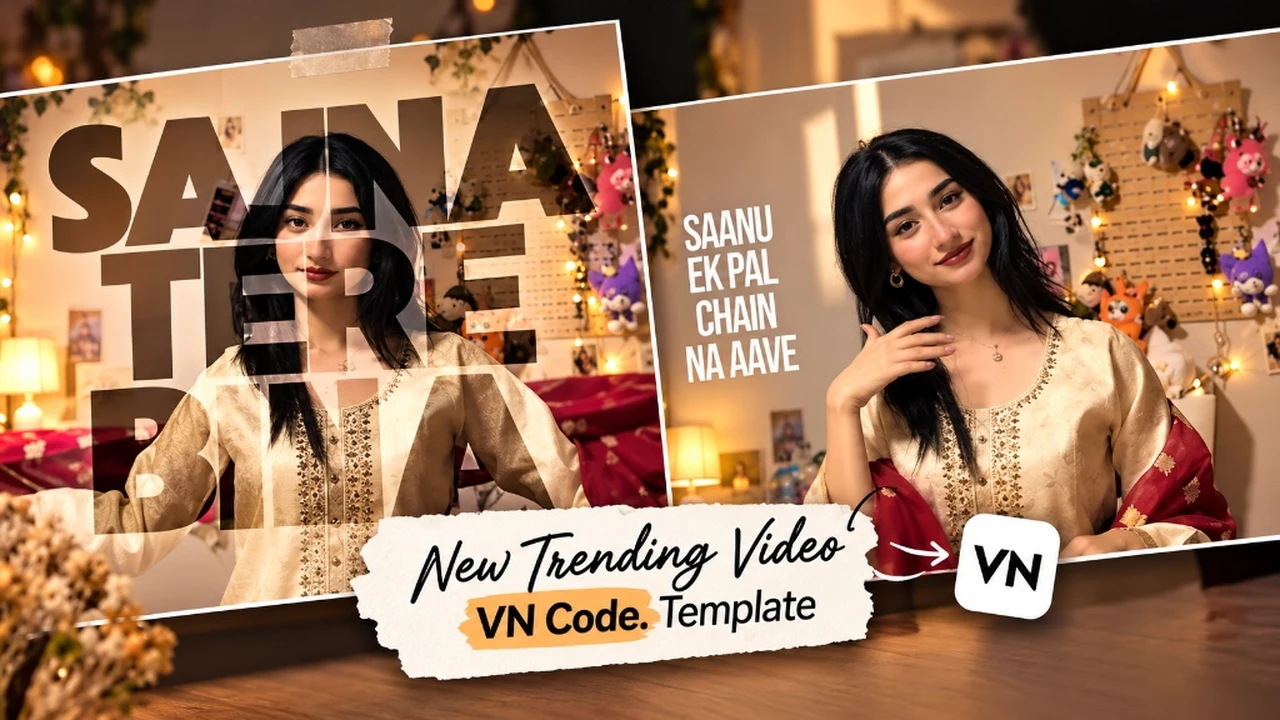
The Sajna Tere Bina VN code template is currently one of the most viral editing presets dominating Instagram Reels and TikTok. Built around the soulful melody of "Sajna Tere Bina" and "Saanu Ek Pal Chain Na Aave", this video style pairs dual Polaroid frame cutouts with smooth slow-motion camera zooms and synchronized lyrical typography.
What makes this trending video format so appealing to millions of creators is its effortless simplicity. You do not need any advanced keyframe animation or color grading skills. By scanning the official free VN QR code with the VN Video Editor app, all pre-configured beat syncs, frame animations, and typography overlays are automatically applied to your photos in less than 60 seconds.
Below, you will find the complete 15-second reference preview video, the verified high-resolution VN QR code card with direct app launching, a step-by-step scanner tutorial, and bonus photorealistic AI portrait prompts to produce the exact ethnic aesthetic featured in the viral reel.
- 1. Watch the Sajna Tere Bina Template Reference Video
- 2. Why the Sajna Tere Bina Template is Trending
- 3. Sajna Tere Bina Template VN QR Code (Free Download)
- 4. How to Use the Sajna Tere Bina Template in VN Video Editor
- 5. Bonus AI Photo Prompts to Create Matching Aesthetic Photos
- 6. Pro Tips to Make Your Reel Hit the Instagram Explore Page
- 7. Troubleshooting Common VN Code Errors
- 8. Frequently Asked Questions
1. Watch the Sajna Tere Bina Template Reference Video
Before generating your video, watch the 15-second reference reel below to see the precise pacing of the lyric drop, the dual Polaroid layout, and the soft zoom transition:
Original 720p HD preview showcasing the timing transition and lyric alignment for VN Video Editor.
2. Why the Sajna Tere Bina Template is Trending
This template has witnessed exponential engagement across social media platforms for three core reasons:
1. Timeless Emotional Audio Hook: The soulful acoustic rendering of "Sajna Tere Bina Saanu Ek Pal Chain Na Aave" carries a nostalgic resonance that immediately hooks viewers in the first 2 seconds, drastically increasing reel retention rate.
2. Polaroid Aesthetic with Text Integration: Unlike generic slideshow templates, this layout splits the screen into aesthetic retro Polaroid frames where the subject appears framed inside the photo borders while soft cinematic typography highlights the chorus.
3. Seamless 1-Minute Creation: You do not need to cut clips on beat markers or adjust keyframe easing curves manually. Everything is coded into the VN QR configuration, allowing creators to produce studio-grade reels in 60 seconds.
3. Sajna Tere Bina Template VN QR Code (Free Download)
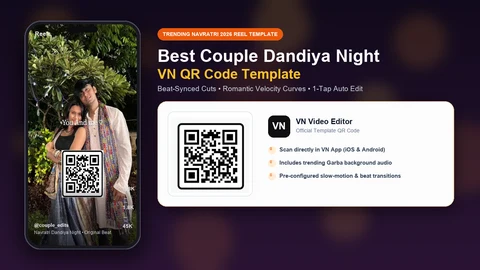
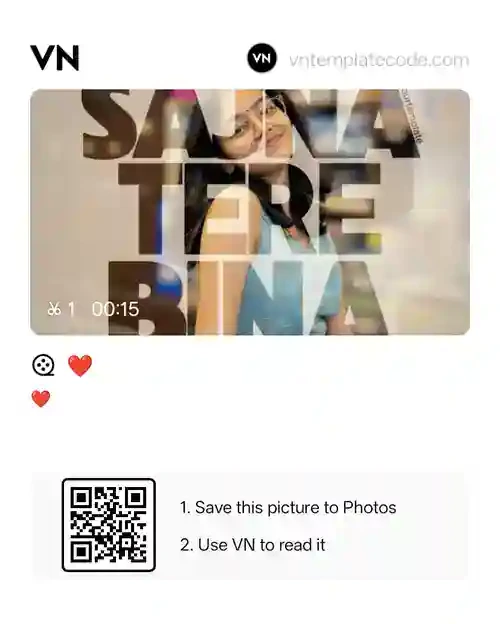
Here is the official verified VN Code for the Sajna Tere Bina template. You can scan it directly using another phone, or download the image to your gallery and scan it internally through the VN app.
4. How to Use the Sajna Tere Bina Template in VN Video Editor
Follow these simple four steps to generate your reel with the Sajna Tere Bina VN code template:
Install & Open VN Video Editor
If you haven't already, download the official VN Video Editor app from the Google Play Store (Android) or Apple App Store (iOS). The app is completely free to install.
Launch the In-App QR Scanner
On the VN home dashboard, locate the QR Scanner icon located in the top-right corner of the interface (next to the settings gear). Tap it to activate the scanner viewfinder.
Scan or Import from Gallery
You have two straightforward methods to scan the code:
- Scanning via a Second Screen: Keep this webpage open on your laptop, desktop, or a friend's phone, and point your camera directly at the QR code card above.
- Scanning from Your Same Phone: Tap Save QR Code to Gallery above. Inside the VN scanner screen, tap the Album/Gallery icon in the corner, and choose the downloaded QR code image. VN will decode the image automatically and load Template ID 945114.
Select Photos, Preview & Export
Once the template preview appears, tap the orange Use Template (Download) button. VN will fetch the template assets. Next, select 1 to 3 of your favorite high-resolution portrait photos from your gallery. Tap Next to preview your video. If satisfied, tap Export at 1080p resolution and 60 FPS.
5. Bonus AI Photo Prompts to Create Matching Aesthetic Photos
If you do not have aesthetic portrait photos ready for this reel, you can generate stunning, ultra-realistic portrait photography using AI tools like Google Gemini, Midjourney, Bing Image Creator, or Grok. Copy and paste any of our tailored prompts below:
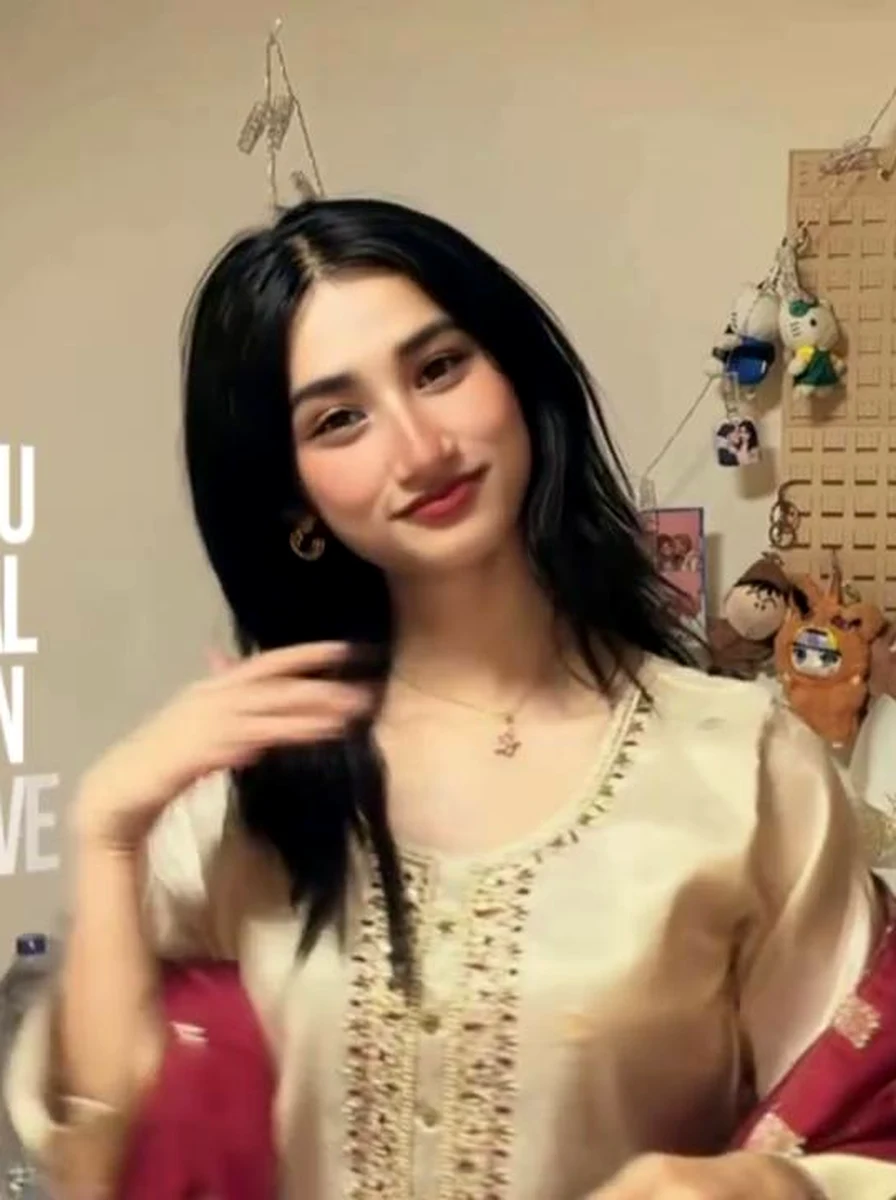
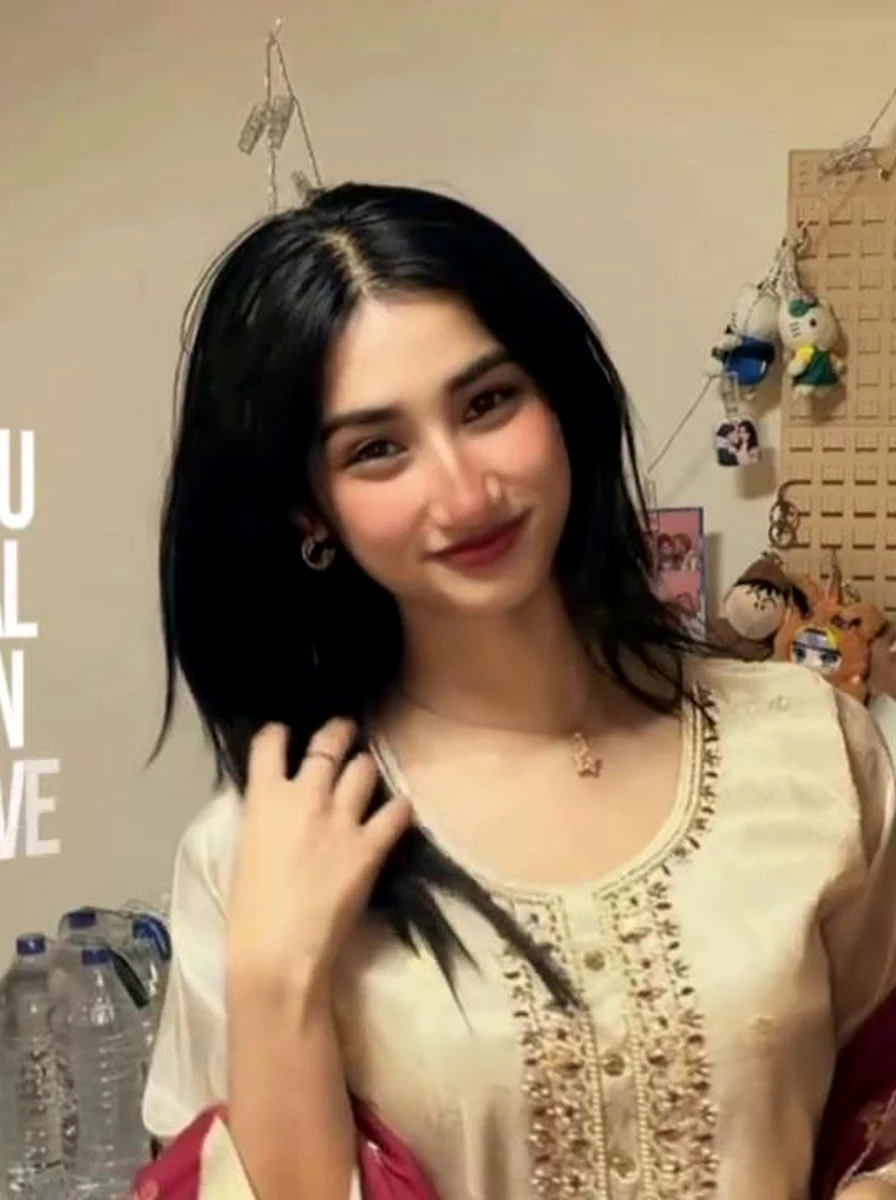
1. Aesthetic Beige Chikankari Kurti with Scarlet Dupatta
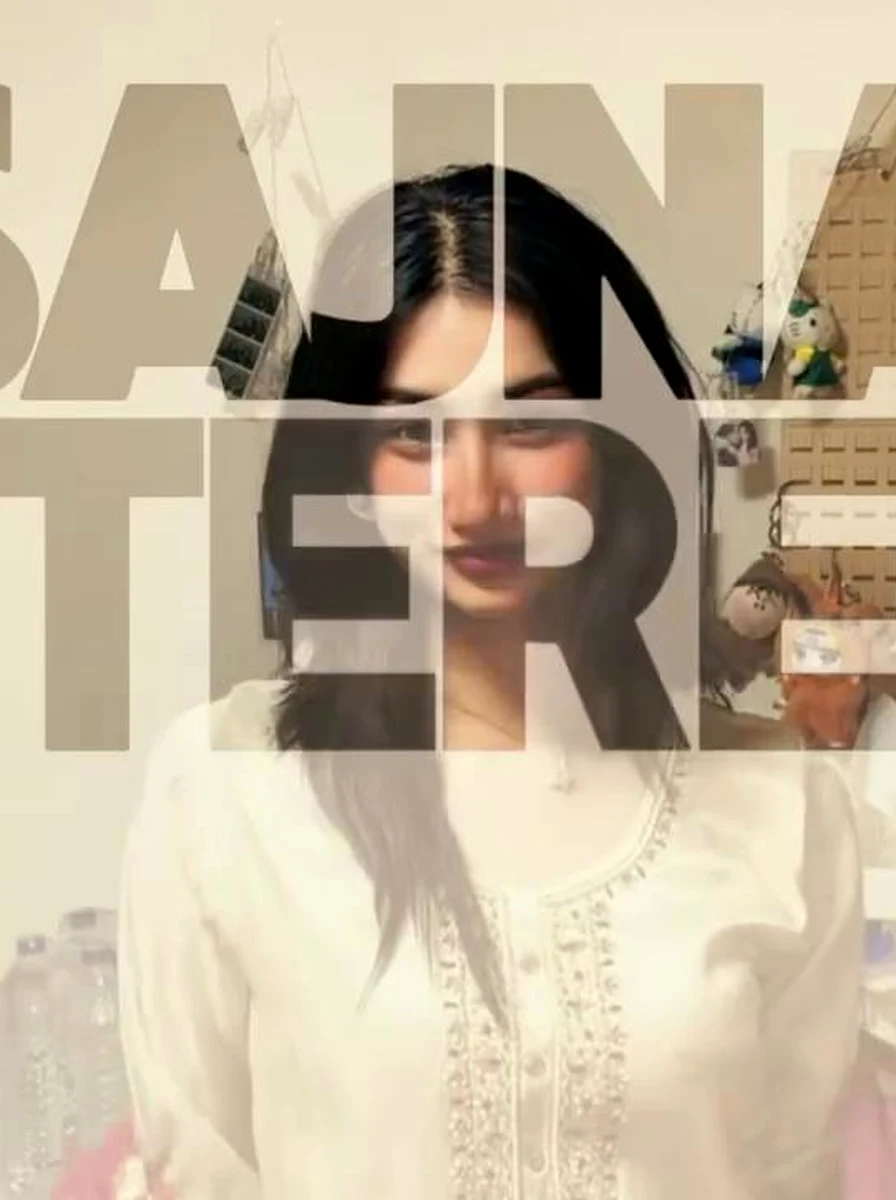
This prompt reproduces the exact regal beige-and-red combination seen in the viral thumbnail. The 85mm portrait focal length generates dreamy background bokeh that complements the Polaroid frames inside VN.
2. Golden Hour Warm Balcony Polaroid with Soft Grain
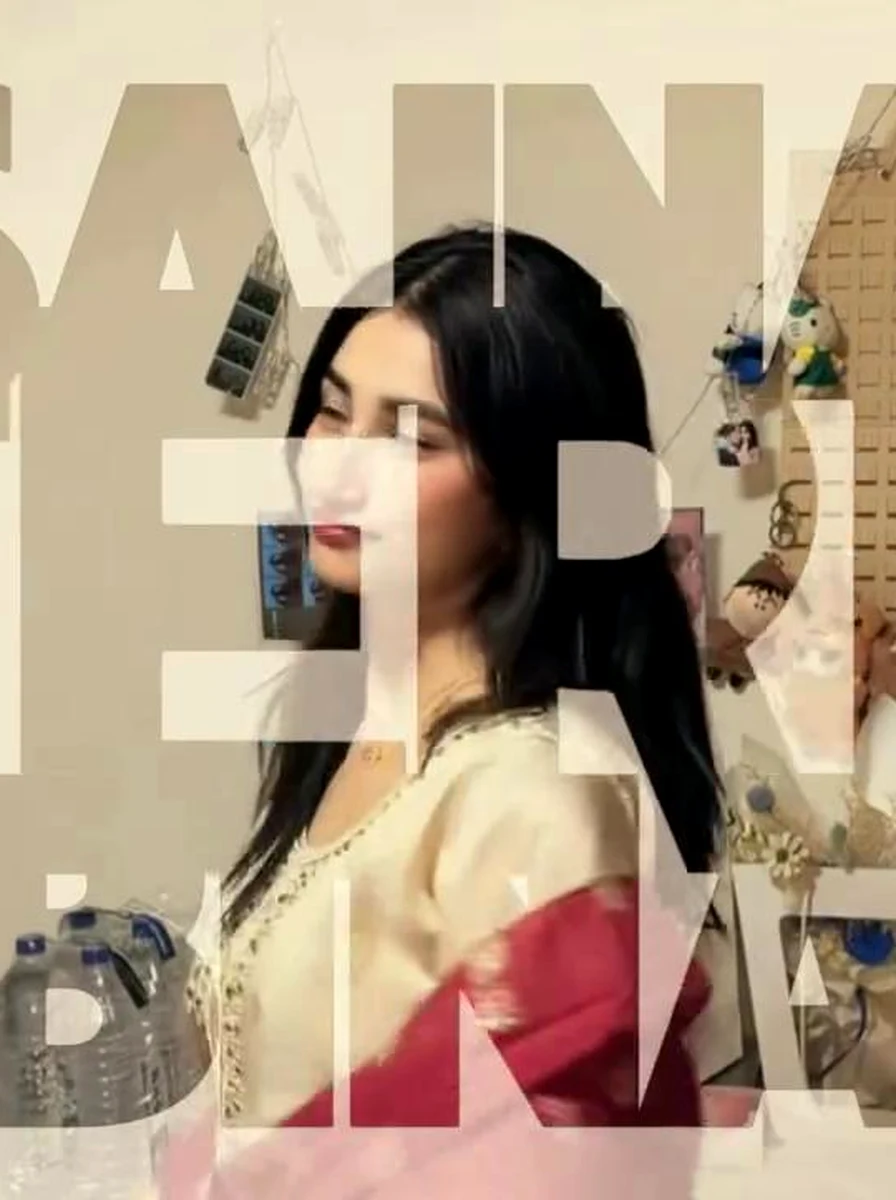
Ideal for sunset reels. The subtle Kodak Portra film emulation matches the vintage tone of the Punjabi vocal track, creating a cohesive visual and emotional harmony.
3. Royal Heritage Haveli Archway Candid with Temple Jhumkas
The architectural depth of Rajasthani sandstone arches provides rich texture when animated inside the template's dynamic camera zoom effect.
Looking for more creative styles? Check out our companion guide on Trending Instagram AI Photo Prompts (Viral Reels & Feeds) on PromptDeckAI for high-engagement viral concepts, neon color pop and modern creator edits.
4. Moody Monsoon Window Portrait with Soft Ambient Glow
For a modern casual look, this rainy window portrait connects with the wistful lyrics of the song, bringing high emotional depth to your Instagram profile.
6. Pro Tips to Make Your Reel Hit the Instagram Explore Page
To maximize views, shares, and algorithmic reach for your Sajna Tere Bina reel, keep these proven publishing rules in mind:
- Pair with the Official Trending Audio: When uploading to Instagram, mute the video sound track inside the Instagram editor and re-select the official trending "Sajna Tere Bina / Saanu Ek Pal Chain Na Aave" audio track directly from Instagram's music library. This links your reel to the trending audio page and unlocks exponential discovery.
- Always Use 9:16 Aspect Ratio: Ensure your selected photos are vertical 9:16 or centered 3:4 crops. If you use 16:9 horizontal photos, VN will letterbox black bars onto the sides, which lowers visual engagement.
- Export Settings for Maximum Sharpness: Inside VN export settings, select Resolution: 1080p (FHD), FPS: 60, and Bitrate: High (Around 20-25 Mbps). Avoid exporting at 4K because Instagram automatically compresses 4K files with aggressive lossy algorithms.
- Set a Captivating Cover Frame: Pick a cover frame where your face and the Polaroid border are crystal clear. Do not select a transition blur frame as your cover image.
7. Troubleshooting Common VN Code Errors
If you encounter any issues while scanning or loading the template, here are the instant fixes:
1. QR Scanner Says "No Template Found"
This happens if the QR code image saved in your gallery was automatically compressed by WhatsApp or cropped by a screenshot tool. Always download the uncompressed original image using our Save QR Code to Gallery button above. Also make sure the QR code borders are completely visible in the frame.
2. Template Download Freezes at 99%
If the template assets get stuck during download, clear the VN app cache in your phone settings or switch from mobile data to Wi-Fi. In some cases, restarting the VN Video Editor app resolves server socket timeouts immediately.
3. Remove the Black Screen at the End
By default, VN appends a 2-second default "Directed by VN" ending card to every project timeline. Simply scroll to the very end of your project track, tap the black card, and press the Delete trash can icon before tapping Export.
8. Frequently Asked Questions
Is the Sajna Tere Bina VN Code template free to download?
Yes, the Sajna Tere Bina VN code template is 100% free to download and use. VN Video Editor does not charge any fee or watermark fees to scan this QR code or apply the preset to your photos and clips.
How can I scan the VN QR code from the same phone without a second device?
Simply tap the 'Save QR Code to Gallery' button on this page to download the QR code image into your mobile gallery. Then launch the VN Video Editor app, tap the QR Scanner icon in the top right corner of the home feed, tap the small photo album/gallery icon inside the scanner screen, and choose the saved QR code image. VN will automatically scan the image and load the Sajna Tere Bina template instantly.
What is the exact VN template ID for Sajna Tere Bina?
The official VN Video Editor template ID for this edit is 945114. If you have VN installed on your mobile phone, you can also launch it directly through the deep-link URI vn://template?id=945114.
Can I use video clips instead of photos in this template?
Yes, VN Video Editor allows you to select photos, short video clips, or a mix of both. For best visual flow, use portrait orientation (9:16) clips with slow motion camera panning.
Why is my VN app saying QR code invalid or failing to download the template?
This usually happens if the QR code image saved in your gallery was cropped or compressed, or if your VN Video Editor app is running an outdated version. Make sure to download the full uncropped QR code image from our post and ensure your VN app is updated to the latest version on Google Play Store or Apple App Store.
Join Our Community
Stay connected and get the latest viral AI photo editing prompts.
Pro Face-Match & Color Grading Tip (Aesthetic Beige Chikankari Kurti with Scarlet Dupatta): When running prompt #1 for your Sajna Tere Bina Vn Code Template edit, the keywords Indian woman dressed in an elegant ivory cream chikankari embroidered kurti paired with a instruct the diffusion engine to balance skin-tone warmth against natural soft directional ambient shadows. Paired with 85mm f/1.4 portrait compression, this guarantees magazine-grade sharpness suitable for Instagram 4:5 posts, Reels covers, and HD profile displays.