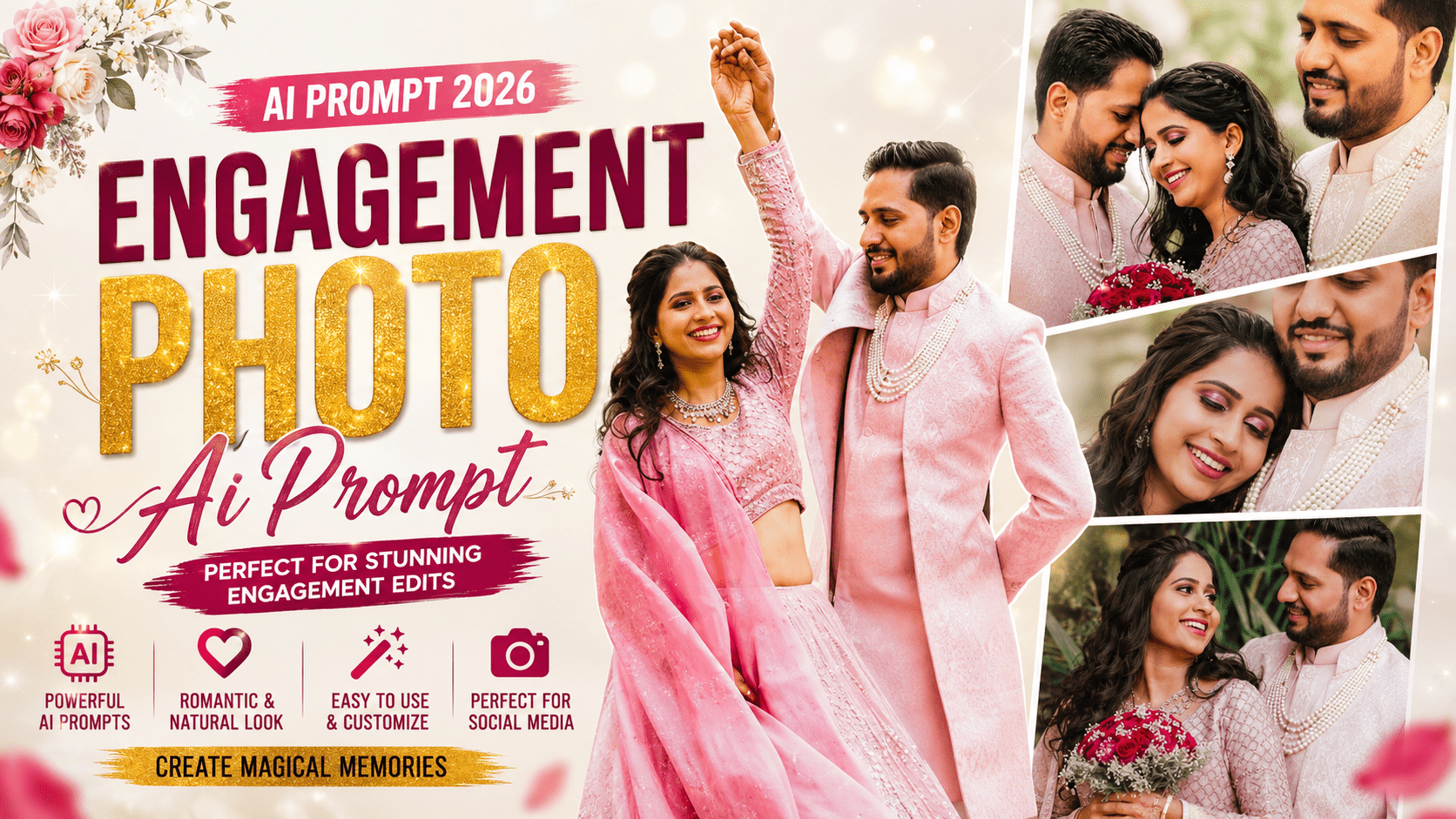
Your engagement is one of the most special moments of your life. And the photos from that day deserve to look absolutely stunning — not just ordinary pictures, but works of art you’d be proud to frame, share, and remember forever.
Stay connected and get the latest updates.
That’s exactly what this engagement photo AI prompt can help you create.
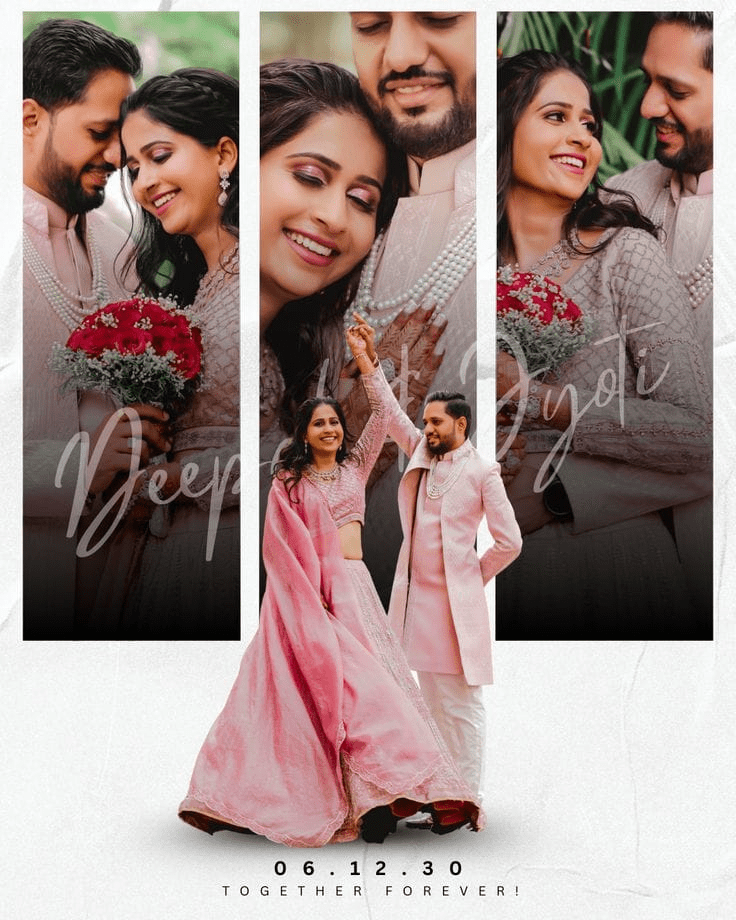
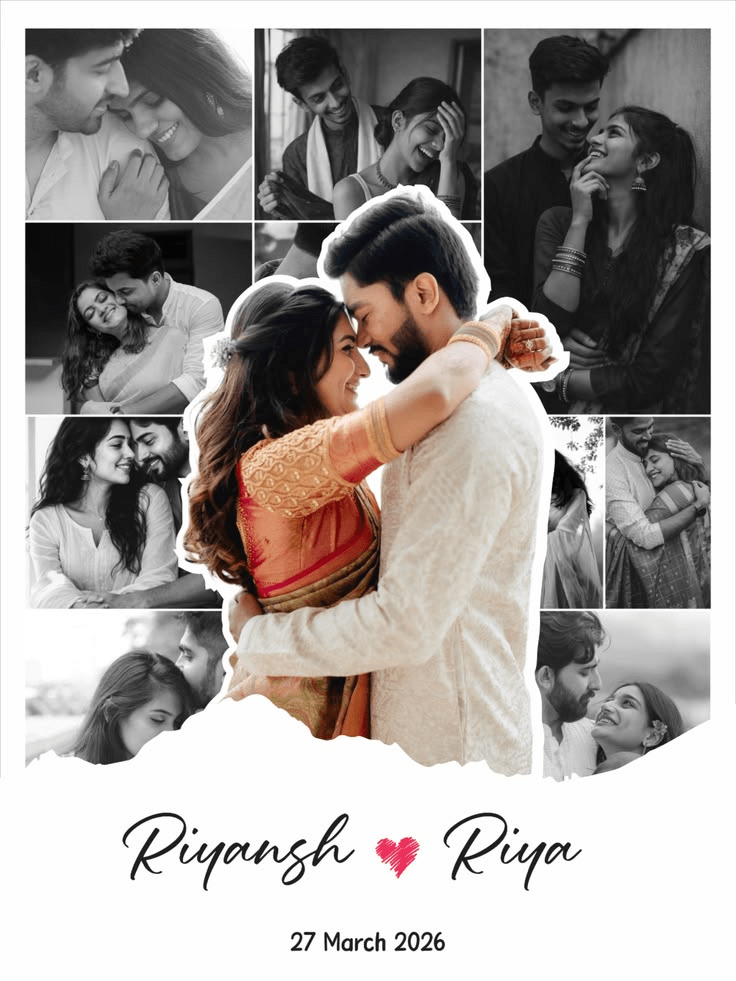
Whether you have professional engagement photos or simple candid shots from your phone, this prompt transforms them into breathtaking pre-wedding posters. Think cinematic lighting, romantic color grading, dreamy backgrounds, and professional design elements — all generated by AI in under a minute.
In this guide, you’ll get ready-to-use prompts for different styles, a step-by-step guide, tool recommendations, and pro tips to make your pre-wedding posters look absolutely magical.
This engagement photo AI prompt takes your couple photos and turns them into poster-worthy designs. Depending on the prompt you choose, it can:
Add cinematic color grading. Warm romantic tones, soft pastels, or dramatic golden-hour hues.
Enhance the background. Transform ordinary locations into dreamy landscapes, elegant gardens, or magical cityscapes.
Add artistic elements. Soft bokeh lights, floating petals, fairy lights, or romantic sparkles.
Create poster-style layouts. Add space for text, decorative borders, or elegant typography.
Improve overall quality. 4K resolution, professional lighting, and DSLR-level sharpness.
The result is a beautiful pre-wedding poster that looks like it was designed by a professional studio.
Here are several engagement photo AI prompts for different styles. Copy the one that fits your vision and paste it into your AI tool.
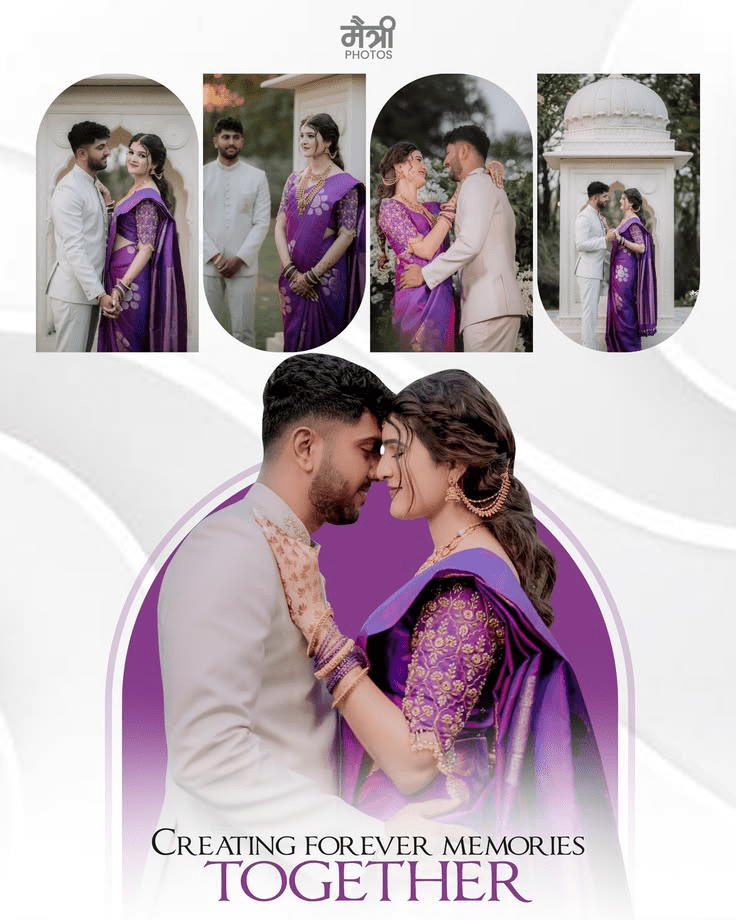
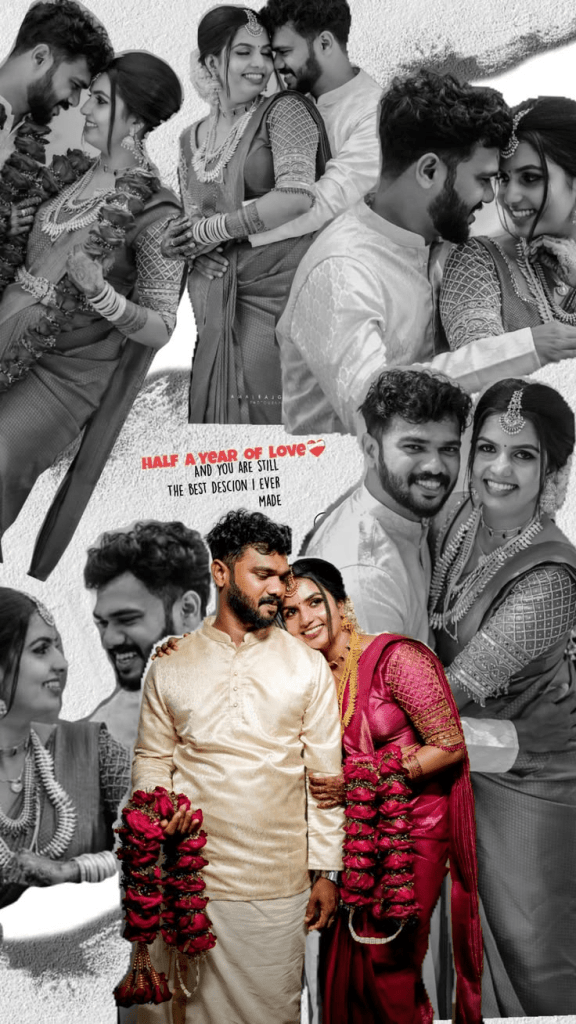
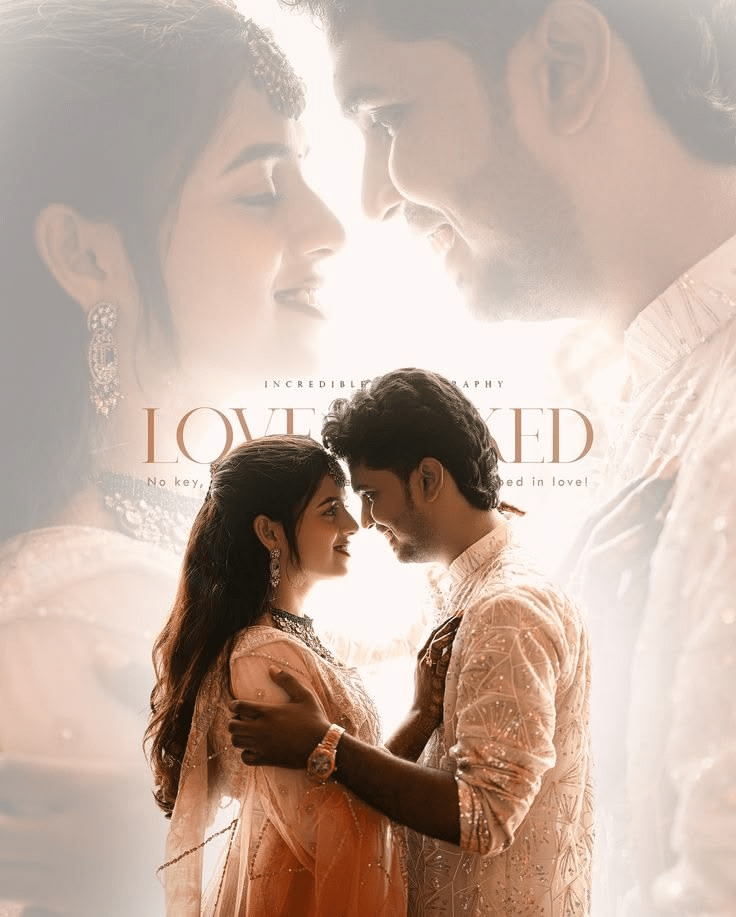
After pasting the prompt, upload one clear, well-lit photo of yourself and hit generate.
Creating your engagement photo AI prompt poster is simple. Follow these steps:
Step 1: Choose the prompt that matches the style you want.
Step 2: Copy the prompt text.
Step 3: Open your preferred AI image tool — ChatGPT, Leonardo AI, Adobe Firefly, or Midjourney.
Step 4: Upload a clear, high-quality photo of you and your partner.
Step 5: Paste the copied prompt into the text box.
Step 6: Press generate and wait a few seconds.
Step 7: Download your beautiful pre-wedding poster.
That’s the entire process. No design skills, no expensive software, no professional photographer needed.
To get the best result from your engagement photo AI prompt, keep these tips in mind:
Use clear, sharp photos. Blurry images will give blurry results. Quality in means quality out.
Choose photos with good lighting. Well-lit photos give the AI more to work with.
Pick photos where both faces are visible. The AI needs to see both of you clearly.
Avoid heavy filters. Start with a clean, unedited photo for the best transformation.
Use high-resolution images. Higher resolution base photos produce better poster quality.
Natural poses work best. Candid, relaxed poses look more romantic than stiff, posed shots.
| AI Tool | Free Access | Output Quality | Ease of Use |
|---|---|---|---|
| ChatGPT (DALL·E) | Limited free | High | Very easy |
| Leonardo AI | Free + Paid | Very high | Easy |
| Adobe Firefly | Free tier | High | Easy |
| Midjourney | Paid only | Very high | Medium |
| Gemini | Free | High | Easy |
| Ideogram | Free tier | High | Easy — great for text |
Our recommendation: For posters with text, use Ideogram or Leonardo AI — they handle typography best. For cinematic photo transformations, Leonardo AI and Midjourney give stunning results.
Here are expert tips to get the most out of your engagement photo AI prompt:
Add your names and date. After generating the image, use a simple editing app like Canva to add your names and wedding date.
Use a trending audio. When posting on Instagram Reels, pair your poster with a romantic trending song.
Create a matching set. Generate multiple posters with the same style to create a cohesive look.
Experiment with different prompts. Try two or three different styles and see which one you love most.
Tweak the prompt slightly. Add your own words like “more colorful,” “brighter,” or “more romantic” to customize.
Use high-quality base photos. The better your original photo, the better your poster will be.
Once you’ve created your stunning posters, here’s where you can use them:
Save-the-date cards. Perfect for announcing your wedding date to guests.
Wedding invitations. Use as the main design for your invitation cards.
Social media announcements. Share on Instagram, Facebook, and WhatsApp.
Wedding website headers. Use as the hero image for your wedding website.
Printed posters. Frame them and display at your wedding venue or at home.
Gifts for parents and family. Print and gift a beautiful framed poster to your families.
Q: Can I use this engagement photo AI prompt on any photo?
Yes. The prompt works on most photos of couples, whether they’re professional shots or casual phone pictures. A clear, well-lit photo will give the best results.
Q: Do I need two separate photos to create a poster?
No. Use a single photo of both of you together. The AI will enhance and transform that one image into a poster design.
Q: Can the AI add text like our names and date?
Some tools handle text better than others. Ideogram and Leonardo AI are best for adding text. For other tools, it’s easier to add text afterward using Canva or any editing app.
Q: Which AI tool is best for pre-wedding poster generation?
Leonardo AI and Midjourney give the most cinematic and realistic results. ChatGpt is the easiest for beginners. Ideogram is best if you want text included in the design.
Q: Is this free to use?
Yes. Most tools offer free tiers with some limitations. ChatGPT and Gemini have free options, while Leonardo AI gives free daily credits.
Q: Can I use these posters for commercial purposes?
Check the terms of service for the tool you’re using. Midjourney’s paid plan and Adobe Firefly generally allow commercial use. Free tiers may have restrictions.
Your engagement photos deserve more than just a simple filter. With this engagement photo AI prompt, you can turn them into breathtaking pre-wedding posters that look professionally designed.
Whether you want a cinematic golden-hour look, a royal palace theme, a dreamy floral fantasy, or a modern urban vibe, there’s a prompt for every style. Copy the one that speaks to you, upload a beautiful photo of you and your partner, and let the AI work its magic.
If your first result isn’t perfect, try a different prompt or tweak a few words. Experiment until you find the look that feels right for your love story.
Your engagement is once-in-a-lifetime. Your posters should be too.
Stay connected and get the latest updates.

Leave a Comment